
You’ve probably run into this situation: you have a file in a rare format that common office software can’t convert, but you’re hesitant to download a large program because you’re worried it might come bundled with a bunch of unnecessary extras. Since I regularly handle a large volume of files, I’ve accumulated a collection of very useful file converters. These are all web-based—you just need to open your browser to use them—and they’re all free and highly professional. Today, I’ll introduce them to you one by one. One-click image conversion
 2026-07-26
When working on website operations and design, I often encounter issues related to image format conversion. After trying out various online tools, I’ve identified three excellent websites for converting image formats. Each of these tools has its own unique features and can handle general format conversions, vector image conversions, and large file processing. You can choose the one that best suits your needs. JinaConvert Website: https://jinaconver
2026-07-26
📑 Table of Contents 📖 Free Markdown Tutorial Websites ✏️ Two Online Markdown Editors Yige Muhuan zybuluo 🔄 Four Markdown Conversion Tools mdtoword.org markdowntoword.io MarkFlo
2026-07-13
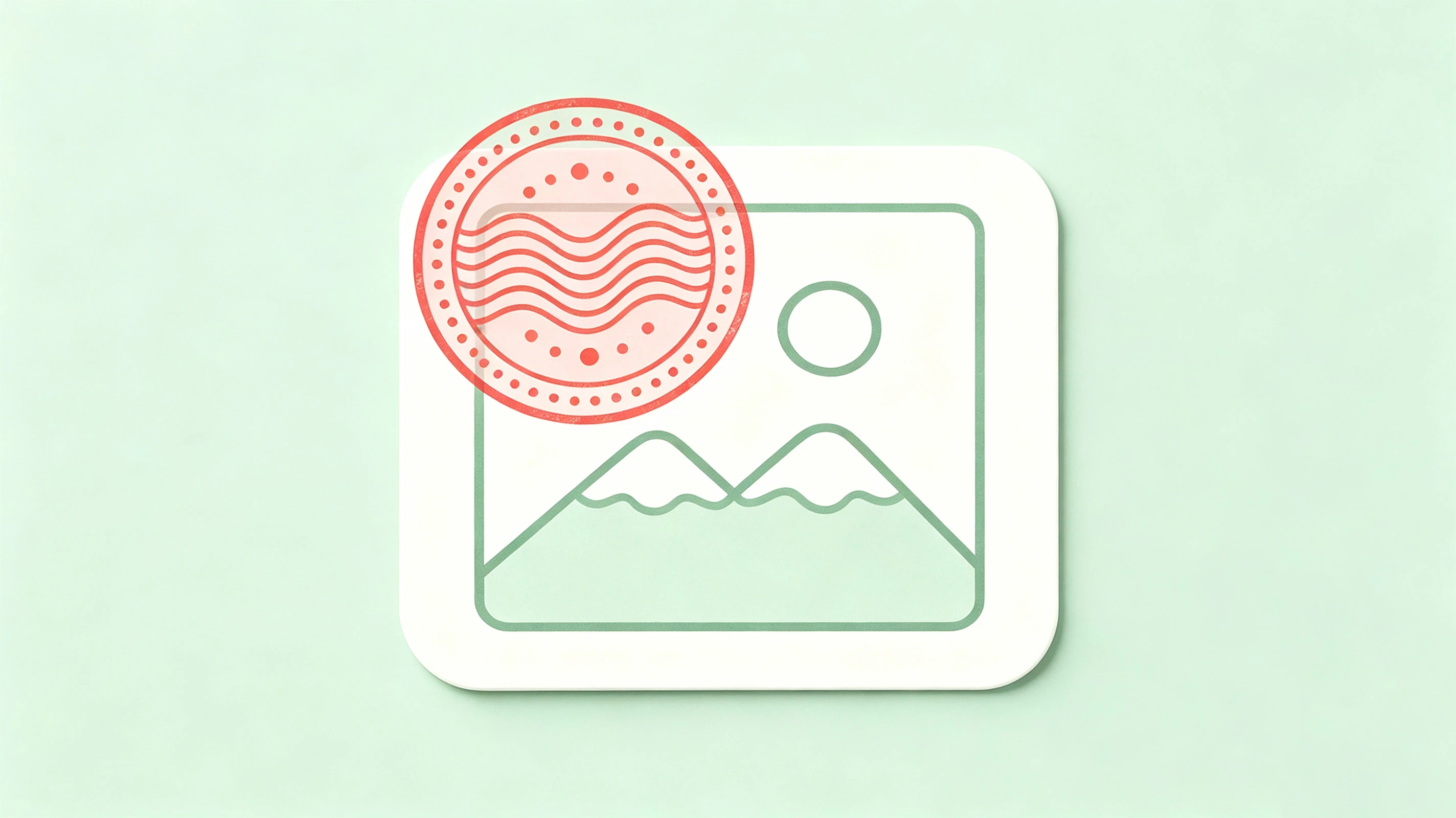
In our day-to-day website operations, e-commerce product launches, or brand promotion efforts, we often need to add brand logo watermarks to large numbers of real-life photos and product images. Processing them one by one in Photoshop is too inefficient, and many of the tools available on the market either severely compress image quality or don’t support complex tiling and rotation. To completely solve this pain point, I developed a desktop graphical application called Watermark using Rust and egui.
2026-06-28

The work pressure during my recent probationary period has been really intense. On the last workday before the Dragon Boat Festival, while working on a data spreadsheet, I made two consecutive mistakes and sent the spreadsheet to my boss twice. The first time, he asked me to double-check it; the second time, he directly questioned whether I had actually done it correctly. As someone who tends to get anxious, I know that when I’m in a safe and comfortable environment, my work efficiency and accuracy are much higher. But if
2026-06-20

His name is Xiao Chengzi. Just look at him—how ridiculous. The boss hadn’t replied to his message for just a few hours, and he’d already imagined he’d gone through the entire resignation process. A text message with no punctuation at all had turned into a full-blown workplace horror movie in his mind, and he was the first person to appear—and get fired. But after I finished laughing, my throat felt a little tight. That disaster projector of his—which never turns off—had been stuffed into his head a long time ago.
2026-06-15
I often need to edit images. In the past, I always relied on the desktop version of Photoshop. However, as everyone knows, the cost of using a genuine copy of Photoshop is quite high, the installation file is large, and both downloading and updating it can be a hassle. Later, I started looking into lightweight photo-editing options, and recently I’ve been testing a number of websites that let you use Photoshop online. These free online Photoshop tools require no software installation—you can use them right in your browser.
2026-06-10

To make it easier to manage AI prompts for everyday use, I’ve created a static online prompt showcase website for displaying and managing them. Feel free to check it out! 1. Project Overview MiaoMiao Prompts is a pure front-end AI prompt directory website that provides users with a convenient and quick way to access high-quality AI prompts suitable for various scenarios. Each prompt is available in both Chinese and English.
2026-06-07

SEO stands for Search Engine Optimization. Back when Google was researching search engine ranking and recommendation mechanisms, it used many algorithms, such as awarding points based on backlinks and evaluating the degree of keyword matching within articles. I recall that in the early days, Google’s search engine algorithms were still publicly available (for example, in academic papers), but they were later made private to prevent people from manipulating rankings. Subsequently, domestic search engines such as Baidu, 360, and Sogou also adopted SEO practices.
2026-06-06

I decided to switch search engines because, for a while last year, I was under a lot of work pressure. I often felt tense and anxious, had a rapid heart rate every night, and had trouble falling asleep. After searching online, I came across a lot of alarming information—some sources said these were physical symptoms caused by anxiety, while others claimed I had heart disease. For the following week, my browser feed was constantly flooded with ads for calming and brain-nourishing tonics, as well as psychological counseling services. How can I describe this feeling? It was as if someone were leafing through my personal medical
2026-06-05