
Explore personally tested websites, productivity tools, office resources, and free tools. Find practical recommendations, honest reviews, and tips to work and study more efficiently.

A few days ago, I was helping a friend upload a product image when a red message popped up on the website saying the file was too large—the image was 4 MB, and my friend was really panicking. I told him not to worry; I opened my browser, dragged the image onto a webpage, and within three seconds, it was compressed to 300 KB with virtually no loss in image quality. My friend asked what tool I used. There are actually several good image compression websites out there, so I’m sharing them today. 1. Squoosh Website URL: ht
 2026-10-01
I’ve written quite a bit using AI. After finishing, I’d read it over and thought it flowed pretty well. But when I sent it out, the recipient would reply, “This was written by AI, right?” My heart would skip a beat. I’d clearly tweaked a few words and adjusted the tone, yet they still spotted it right away. This isn’t your fault. It’s the “default mode” of AI writing that’s to blame. When large language models generate text, they choose the phrasing that “holds true in the most situations.” They’re writing for everyone—not just for you. These “default
2026-09-25

Last month, I showed an article I’d written to a friend. He replied, “Did you write this with AI?” I said no. He then asked, “Then why does it read like it was written by AI?” That question stumped me. It wasn’t until later that I realized why. I usually use AI to help me organize my thoughts and outline my structure, but as I kept editing, my writing started to take on a machine-like tone. AI is particularly fond of phrases like “Furthermore,” “It is worth noting that,” and “In today’s
2026-09-25
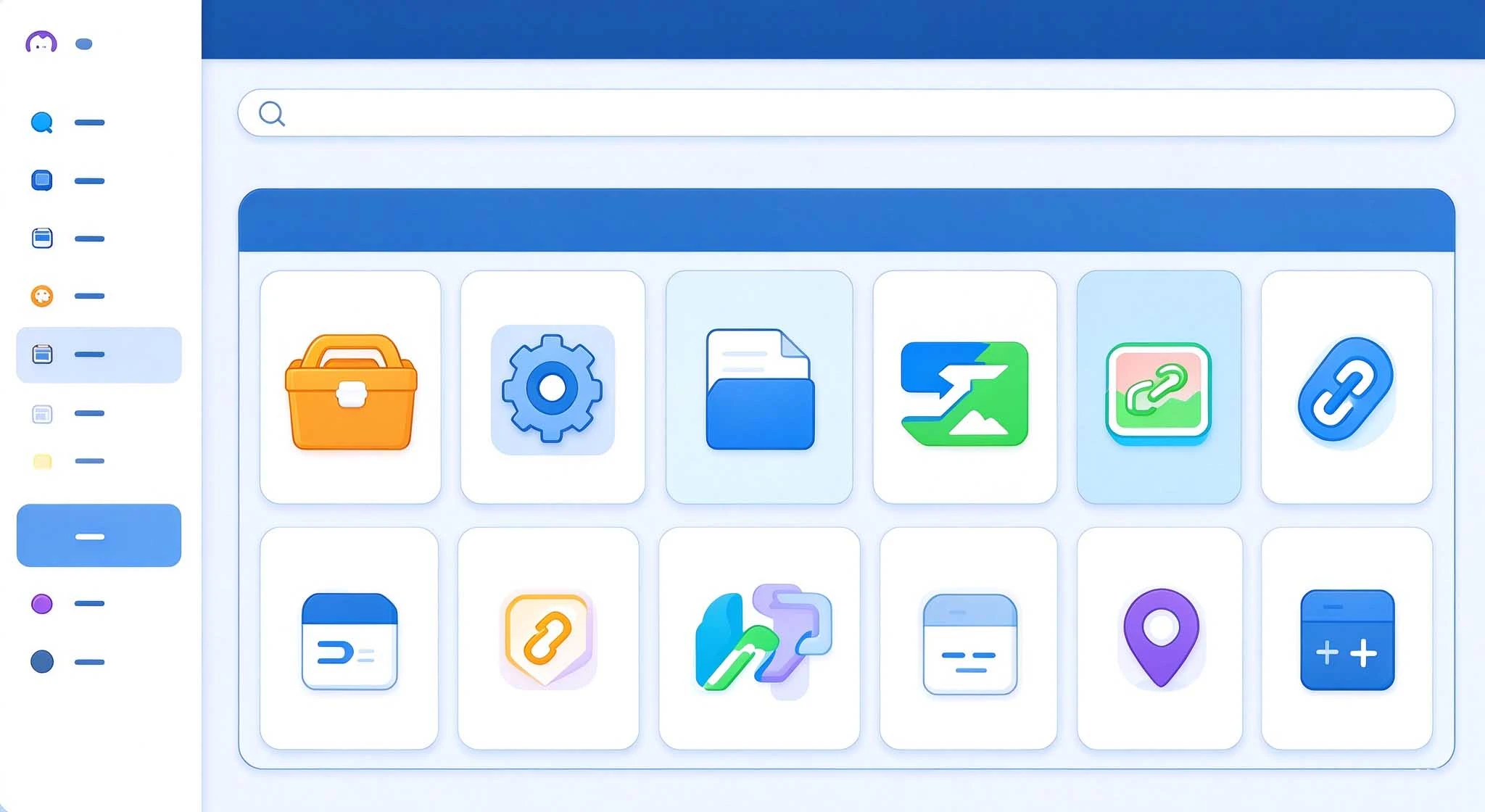
MiaoNav is a “curated tool website navigation page” generated with a single click from browser bookmarks. It supports category-based grid layout, tag-based filtering, dark mode, and bilingual (Chinese and English) support, and comes with a desktop visual editor. It’s worth noting that MiaoNav wasn’t developed from scratch, but is a modification of the open-source project Pintree. It is a fork of the pintree- branch in the Pintree repository.
2026-09-24

When I first started using the AI Agent, I really thought of it as an all-around worker. But after using it for a while, I realized that while it can understand requests, write, and chat, it doesn’t magically develop new skills on its own. Later, I added skills to the agent one by one, and my efficiency shot up immediately. Some tasks that used to require switching between several tools to complete can now be handled by a single agent. It was also around that time that I started paying close attention to the agent.
2026-09-14

I’ve been tinkering with installing skills for my AI agent lately, and there’s one thing that’s been giving me a real headache. The skill descriptions on English-language platforms are just too difficult to read. So I thought, why not try a few Chinese platforms instead? It took me about two weeks in total. I basically tried every Chinese AI agent skills platform I could find, and in the end, I narrowed it down to five that I think are worth talking about. 1. SkillHub Website: htt
2026-09-14
In our daily work and studies, we inevitably have to deal with PDFs. Merging documents, compressing file sizes, and converting them to Word may seem like simple tasks, but finding a tool that works well for you can actually be quite a challenge. I’ve tried quite a few online platforms myself, and today I’ve picked out six that I find the most useful to share with you. They each have their own strengths—some are completely free with no usage limits, some offer a comprehensive set of features, and others focus on being simple and easy to use. Just pick the one that best suits your needs.
2026-09-09
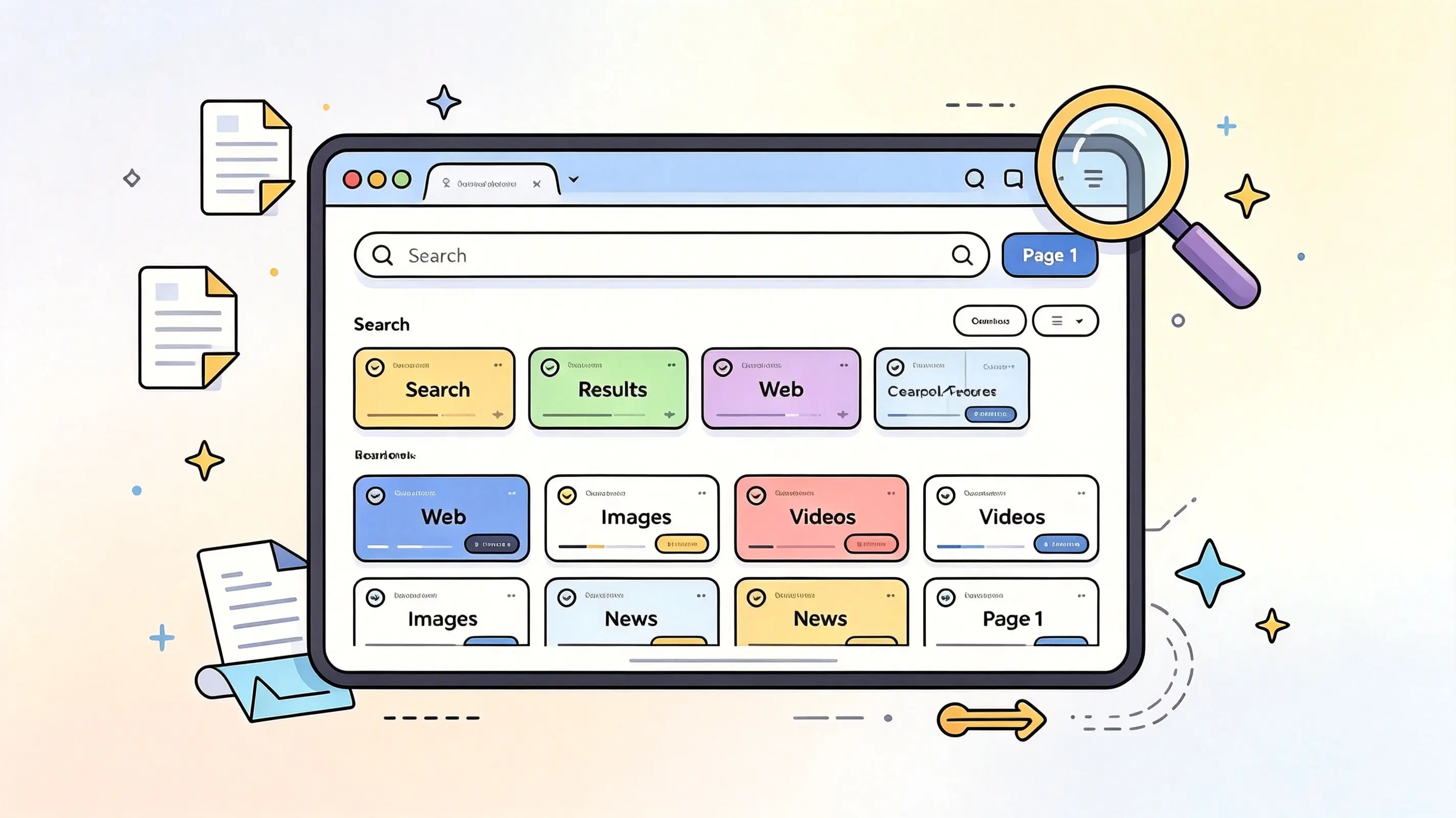
Looking for a search aggregator that lets you break free from the limitations of a single search engine? Here are four useful options: 100 Search Engines, SearchAll.net, Fagan Finder, and eTools.ch. They offer a variety of multi-source search methods, ranging from search engine directories to platforms that aggregate multiple search sources—
2026-08-29
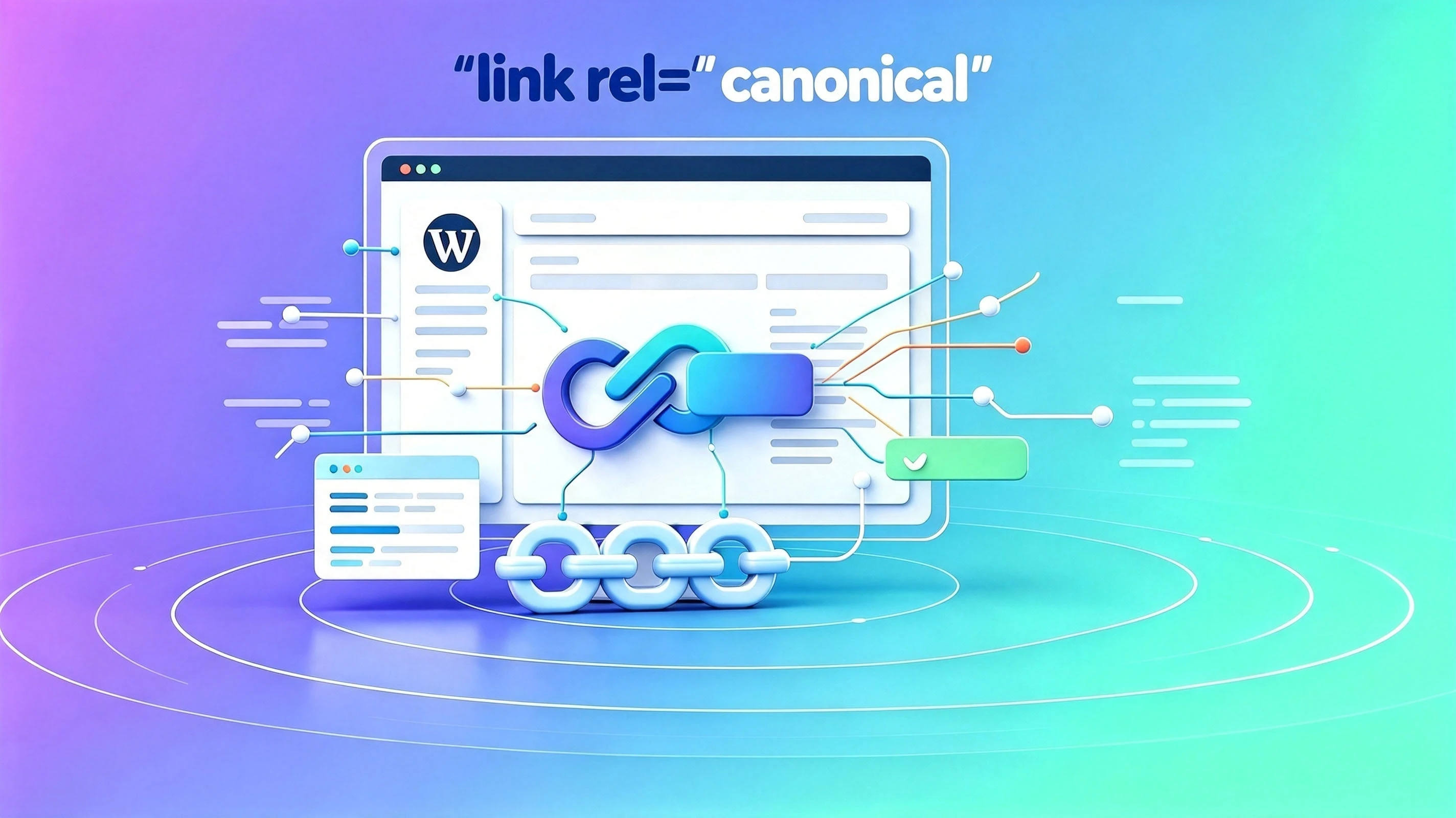
As a WordPress site administrator or SEO professional, have you ever been frustrated by the proliferation of duplicate content on your site? Due to pagination, tags, tracking parameters, and other factors, the same content is often accessible via multiple different URLs. This not only dilutes page authority but also makes it difficult for search engines to determine which version is the “authoritative” one. Today, we’d like to recommend a new tool—WP Canonical Mana
2026-08-09

I wrote a small plugin to fix the issue where TranslatePress sites only have a sitemap for the default language If you’re using TranslatePress to build a multilingual WordPress site, you might run into an awkward problem: even though your site has English, French, and Spanish versions—among others—search engines can only crawl the pages in the default language. Reason
2026-08-04