Register a Free Subdomain with Cloudflare
If you need to link a domain name to your project or website, you’ll likely find it quite a hassle. That’s because domain names require an annual fee. Cloudflare’s free second-level domain service is the perfect solution—it provides each user with a free third-level domain. Let’s take a look at how to sign up! 1. Sign up for a Cloudflare account ① Go to the official Cloudflare website:
 2026-10-08

Using Python to Call the Baidu Translation API to Batch-Translate Office, JSON, and MySQL Data
Apply for an API Key Step 1: Go to the Baidu Translate Open Platform website and register for a Baidu account. Step 2: Go to the Management Console, select "Developer Center" > "Developer Information," and complete personal verification under "Basic Information." Step 3: Create an API. Select "Developer Center" > "API Key Management" to create an API. Calling This API with Python The key is to write a
2026-10-03

Recommended Image Compression Websites: These 6 Are Definitely Worth Bookmarking
A few days ago, I was helping a friend upload a product image when a red message popped up on the website saying the file was too large—the image was 4 MB, and my friend was really panicking. I told him not to worry; I opened my browser, dragged the image onto a webpage, and within three seconds, it was compressed to 300 KB with virtually no loss in image quality. My friend asked what tool I used. There are actually several good image compression websites out there, so I’m sharing them today. 1. Squoosh Website URL: ht
2026-10-01

Excel Sum and Statistical Functions: SUM, AVERAGE, COUNT, SUMIF, and SUMIFS—Learn Them All at Once
Many people aren’t very familiar with Excel functions. They see others writing formulas but don’t know where to start themselves. Today, I’ll introduce five of the most commonly used summation and statistical functions: SUM, AVERAGE, COUNT, SUMIF, and SUMIFS. They’ve helped me solve almost every numerical and statistical problem I’ve encountered. SUM Function SUM is a summation function—it was the first function I learned—and its purpose is simple: to add up a set of numbers
2026-09-30

7 Top-Notch English "De-AI" Agent Skills Tools Recommended
I’ve written quite a bit using AI. After finishing, I’d read it over and thought it flowed pretty well. But when I sent it out, the recipient would reply, “This was written by AI, right?” My heart would skip a beat. I’d clearly tweaked a few words and adjusted the tone, yet they still spotted it right away. This isn’t your fault. It’s the “default mode” of AI writing that’s to blame. When large language models generate text, they choose the phrasing that “holds true in the most situations.” They’re writing for everyone—not just for you. These “default
2026-09-25

7 Recommended High-Quality Chinese Tools for Removing AI-Generated Text from Agent Skills
Last month, I showed an article I’d written to a friend. He replied, “Did you write this with AI?” I said no. He then asked, “Then why does it read like it was written by AI?” That question stumped me. It wasn’t until later that I realized why. I usually use AI to help me organize my thoughts and outline my structure, but as I kept editing, my writing started to take on a machine-like tone. AI is particularly fond of phrases like “Furthermore,” “It is worth noting that,” and “In today’s
2026-09-25
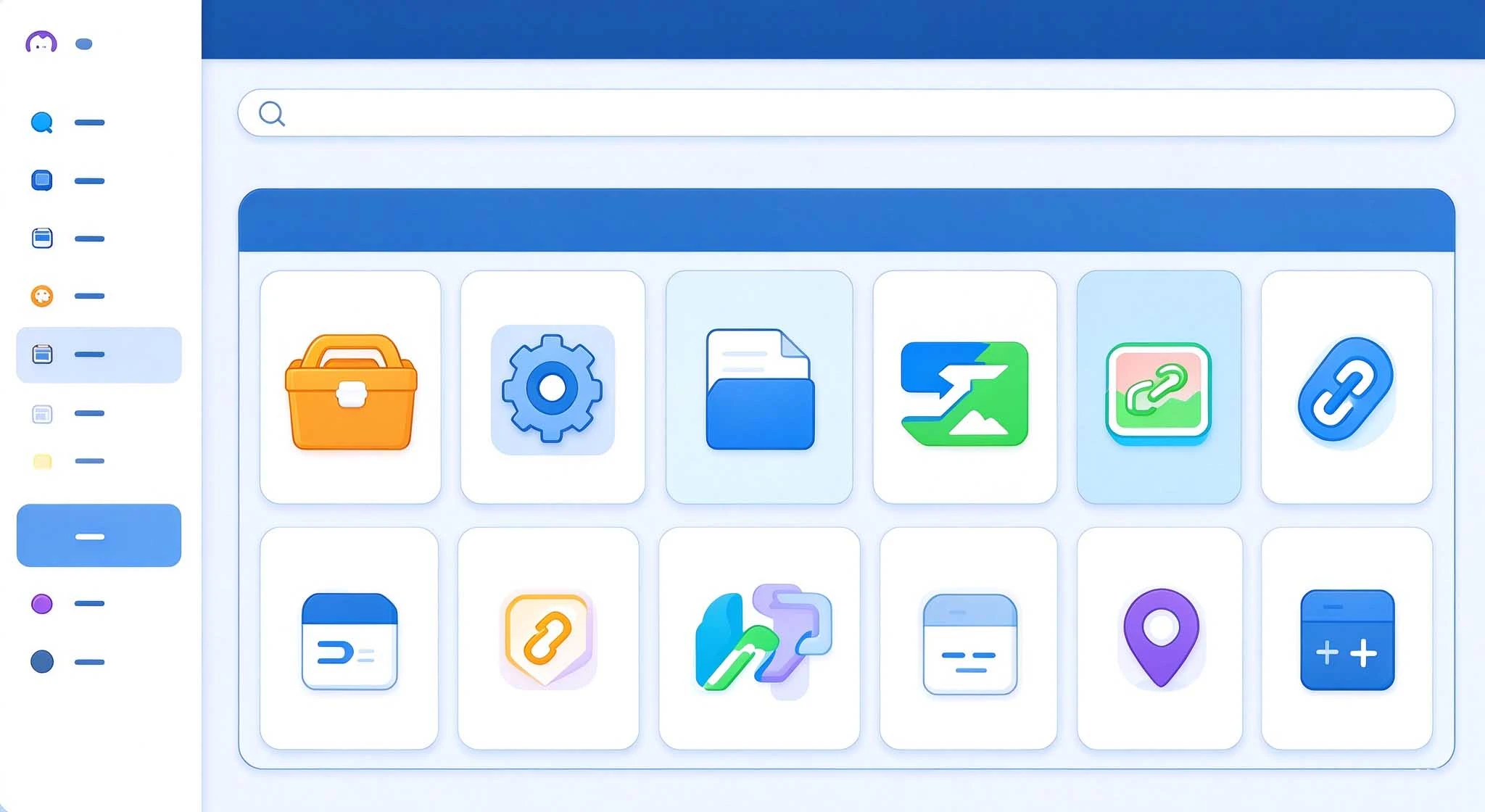
I created a bilingual bookmark navigation site based on Pintree.
MiaoNav is a “curated tool website navigation page” generated with a single click from browser bookmarks. It supports category-based grid layout, tag-based filtering, dark mode, and bilingual (Chinese and English) support, and comes with a desktop visual editor. It’s worth noting that MiaoNav wasn’t developed from scratch, but is a modification of the open-source project Pintree. It is a fork of the pintree- branch in the Pintree repository.
2026-09-24

Prompts for generating Grok Bot-style avatars
Here’s a prompt for you—just send the original image and this prompt to Gemini and ChatGPT, and they’ll generate the image automatically. Hope you all have fun with it! ๑>ᴗO๑ AI Prompt: Reinterpret the reference image as a minimalist 2D “Bot-style” avatar. The r
2026-09-23

Introduction to Common Excel Functions: Formulas, Ranges, Absolute References, and Error Values
Have you ever had this experience: you open a spreadsheet, see an equals sign in a cell, and think, “This is just a simple calculation,” but as soon as you hit Enter, Excel throws an error value at you, and you’re instantly stumped? Don’t worry—Excel isn’t trying to trip you up. It’s actually trying to communicate with you, but it’s using terms you haven’t quite grasped yet. Once you understand these four terms—formula, range, absolute reference, and error value—everything else will fall into place. Use the equals sign to tell E
2026-09-20

8 Platforms Where You Can Find Agent Skills—Plus Some Tips on How to Choose
When I first started using the AI Agent, I really thought of it as an all-around worker. But after using it for a while, I realized that while it can understand requests, write, and chat, it doesn’t magically develop new skills on its own. Later, I added skills to the agent one by one, and my efficiency shot up immediately. Some tasks that used to require switching between several tools to complete can now be handled by a single agent. It was also around that time that I started paying close attention to the agent.
2026-09-14