
If you need reliable file conversion services without installing desktop software, a free online file converter can be a convenient option. These online file conversion services let you convert documents, images, audio, video, and other file formats directly from your browser.
I regularly work with different types of files, so I have tried quite a few online conversion tools. Some are designed for specific formats, while others support a much wider range of files. If you need a free online file converter for occasional tasks, these nine options are worth checking out.
An Introduction to 9 Online File Converter Websites
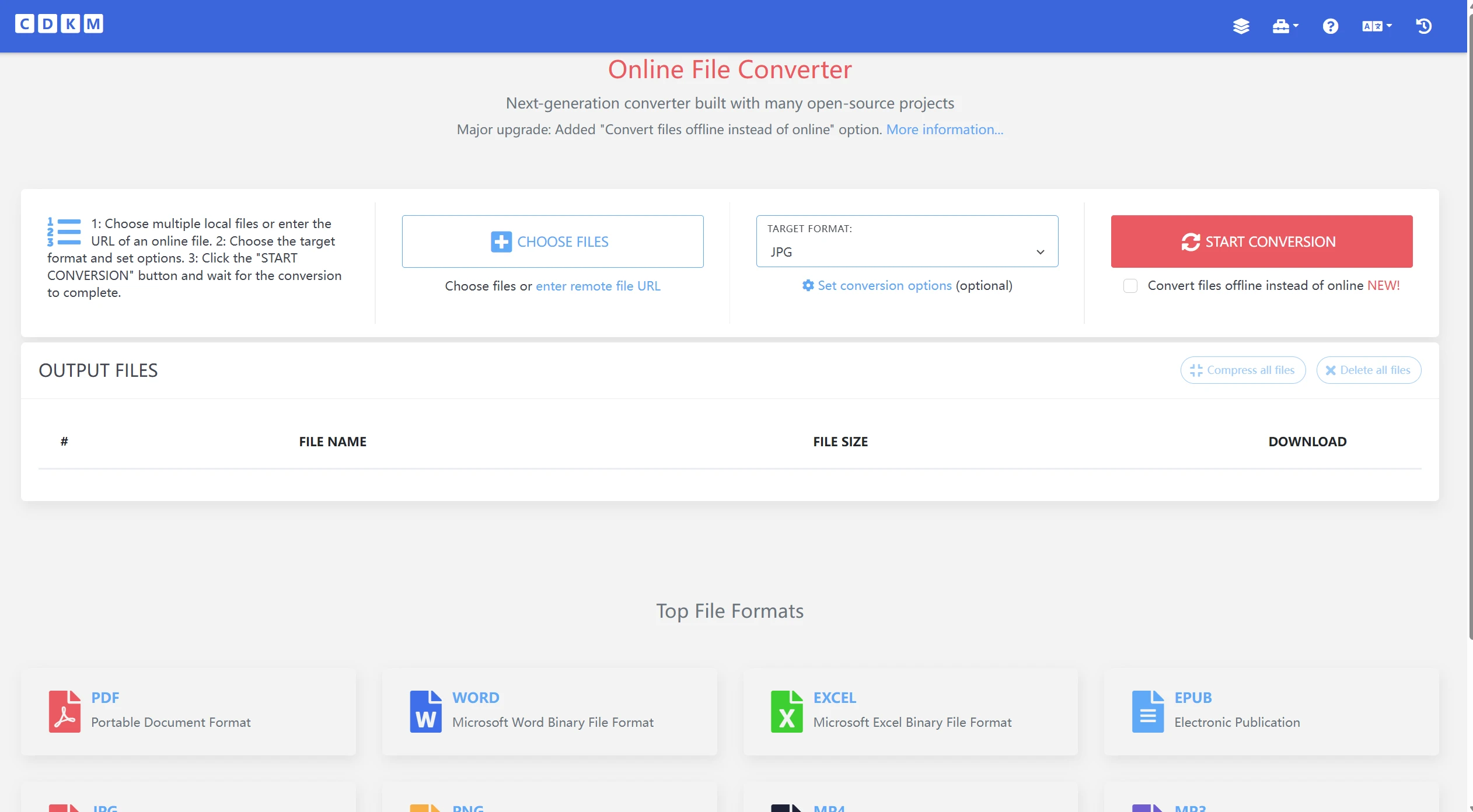
CDKM
CDKM is a simple free online file converter for converting and transferring different types of files. It supports various document, image, audio, video, and archive formats.
The interface is straightforward, making it useful when you need to complete a quick conversion without installing additional software.
Suitable for: Everyday file and media conversions.
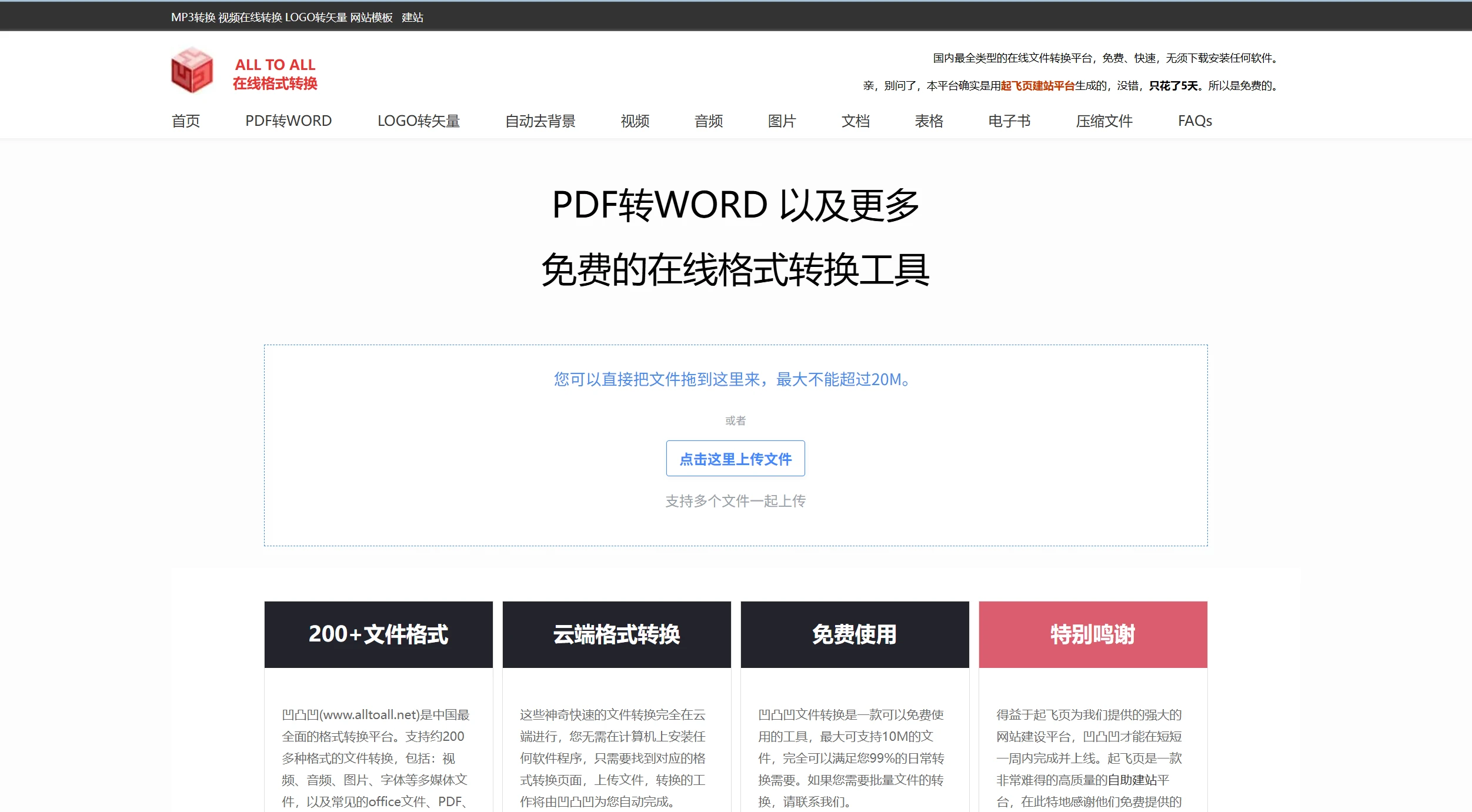
Alltoall.net
Alltoall focuses on converting files between different formats. It supports a wide selection of file types, including documents, images, audio, video, and other common formats.
If you often work with different file extensions, Alltoall can be a convenient option for handling basic conversion tasks online.
Suitable for: Converting files between less common formats.
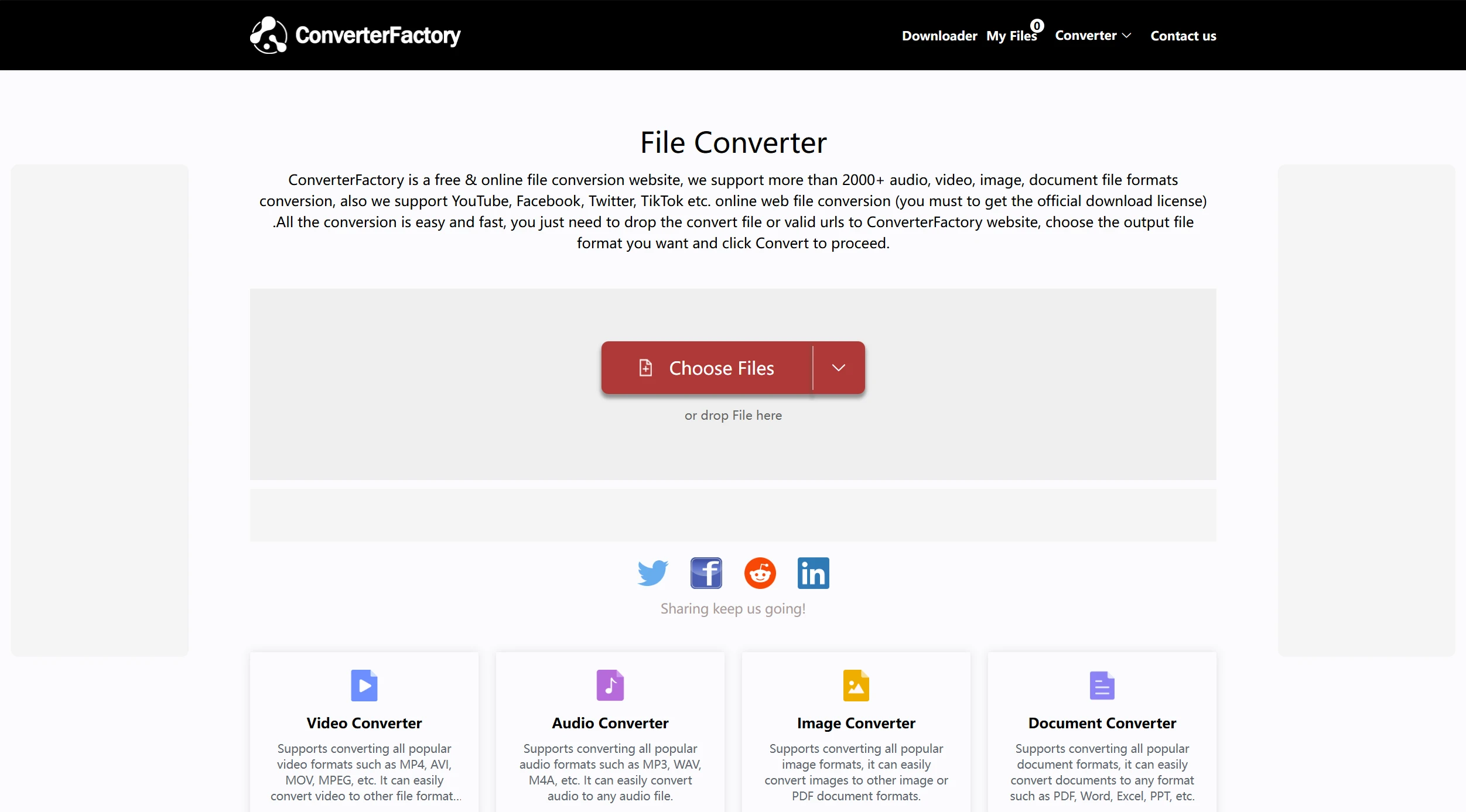
Converter Factory
Converter Factory provides file conversion services for documents, images, videos, audio files, and more. Its format support makes it useful for users who need several types of conversion in one place.
You can upload a file, select the target format, and start the conversion without installing a desktop application.
Suitable for: General-purpose file conversion.
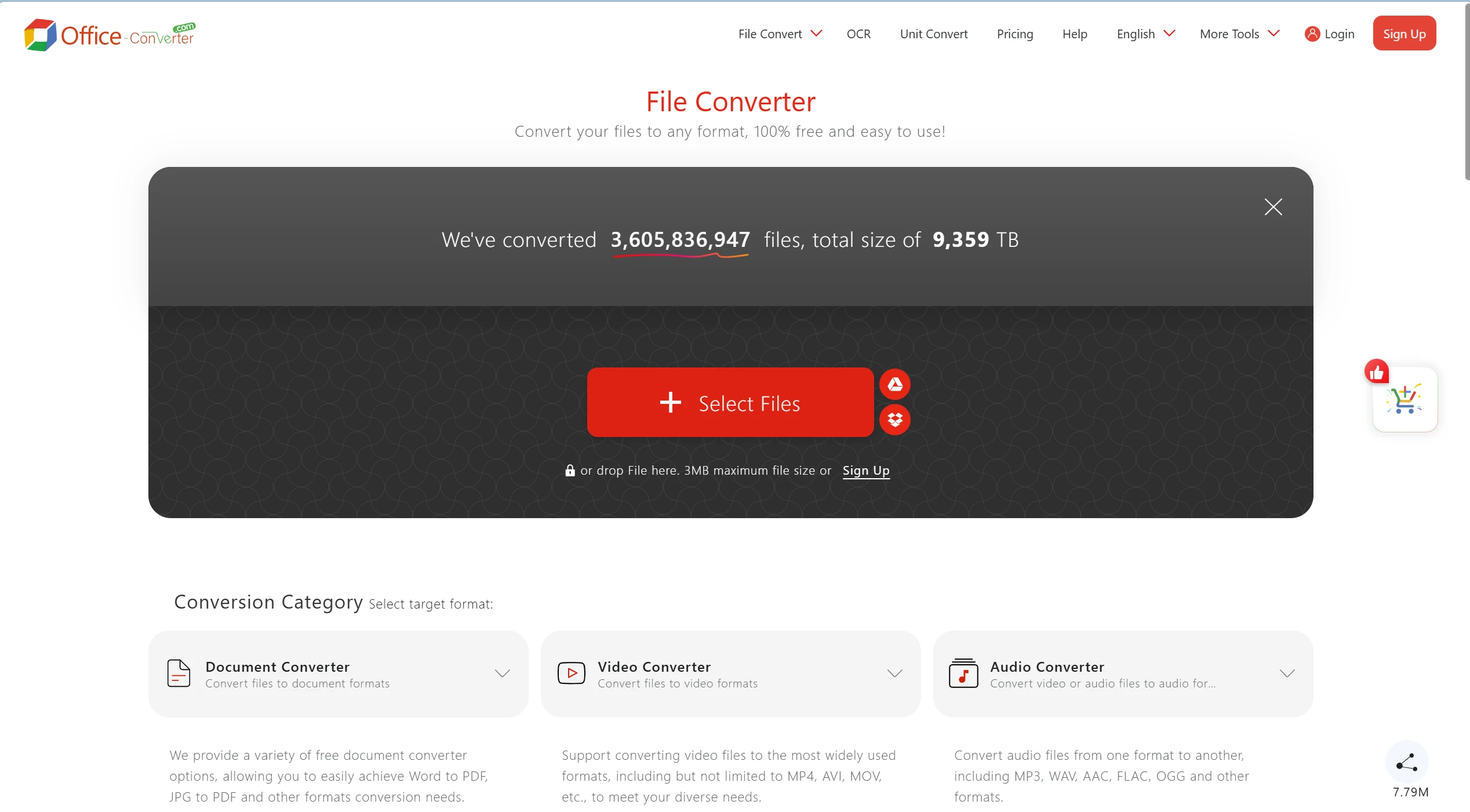
Office Converter
As its name suggests, Office Converter focuses heavily on document and office file conversions. It can handle formats such as PDF, Word, Excel, PowerPoint, and images.
It is particularly useful when you need to change an office document into another format quickly.
Suitable for: Office documents and PDF conversions.
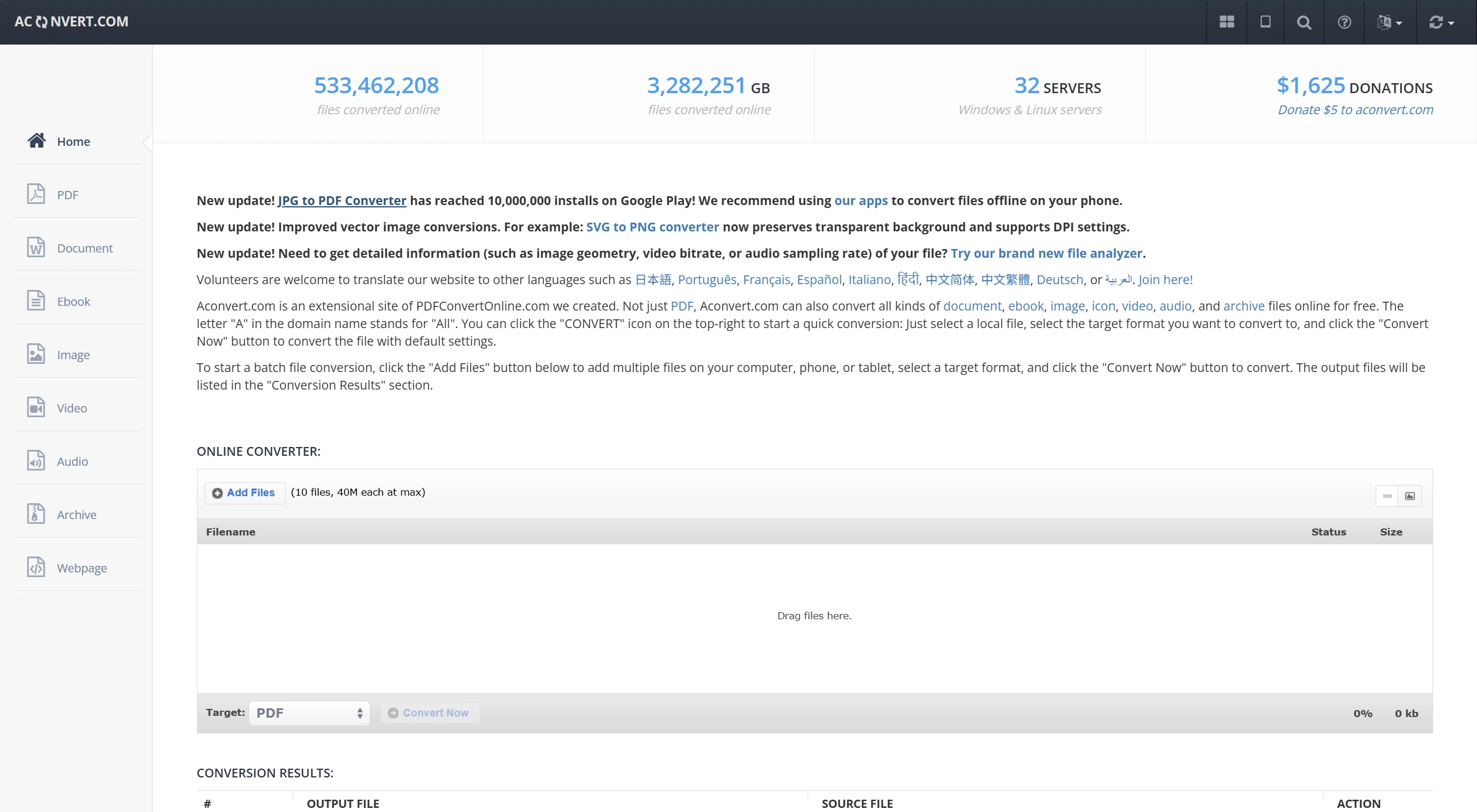
AConvert
AConvert is a versatile online converter that supports documents, images, audio, video, archives, and other file types. It also provides several options for working with PDFs and images.
For users who want more than a basic one-format converter, AConvert offers a broader selection of tools in one place.
Suitable for: Multiple file formats and conversion options.
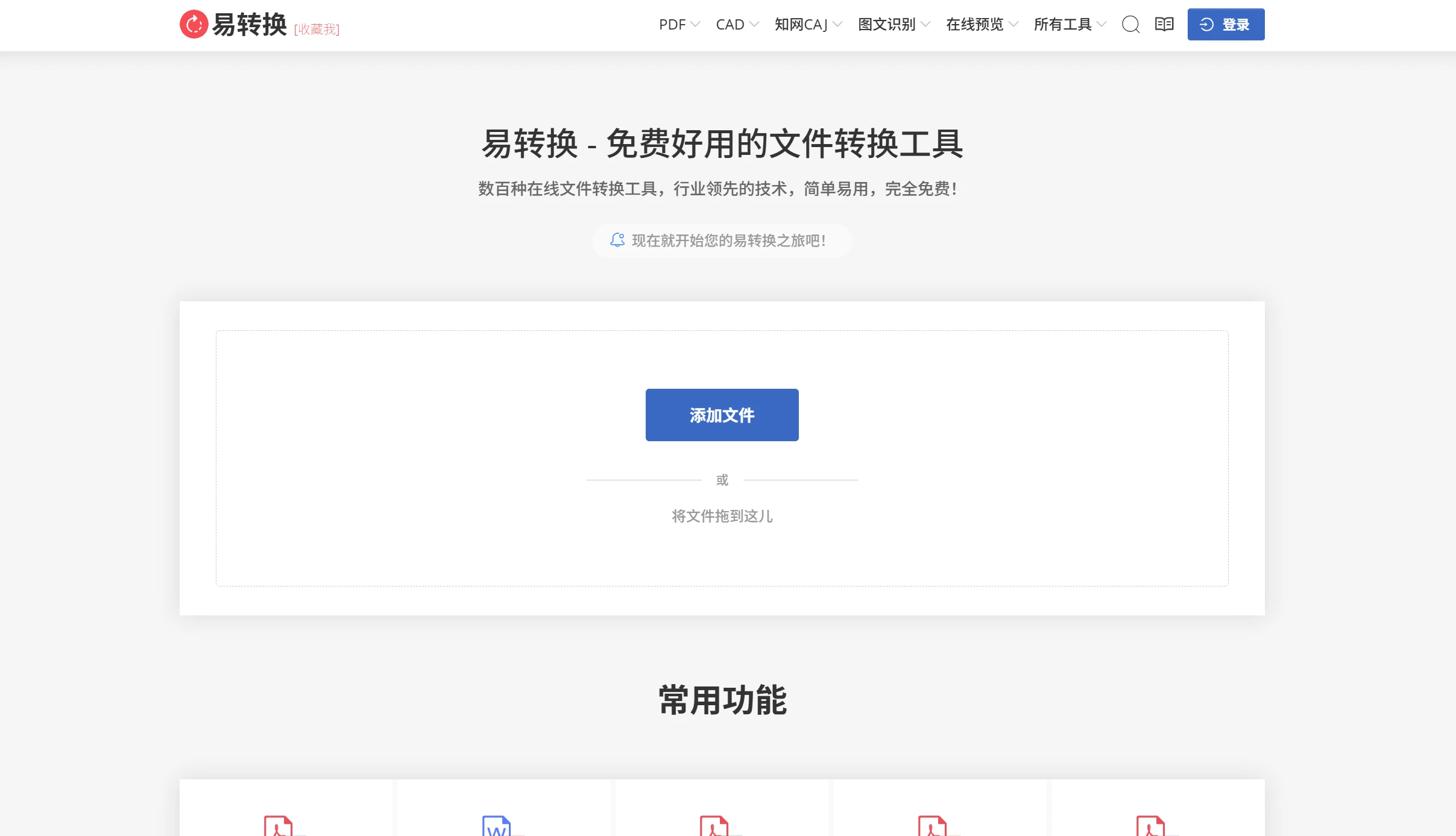
Easy to Convert
Easy to Convert provides tools for converting images and other files between different formats. Its tools are generally focused on specific conversion tasks rather than trying to handle everything at once.
This makes it useful when you already know the file format you need and want a simple online solution.
Suitable for: Specific image and file conversion tasks.
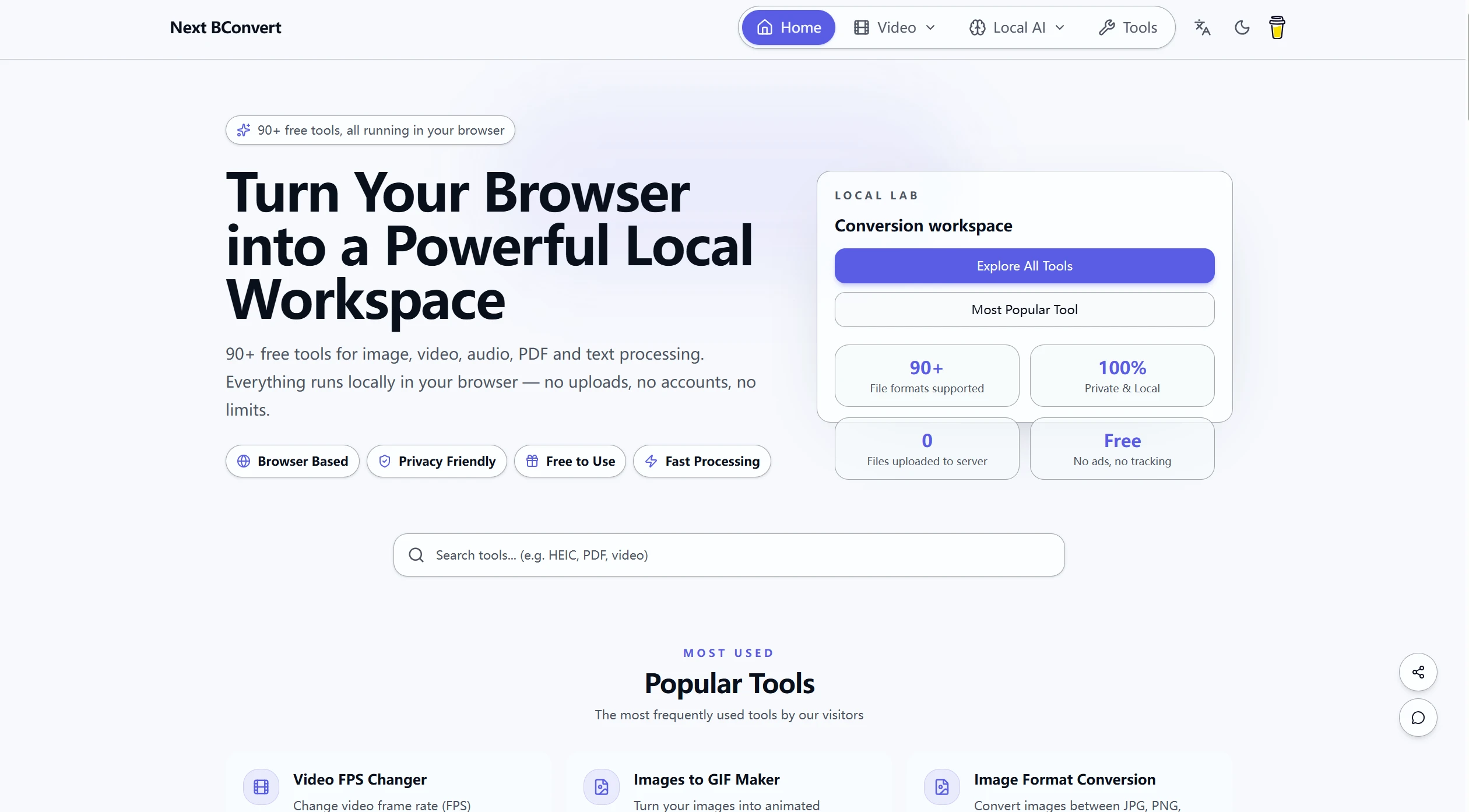
NextbConvert
NextbConvert is another online option for handling different file conversion needs. It supports several common formats and provides a browser-based way to convert files.
If you are looking for a website that converts files without requiring a dedicated desktop application, it is worth considering.
Suitable for: Quick browser-based conversions.
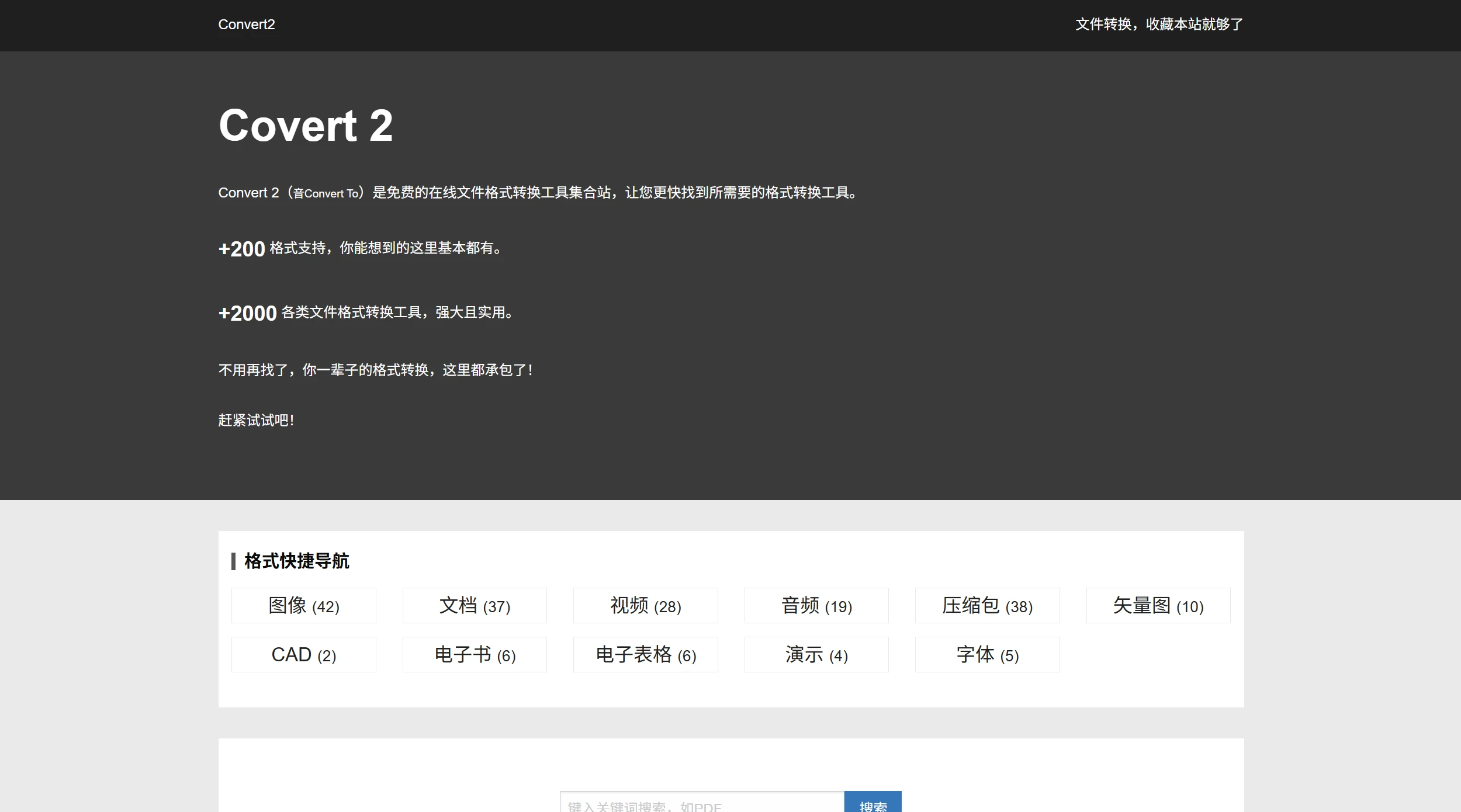
Convert2
Convert2 offers online file conversion tools covering several popular formats. The service is designed to keep the conversion process relatively simple: upload your file, select a format, and download the converted result.
It can be useful for occasional conversions when you do not want to install another application.
Suitable for: Simple, occasional file conversions.
Convertio
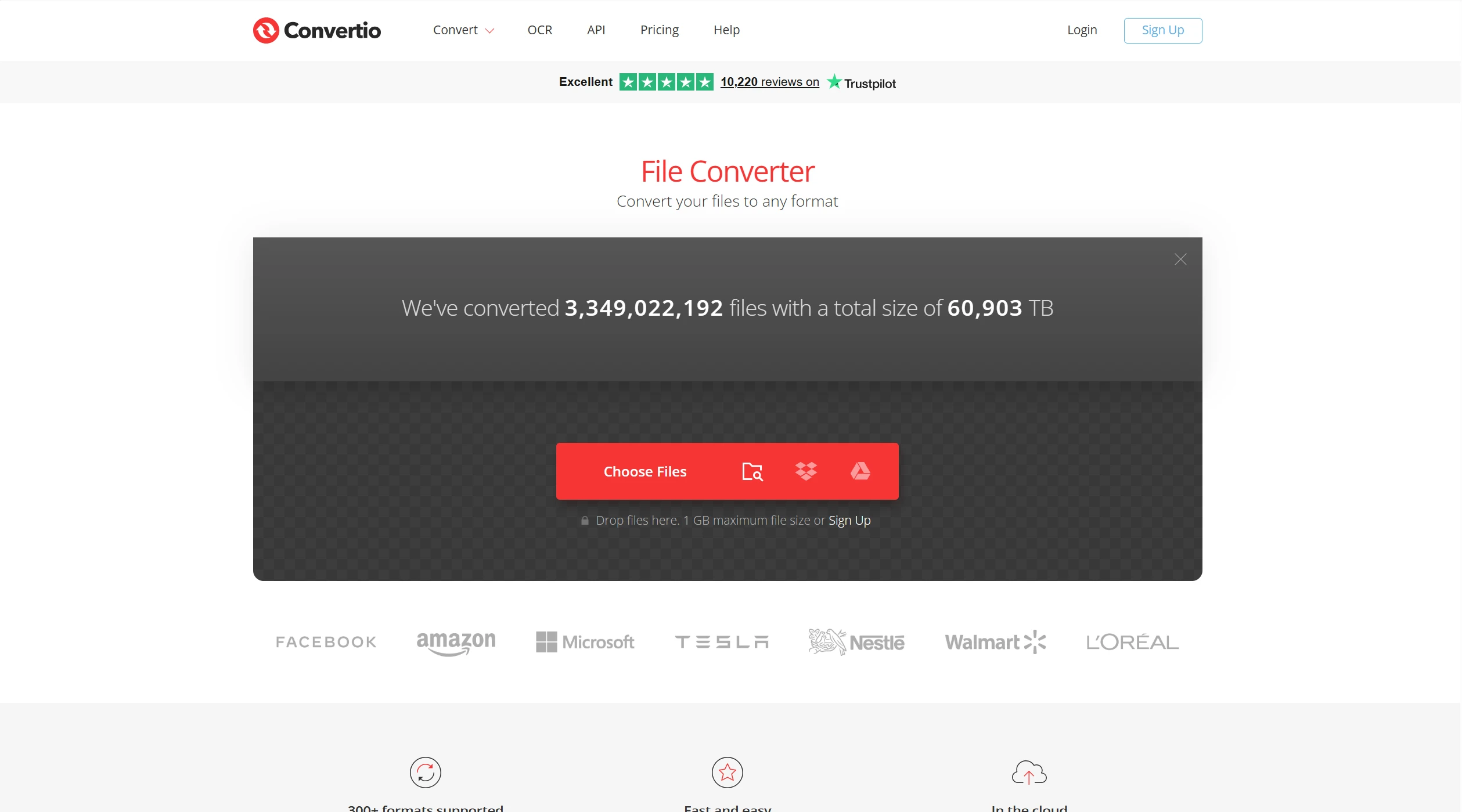
Convertio is a popular online file converter supporting documents, images, audio, video, and many other formats. Its browser-based interface makes it easy to convert files without installing software.
For users who need broader online file conversion services, Convertio is one of the more convenient options on this list.
Suitable for: A wide range of common file formats.
How to Choose a File Converter
The best converter depends on the type of file you are working with. For a simple document or image conversion, a free online file converter may be sufficient. If you regularly work with less common formats, choose a file conversion service with broader format support.
It is also worth checking file-size limits, supported formats, conversion speed, and privacy policies before uploading sensitive documents. Free services can be convenient, but you should avoid uploading confidential files unless you are comfortable with the provider's data-handling practices.
If you need some specific converters, you can also check out other articles on this site:
- Image Format Conversion Website
- Website for Converting Special Formats(Image conversion via ICNS; Jupyter Notebook to PDF; Excel and JSON conversion; image and table conversion to Excel; video to GIF; web page URLs to any format)
Final Summary
These file conversion services provide convenient ways to convert documents, images, audio, video, and other files directly online. Whether you need a quick format change or support for a less common file type, these free online file converters give you several options to try.
For occasional tasks, a free online file converter is often all you need. Compare the supported formats and features of different file conversion services, then choose the tool that best matches your specific conversion requirements.