
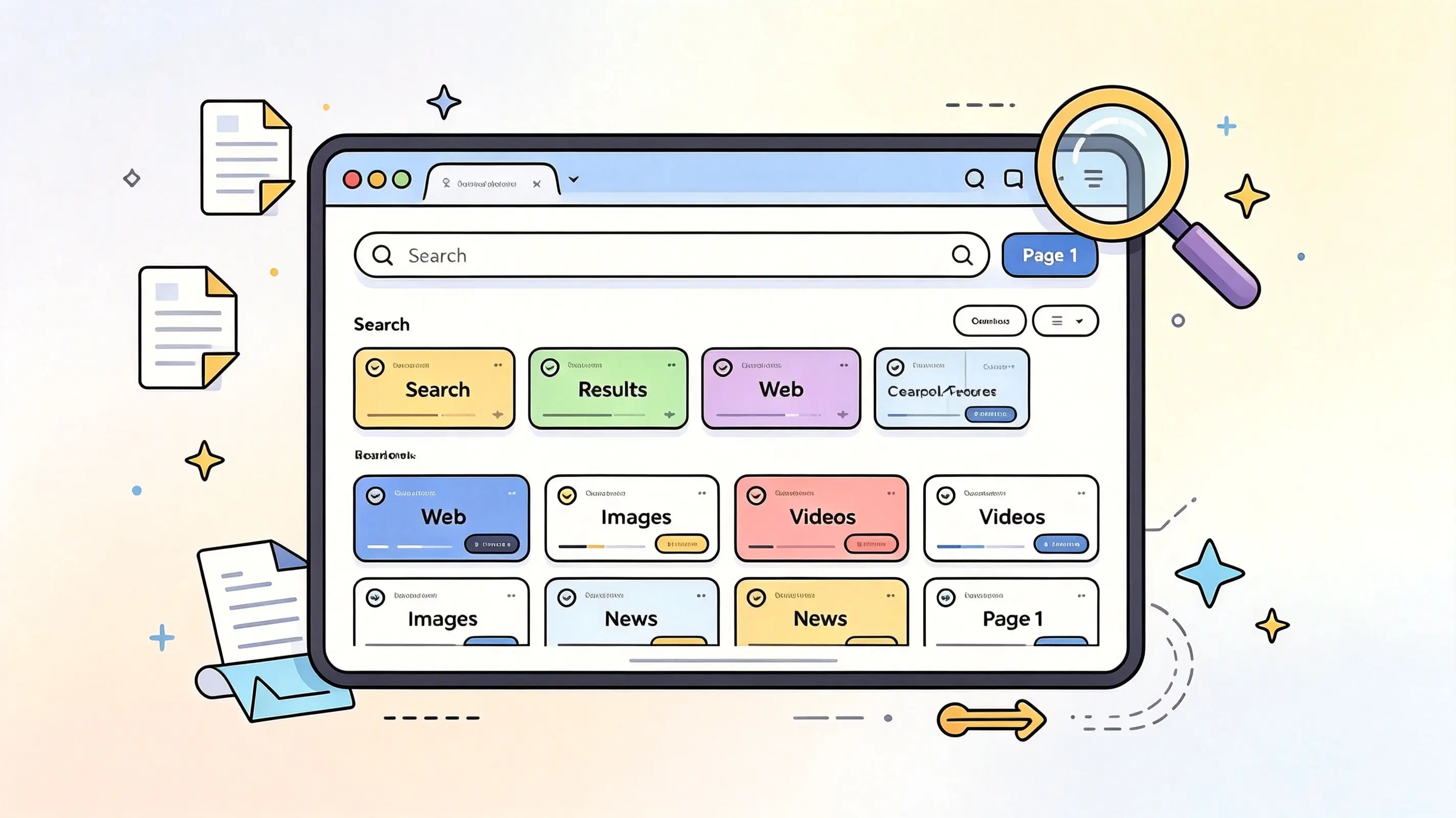
Looking for a search aggregator that lets you break free from the limitations of a single search engine? Here are four useful options: 100 Search Engines, SearchAll.net, Fagan Finder, and eTools.ch. They offer a variety of multi-source search methods, ranging from search engine directories to platforms that aggregate multiple search sources—
 2026-08-29

You’ve probably run into this situation: you have a file in a rare format that common office software can’t convert, but you’re hesitant to download a large program because you’re worried it might come bundled with a bunch of unnecessary extras. Since I regularly handle a large volume of files, I’ve accumulated a collection of very useful file converters. These are all web-based—you just need to open your browser to use them—and they’re all free and highly professional. Today, I’ll introduce them to you one by one. One-click image conversion
2026-07-26

When working on website operations and design, I often encounter issues related to image format conversion. After trying out various online tools, I’ve identified three excellent websites for converting image formats. Each of these tools has its own unique features and can handle general format conversions, vector image conversions, and large file processing. You can choose the one that best suits your needs. JinaConvert Website: https://jinaconver
2026-07-26
📑 Table of Contents 📖 Free Markdown Tutorial Websites ✏️ Two Online Markdown Editors Yige Muhuan zybuluo 🔄 Four Markdown Conversion Tools mdtoword.org markdowntoword.io MarkFlo
2026-07-13

I often need to edit images. In the past, I always relied on the desktop version of Photoshop. But as everyone knows, the licensed version of Photoshop is expensive, and the installation package is several gigabytes—making it a hassle to download and update. Later, I started looking into lightweight photo-editing options. Recently, I’ve been testing a large number of websites that let you use Photoshop online. These online Photoshop tools are completely free—you can use them right in your browser without installing any plugins. As long as your
2026-06-10

I decided to switch search engines because, for a while last year, I was under a lot of work pressure. I often felt tense and anxious, had a rapid heart rate every night, and had trouble falling asleep. After searching online, I came across a lot of alarming information—some sources said these were physical symptoms caused by anxiety, while others claimed I had heart disease. For the following week, my browser feed was constantly flooded with ads for calming and brain-nourishing tonics, as well as psychological counseling services. How can I describe this feeling? It was as if someone were leafing through my personal medical
2026-06-05
If you need a reliable file conversion service but don’t want to install desktop software, an online converter is a convenient option. These conversion websites let you convert documents, images, audio, video, and other file formats directly in your browser. I frequently work with different types of files, so I’ve tried quite a few online conversion tools. Some are designed specifically for certain formats, while others support a wider range of file types. The following nine free options are worth trying. 9
2026-05-24

To be honest, I’ve pretty much lost patience with those big search engines. I don’t even know when it started, but whenever I try to find some clean content, my screen is flooded with ads; whenever I want to read real-life experiences, I have to scroll through several pages of nothing but the same old clichés. A while back, I spent quite a bit of time digging around and actually unearthed a few niche yet user-friendly search tools—each one perfectly addressing my pain points. West Blog: Finally, a place where I can safely download software Website URL
2026-05-10

When I’m searching for information online, I’ve found that regular search engines often fall short of my needs. For example, when looking for free e-books or specific videos on Bilibili, using Baidu or Google usually requires scrolling through many pages before I can find what I’m looking for. That’s why I frequently use various search aggregator websites. These sites integrate multiple search engines, allowing users to search across various platforms from a single page. Below, I’ll share four search aggregator sites I use frequently in my daily life, which significantly improve
2026-04-22

When using traditional search engines, we often encounter cluttered information and are frequently bombarded with irrelevant paid ads. The emergence of AI tools, however, can help us get more precise search results. Recently, I’ve spent quite a bit of time trying out two AI search engines: Mitta AI Search from China and Perplexity from abroad. Both of these tools can help us find more precise information, but their operation...
2026-04-21