
📖 A free tutorial website that taught me Markdown from scratch
Recommendations
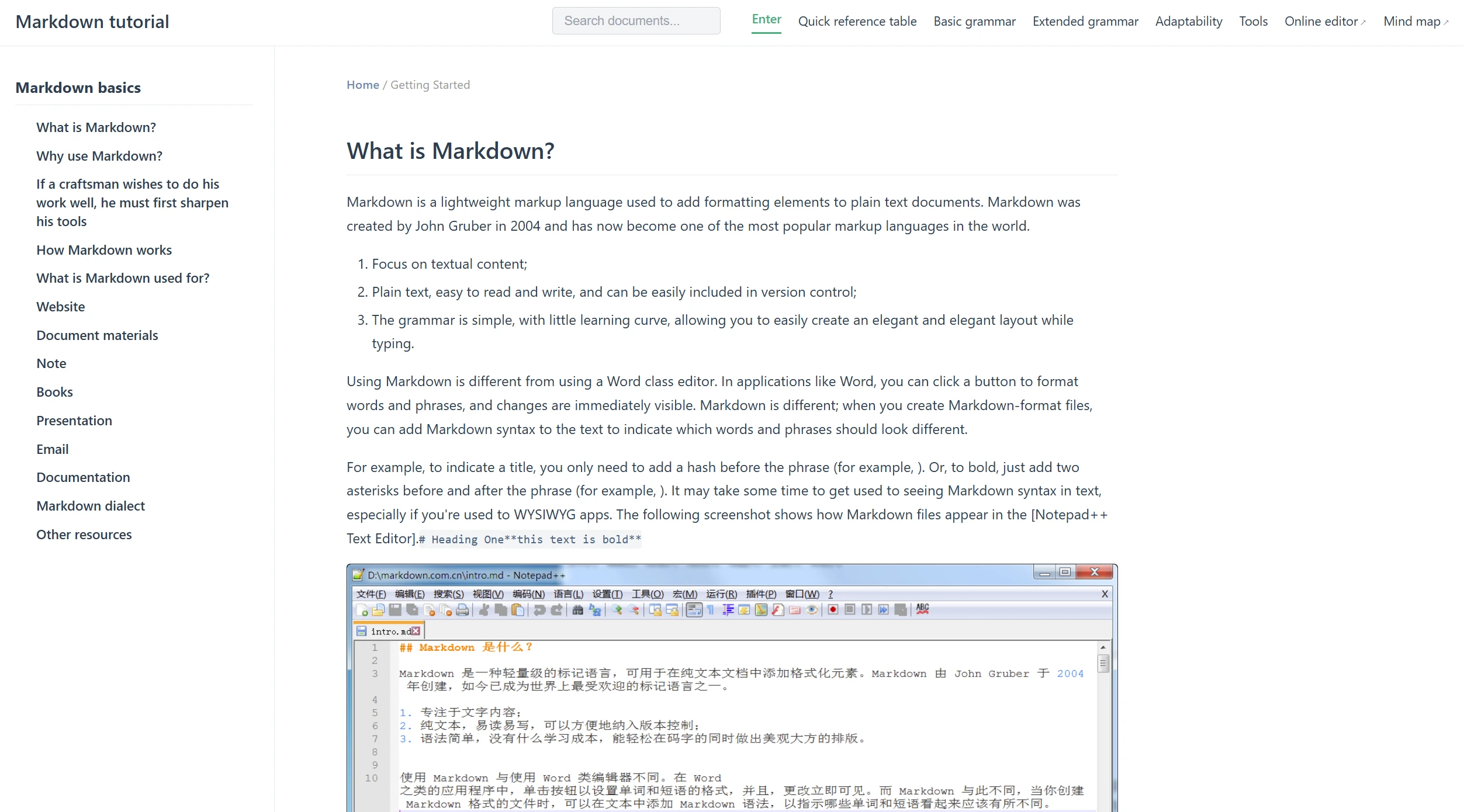
Markdown Tutorials Website
When I first started learning Markdown, I also learned about it through this website. It breaks down all the content into very detailed steps, whenever I learned a new concept, I could immediately practice it on the page, and see the results displayed right on the right-hand side—which made it easy to remember. Starting with the basics like headings, paragraphs, and bold text, all the way through to tables, footnotes, and more, everything was clear and easy to understand, and the content was a breeze to read. I went through the entire content in just two days. Even afterward, whenever I came across something I didn’t quite understand, I could open the site right away to check it. Plus, its search function is very precise—you just need to enter a relevant keyword to find what you’re looking for immediately. For anyone who wants to become proficient in Markdown, this tutorial site will help you avoid a lot of detours.
One reason I prefer this website is that all of its content is in Chinese. While many foreign articles are excellent, reading them in English is always quite taxing. The writing on this site is very straightforward and doesn’t use any fancy vocabulary. Even someone with absolutely no prior knowledge can read it. Plus, it doesn’t just teach grammar—it also offers practical tips. For example, how to use Markdown to write well-organized meeting minutes. I feel that all of this makes it more than just a dry, boring manual; it’s like having a conversation with an experienced old friend. I’ve tried many Markdown editors, but when recommending one to others, I still point them to markdown.com.cn first. This is, in my opinion, the best Markdown tutorial out there—there’s simply no other like it.
✏️ Two Online Markdown Editors I Can’t Live Without
Once you’ve learned the syntax, choosing a suitable Markdown editor is also very important. I generally write documents and take notes without using local software very often. The two online editors listed below can be opened with any browser and used from anywhere.
①
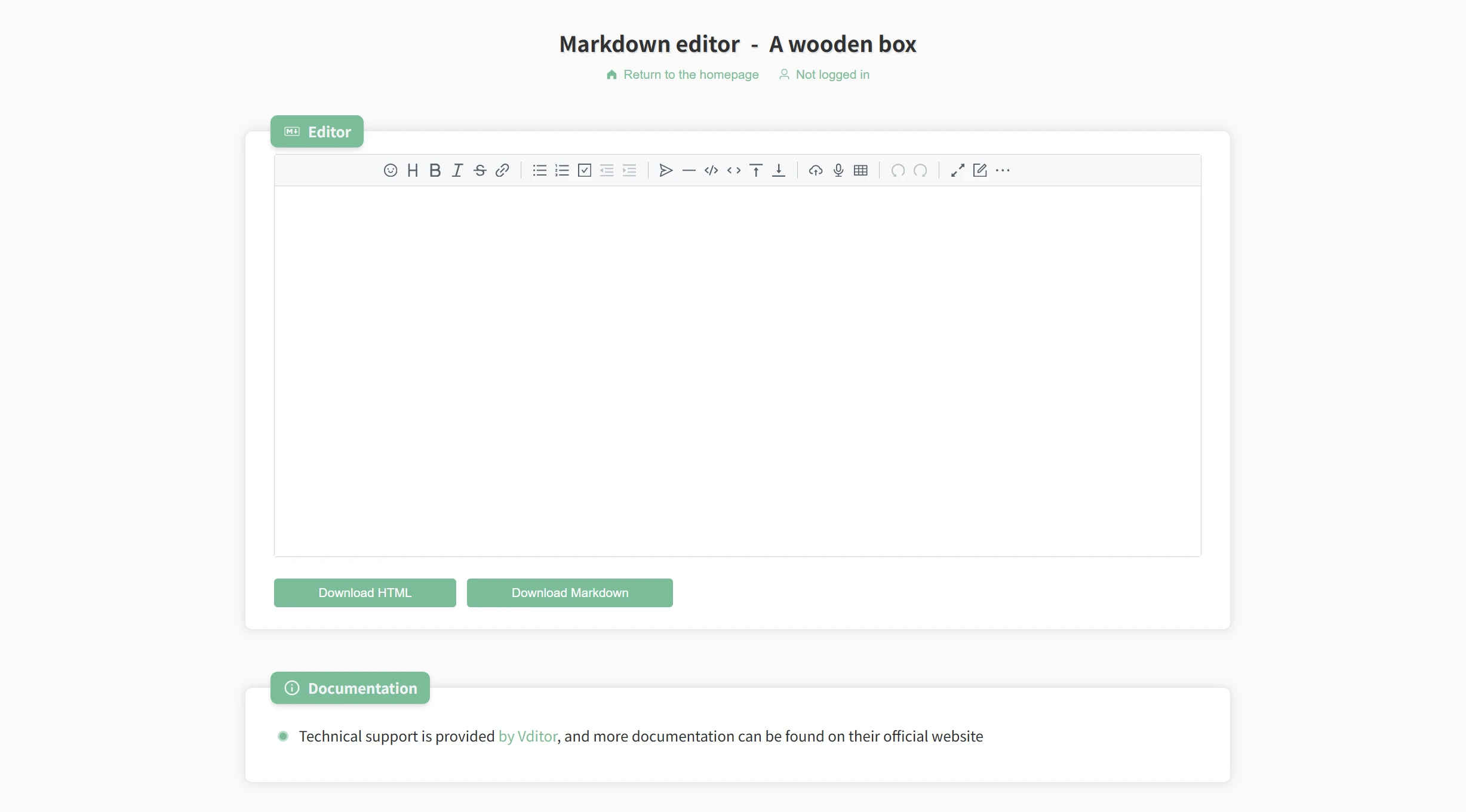
A Wooden Box: Online Markdown Editor
This is a clean, minimalist website. The left side is the editing area, and the right side is the preview pane. While I’m writing, I can simply glance to the right to check if the formatting is correct. The editor recognizes most Markdown tags, so code blocks, tables, lists, and other elements are displayed correctly. I also frequently use its export feature. Once I finish an article, I can simply click the corresponding button to save it as an HTML or PDF document, which is very convenient for sharing my articles with others. Furthermore, since no registration is required—I can start using it immediately by simply visiting the webpage—it eliminates the need to log in, which reduces distractions for me.
②
zybuluo's Markdown Editor
It has more features than the first one. I like that it has both Reading Mode and Writing Mode. When I want to browse the entire article from start to finish, I switch to Reading Mode—here, I don’t see the source code on the left; I just see a clean, formatted article, just like reading a book. It also lets you save files to the cloud, so whether you’re on your work computer or your laptop at home, you can continue editing as long as you use the same account. Plus, its toolbar is very user-friendly— Sometimes when I’m not sure how to add a link, I just click a button on the toolbar and it’s taken care of. For people who frequently write a lot and need to share their work, this online Markdown editor is definitely worth bookmarking.
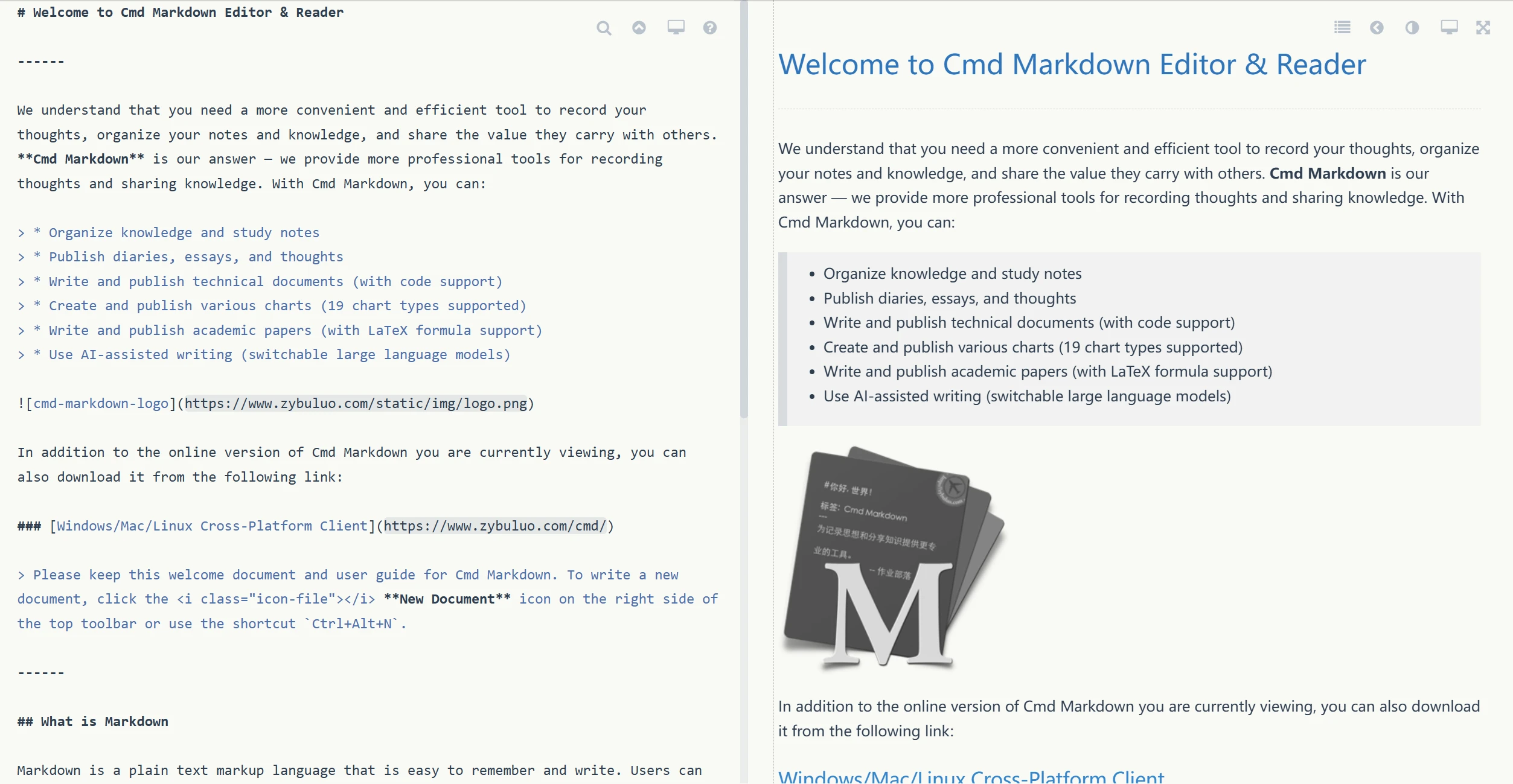
💡 These two editors are polar opposites. One editor’s strength is that it’s compact and ready to use right away. zybuluo’s editor, on the other hand, is ideal for those who need cloud syncing and an immersive writing experience.
🔄 Four Handy Tools for Converting Between Markdown Files
I’ve already written my Markdown files, but when I need to share them with colleagues or clients who use Word, I need a good Markdown-to-Word conversion tool. I’ve tried several websites that offer this service and ultimately settled on the following four. All of them perform the conversion directly in the browser without requiring any plug-ins.
①
mdtoword.org
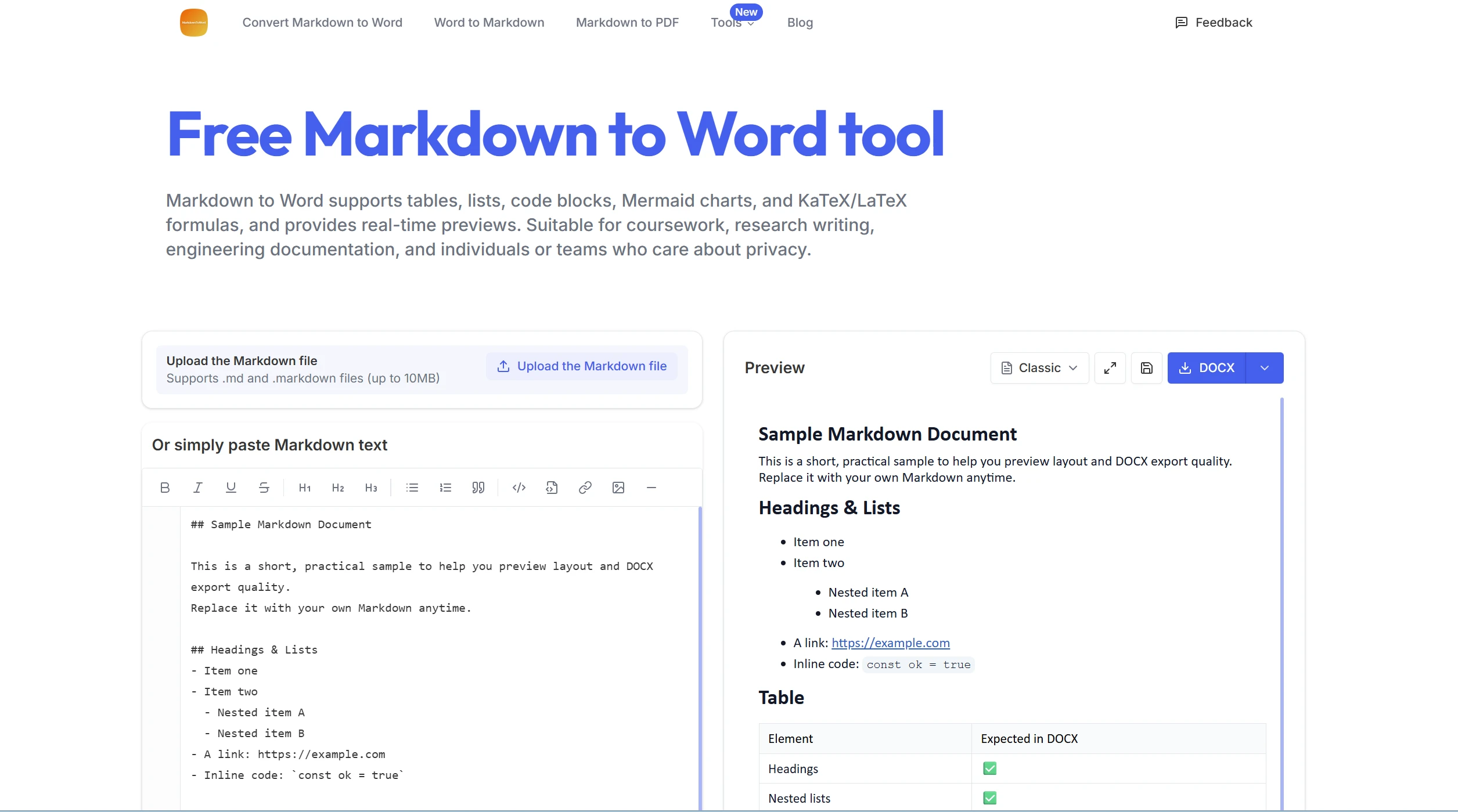
This website supports conversion between multiple document formats. I mainly use it to convert between Markdown and Word. It does a good job of preserving the formatting of the converted Word documents—including heading levels, bold text, and lists—so there’s no need for reformatting. Plus, the website clearly states that converted files are immediately deleted from the server once the conversion is complete, which gives me much greater peace of mind when uploading important files.
②
markdowntoword.io
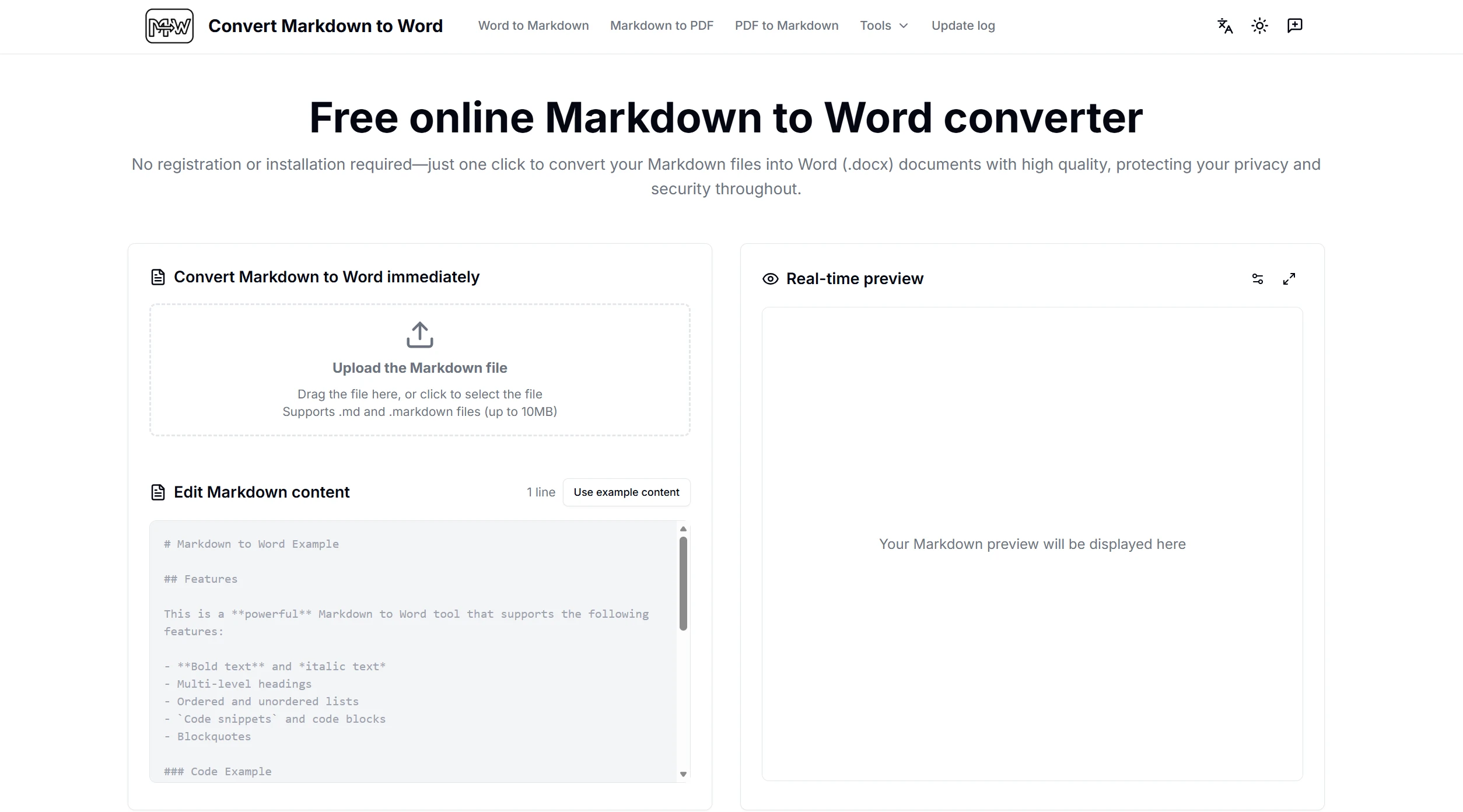
The name of this website is simple and straightforward—it’s designed to convert Markdown into Word. The process is very simple: just copy your Markdown text into the website, click a button, and you can download a Word file. It also handles tables well; I didn’t encounter any issues even in a document where I had merged cells. I often use it to get my work done quickly.
③
MarkFlow
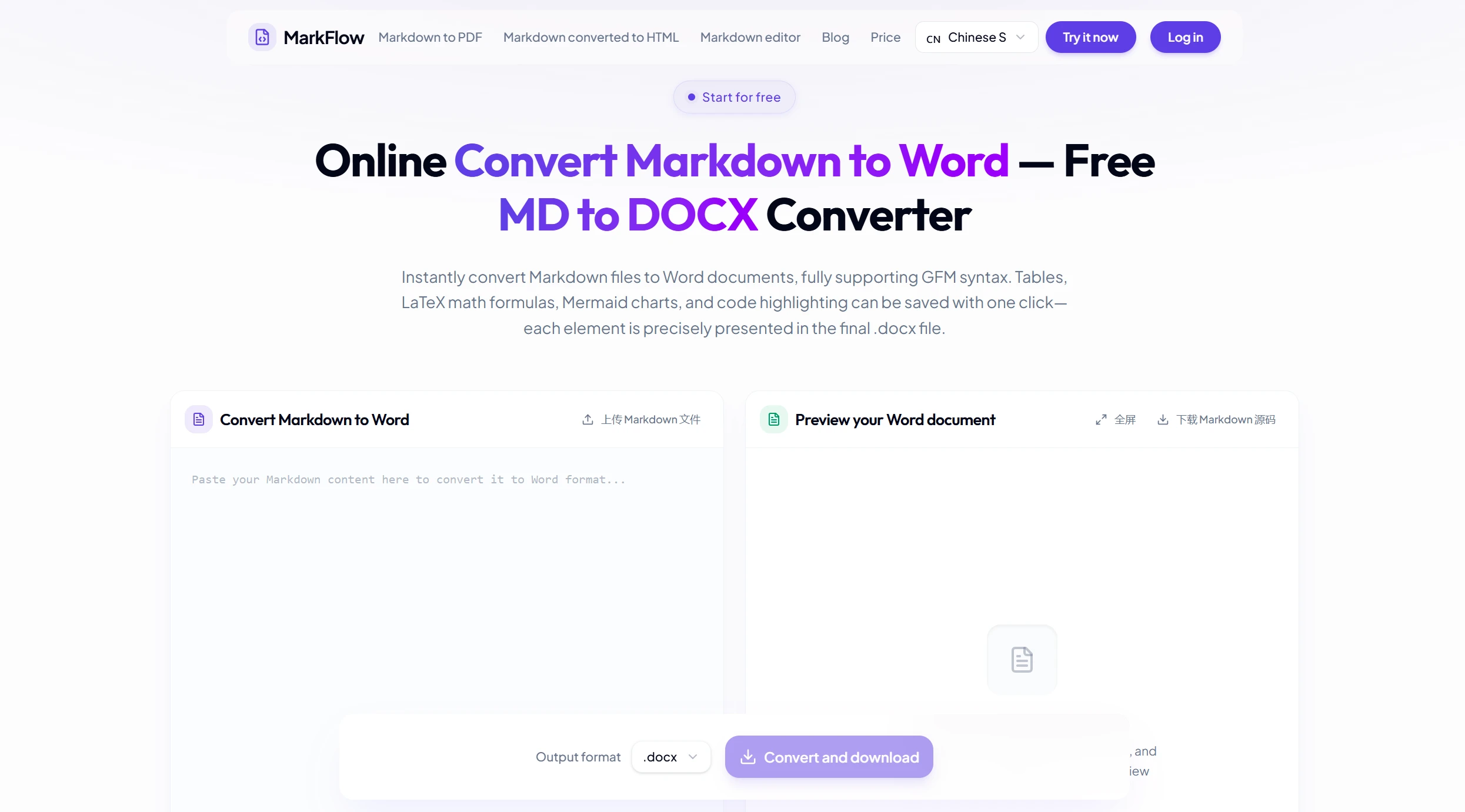
I’ve found that this website offers a variety of styles to choose from; it can generate clean, unformatted documents or preserve much of the original formatting. When I need to submit a document directly to a client, I usually opt for the latter. Plus, it’s incredibly fast—it only takes a few seconds to process a document of over ten pages.
④
MD-TOOL
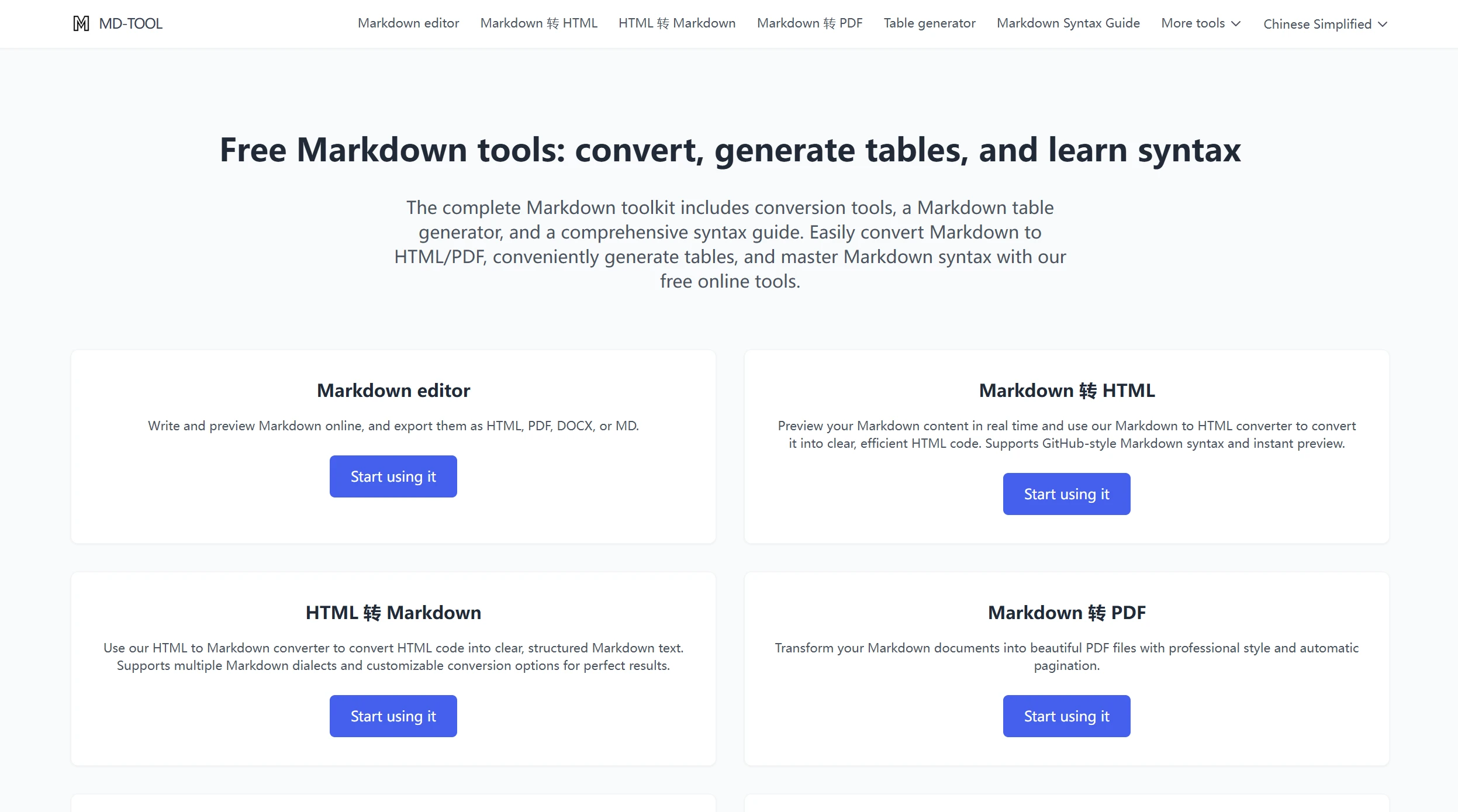
This is a website I recently discovered. In addition to basic Markdown-to-Word conversion, it also supports batch file uploads. I can select multiple .md files, and it converts them all at once and packages them for download, which is very convenient for my daily project organization. Plus, the interface is clean and elegant, yet very easy to use.