
A while back, I helped a friend create a product image. The photo turned out pretty well, but the background was a bit cluttered. I started looking for a way to remove background from image free of charge, preferably without sacrificing the original resolution. I wanted to remove the background and replace it with a clean, transparent white background. I thought it would be easy. But when I opened the first website, uploaded the image, and waited for what seemed like forever, a message popped up when I tried to download it: “High-resolution images require payment.” I tried another tool.That one was indeed free, but the image it produced was pitifully small—it looked completely pixelated when I put it on the product page. I realized that tools promising to remove background high quality aren't necessarily offering high-resolution downloads. I fiddled around with it for nearly an hour before I finally found the right tool. That experience made me realize that removing a photo’s background can be done in ten seconds if you choose the right tool; but if you choose the wrong one, even ten minutes might not be enough. So I’ve compiled a list of six tools here that I’ve used recently and compared side by side. They all have their own quirks and are best suited for different scenarios.
BatchTool
Website address: https://batchtool.com/
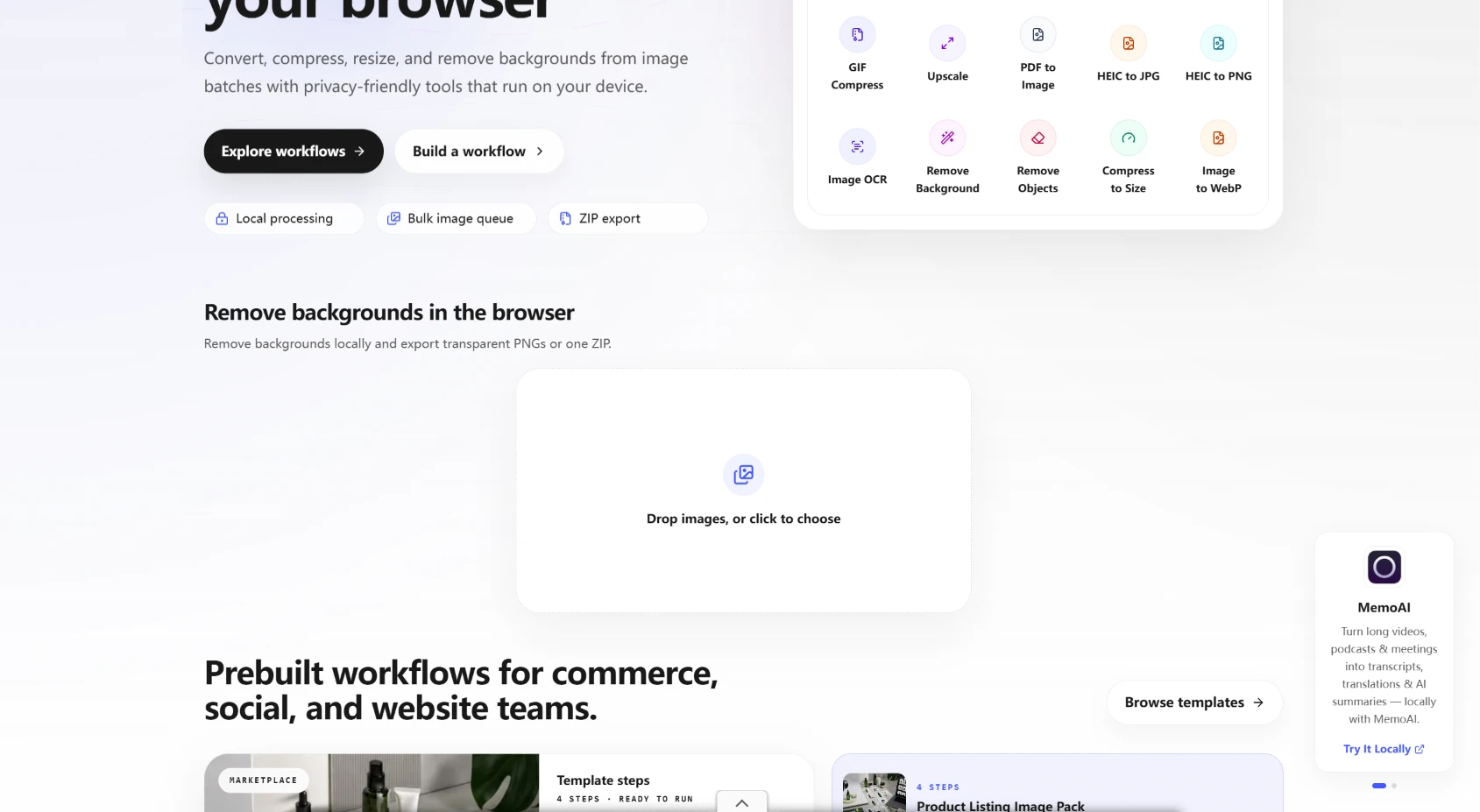
I’ve put this first because it addresses one of the most easily overlooked issues: privacy. Many online image-editing tools require you to upload your images to their servers. If you want to remove background online without sending private photos to a remote server, it's worth checking how each tool processes your files.If you’re uploading ordinary product images, that’s no big deal. But if you’re uploading ID photos, contract screenshots, or unpublished product designs, it’s always a bit unsettling to send those images to someone else’s server. BatchTool takes a different approach. Its AI model runs directly in your browser, so the images never leave your device. I was a bit skeptical the first time I used it, so I specifically checked the network requests—and sure enough, there was no image upload activity. It also supports batch processing. You can drag a dozen or so images in at once, and it’ll process them all in one go—no need to click through them one by one. It's completely free, requires no login, and has no usage limits. That makes it a practical option if you want to remove background free of charge, especially when processing multiple images.If your computer has a decent graphics card, it’ll use WebGPU for acceleration, making the process even faster. The downside is that the interface is simple—there are no fancy photo-editing features; it’s just a background removal tool. But if all you want is to "remove the background," it does the job cleanly and reliably.
PhotoScissors
Website address: https://photoscissors.com/
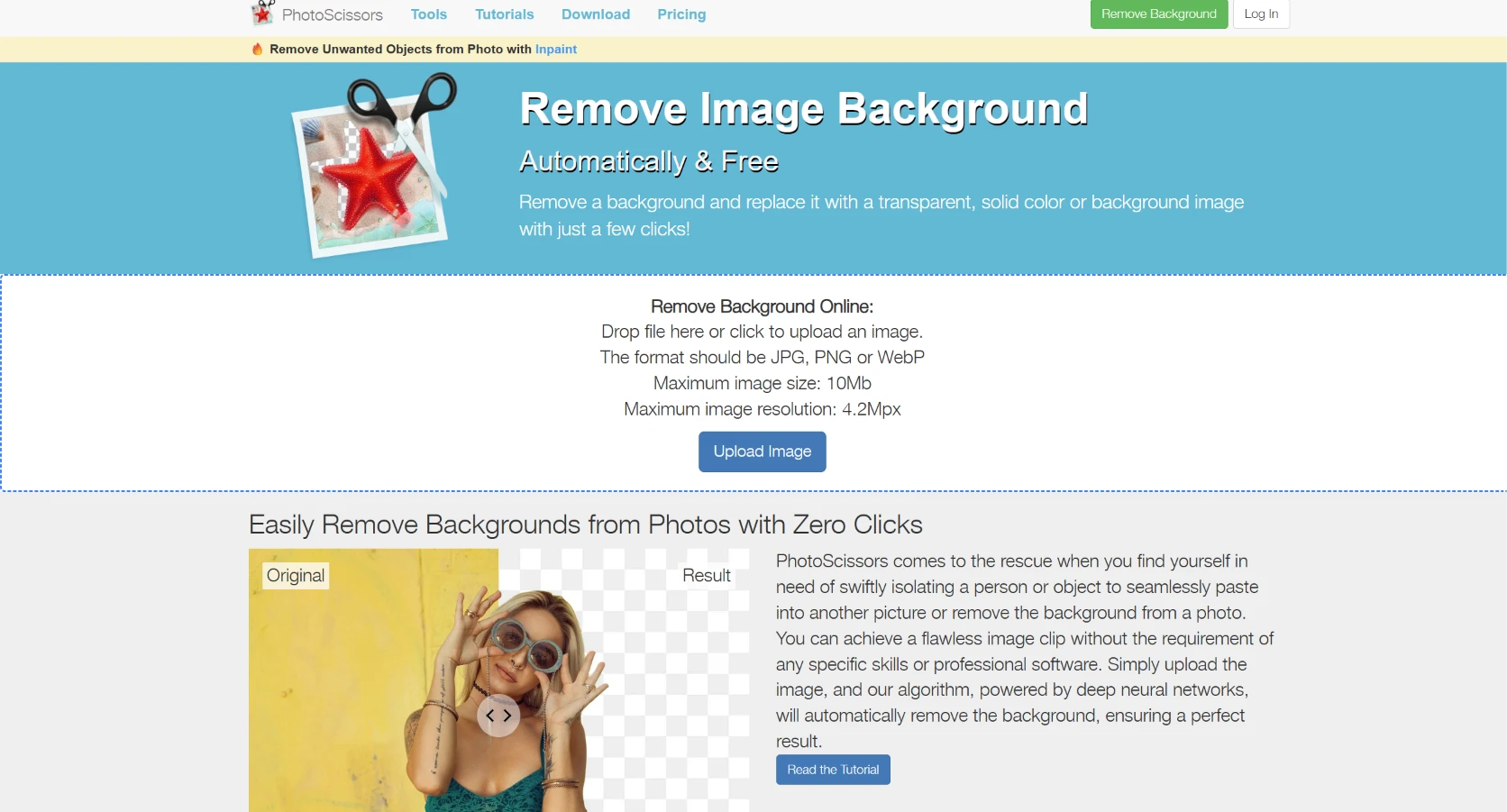
PhotoScissors is a long-standing tool. It has been removing backgrounds since 2014, and its automatic recognition logic is quite sophisticated. When you upload an image, it can usually separate the subject from the background in one or two seconds. It’s very easy to use—you don’t need to know anything about layers or masks. It’s available in both web and desktop versions. The desktop version supports batch processing, which is particularly useful for sellers who frequently need to create product images. However, it has one practical limitation: the free web version only allows images to be exported at a maximum resolution of 600×600. This size is sufficient for posting on social media, but it's completely inadequate for e-commerce product pages or printed materials. If you're searching for a tool to remove background hd quality, the free export limit is an important drawback to consider.High-resolution downloads require a one-time payment of $9.99 or a lifetime subscription for $19.99. Its edge handling is also on the conservative side. It handles ordinary items like clothes, mugs, and boxes without any issues. However, when dealing with strands of hair or semi-transparent fabrics, the edges can appear a bit jagged, and sometimes traces of the background color remain. So my conclusion is: if you need a lightweight tool that’s ready to use right out of the box—with no learning curve—and you don’t have high demands for output size, PhotoScissors is a reasonable choice. If you’re looking for high-resolution results and precision with complex edges, you’ll need to find another tool in addition to this one.
Pixian.ai
Website address: https://pixian.ai/
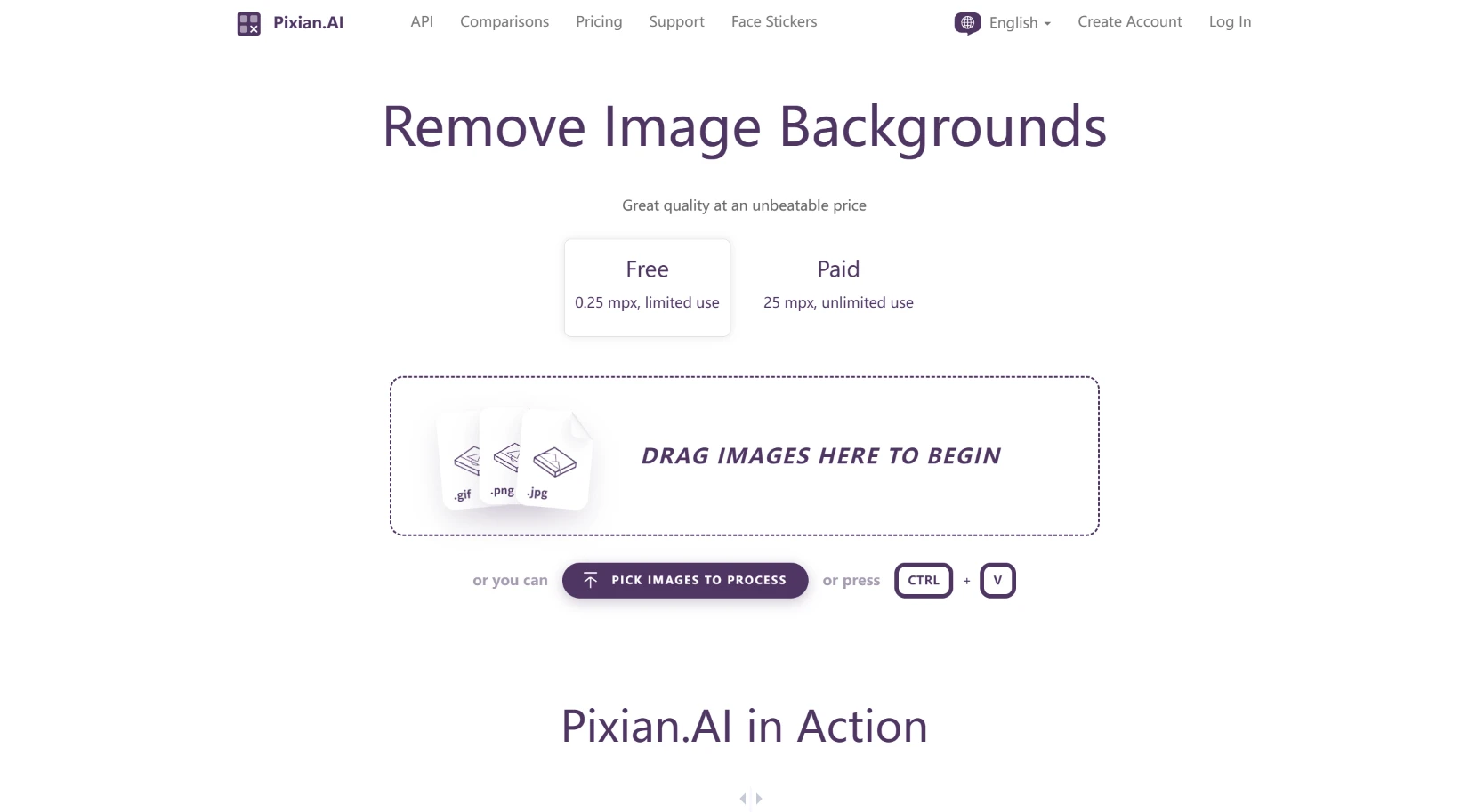
Pixian.ai takes a different approach: rather than aiming to "cut out any image," it specializes in specific types of images. Its self-trained model performs significantly better on products, artwork, and logos. If you're photographing a collectible figure, a painting, or a professionally designed logo, the edges extracted by Pixian will be cleaner and more accurately shaped than those produced by many general-purpose tools. This is particularly useful when you need to remove background image elements without losing the shape of the original subject.It supports high-resolution output of up to 25MP, which is a real advantage for those who need to print or display images at large sizes. Its free version lets you preview results immediately without registration. However, the free version’s output is limited to 0.25MP, which is basically only useful for checking whether the cutout is correct—it’s not suitable for professional use. For commercial use or when high-resolution files are required, you’ll need to pay per image. It comes from the same team behind Vectorizer.ai and ClippingMagic. If you want to convert bitmaps to vectors after cutting out an image, this combination works quite well. It’s not for everyone, but if you mainly work with product images or design assets, it’s worth adding to your bookmarks.
FocoClipping
Website address: https://www.fococlipping.com/
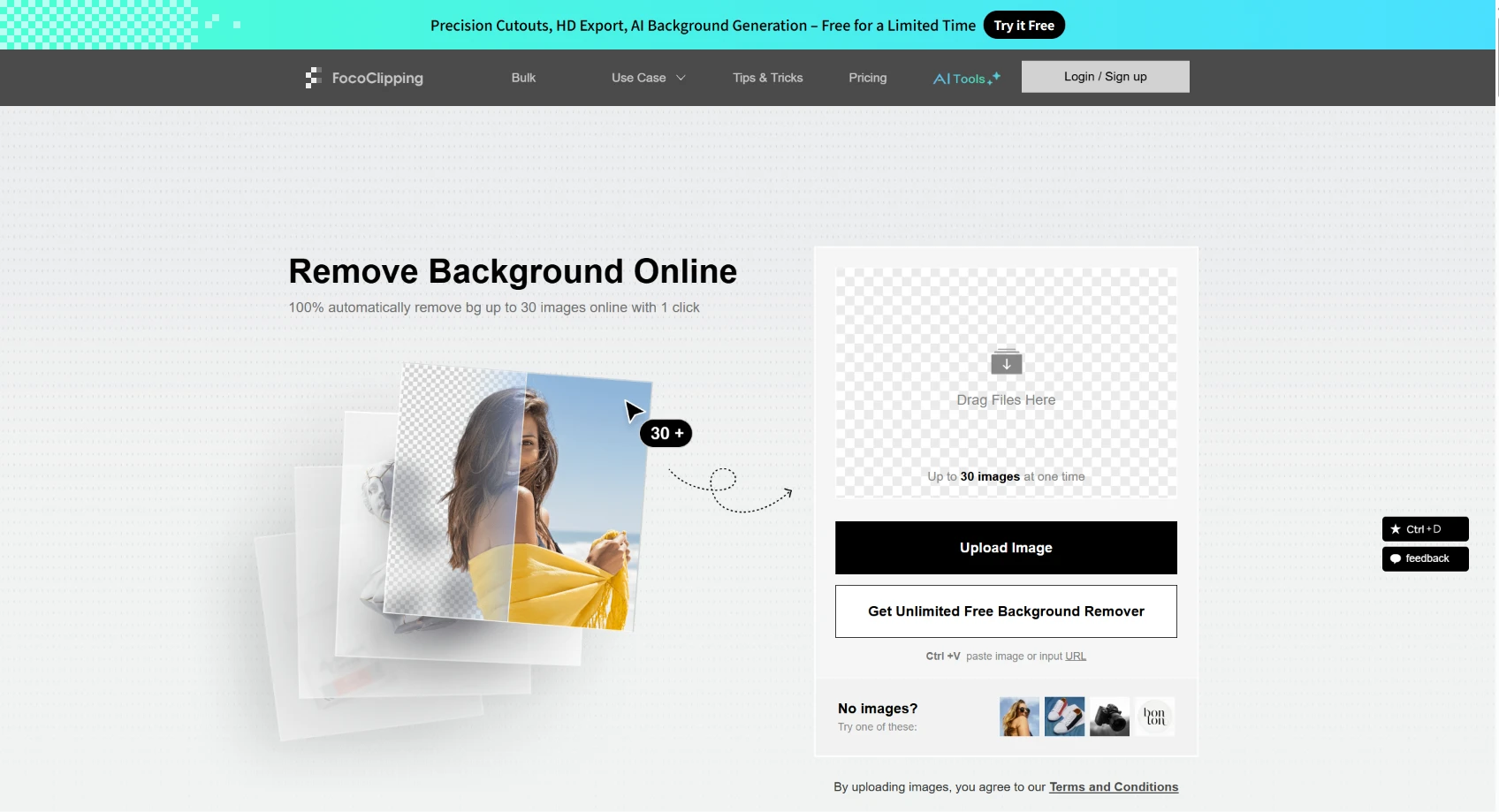
FocoClipping’s target audience is clear: it’s designed for e-commerce professionals. Its greatest strength lies in still life photography. For sellers who need to remove background jpg files from product photography workflows, checking the available upload formats and transparent export options is especially important.It consistently delivers stable edge detection for categories such as clothing, accessories, collectibles, and home decor. It comes equipped with built-in tools for manual erasing and edge retouching. Automatic image clipping sometimes misses a small piece of background in a corner or cuts off a bit too much of the subject. FocoClipping lets you use a brush tool to fix those spots without having to re-upload the entire image. Its basic features are free, and it allows you to export watermark-free files for standard-resolution images, making it particularly user-friendly for small sellers just starting out. It does have some obvious shortcomings, however. Its accuracy drops when dealing with complex hair details in portraits, especially long hair with many layers. It also handles semi-transparent objects, such as glass cups or sheer fabric, only moderately well. For commercial use requiring royalty-free licensing, high-resolution downloads, and certain usage scenarios, you’ll need to purchase a separate plan. So my take is: FocoClipping is best suited for "product photos." If you’re photographing clothes, bags, or small items and want a clean, white-background image to list for sale, it can provide a usable result for free. If you’re photographing portraits where hair takes up a significant portion of the frame, it might not be your first choice.
Remove.bg
Website address: https://www.remove.bg/
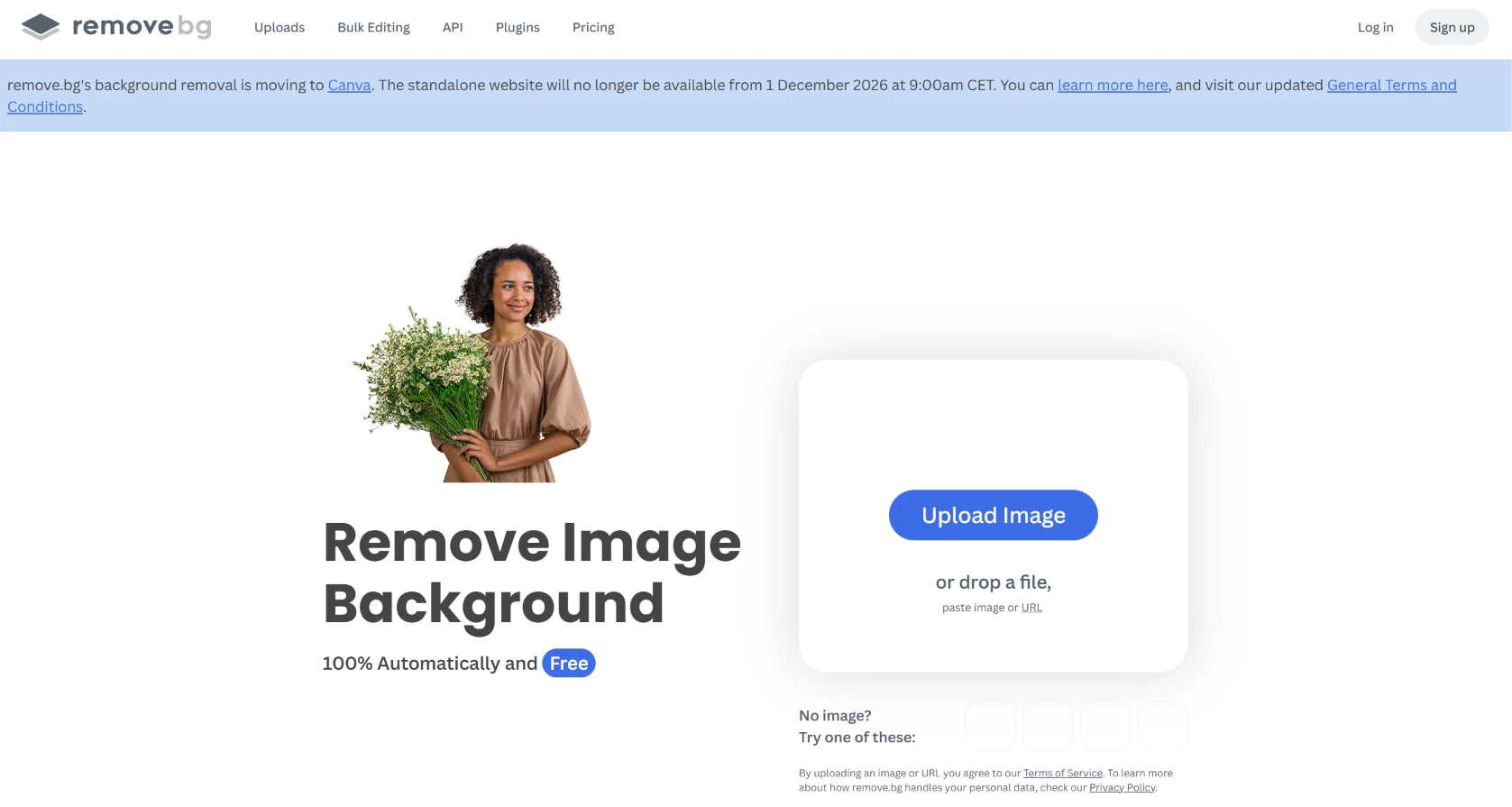
Remove.bg is a household name in this field. As early as 2018, it turned "upload an image, remove the background in five seconds" into a mass-market product. Before that, image masking was something only advanced Photoshop users could do. Since then, anyone can get an image with a transparent background in under a minute. It boasts highly sophisticated recognition capabilities for both people and product images, and its API ecosystem is the most comprehensive among these tools. If you want to integrate it into your own system, its documentation and interface design will save you a lot of trouble. However, there are two changes you need to be aware of. First, its free web version only provides a low-resolution preview of 0.25 MP; to download high-resolution images, you need to purchase credits on a per-image basis. So while you can remove background online and preview the result for free, full-resolution downloads are a separate consideration.If you’re processing hundreds or thousands of images in bulk, the per-image pricing can end up being significantly more expensive than tools with a monthly subscription model. Second, its standalone website has announced that it will shut down on December 1, 2026, and the background removal feature will be migrated to Leonardo.ai, a Canva subsidiary. This means you can use it without any issues for now, but if you’re planning a long-term workflow, you’ll need to factor in this transition. It’s still a good tool, but "working well now" and "working well in the long run" are two different things.
BRIA-RMBG-2.0
Website address: https://huggingface.co/spaces/briaai/BRIA-RMBG-2.0
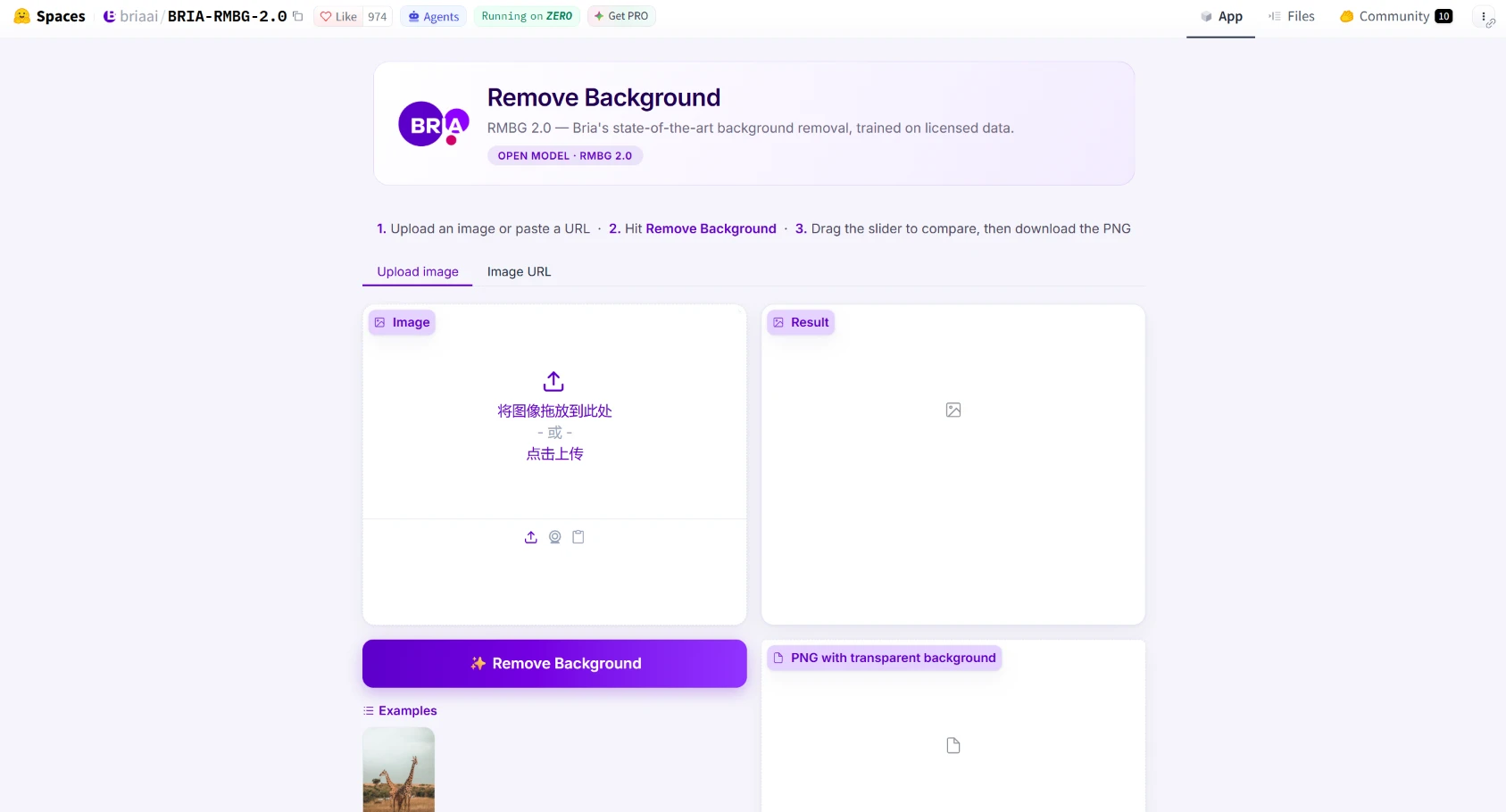
This tool is a bit different from the first five. The first five are all "products" that you can use right away by opening a web page. BRIA-RMBG-2.0 is an open-source model hosted on Hugging Face. Its accuracy metrics are impressive: it achieves 90.141 TP3T on the standard test set, representing an improvement of nearly 17 percentage points over the previous generation. Processing a 1024×1024 image takes only about 0.15 seconds. All of its training data comes from licensed, professional datasets, which is a significant advantage for commercial projects requiring compliance. Based on the BiRefNet architecture, the model delivers more detailed results on hair strands and complex edges than many free tools. However, the user experience is not "plug-and-play." You need to go to the Hugging Face Space page, upload an image, and wait for the model to finish processing. Its interface lacks product image templates, a background replacement panel, or one-click white-background export. It provides you with a high-quality image with a transparent background; you’ll have to complete the rest of the process elsewhere. So who is it for? It’s ideal for those who require the highest accuracy and are willing to put in a little extra effort. It’s also great for developers, as its open-source nature means you can integrate it into your own workflow. If you’re only processing one or two photos occasionally, the first five tools will be more convenient. If you're obsessed with precision, or if you need a model you can control yourself, BRIA-RMBG-2.0 is worth spending ten minutes getting familiar with. It's especially interesting for users who prioritize clean edges and want to remove background high quality, even if the process takes more effort.