

My website uses the AeroCore theme. I’ve encountered two issues: the date archive page and the site search page have been indexed by Google, but these pages are of no use to users; the pagination titles on the category, tag, and author pages are exactly the same, so Google may consider these pages to be duplicate content. To resolve these issues, I added a few lines of PHP code to the functions.php file in my child theme. This code consists of two parts:
 2026-09-03

My website uses the AeroCore theme, and I noticed that there are many images on the post and list pages—all of which use lazy loading, including the above-the-fold section. However, using lazy loading for the above-the-fold section affects the LCP score. I’m also using a few third-party scripts and stylesheets, which have caused the above-the-fold section to load very slowly. My LCP score isn’t very high either. So I wrote a piece of PHP code. This code consists of four parts. The first part sets the images to “eager” and
2026-09-01

The CutMovie keyboard shortcuts in this guide are grouped by editing function. Each table lists the shortcuts for Windows and Mac separately, making it easy for you to quickly find the corresponding shortcut while working. Playback Shortcuts Playback controls are the most commonly used type of shortcut, allowing you to play, pause, and navigate through videos without using a mouse. Action Windows Mac Play
2026-08-30
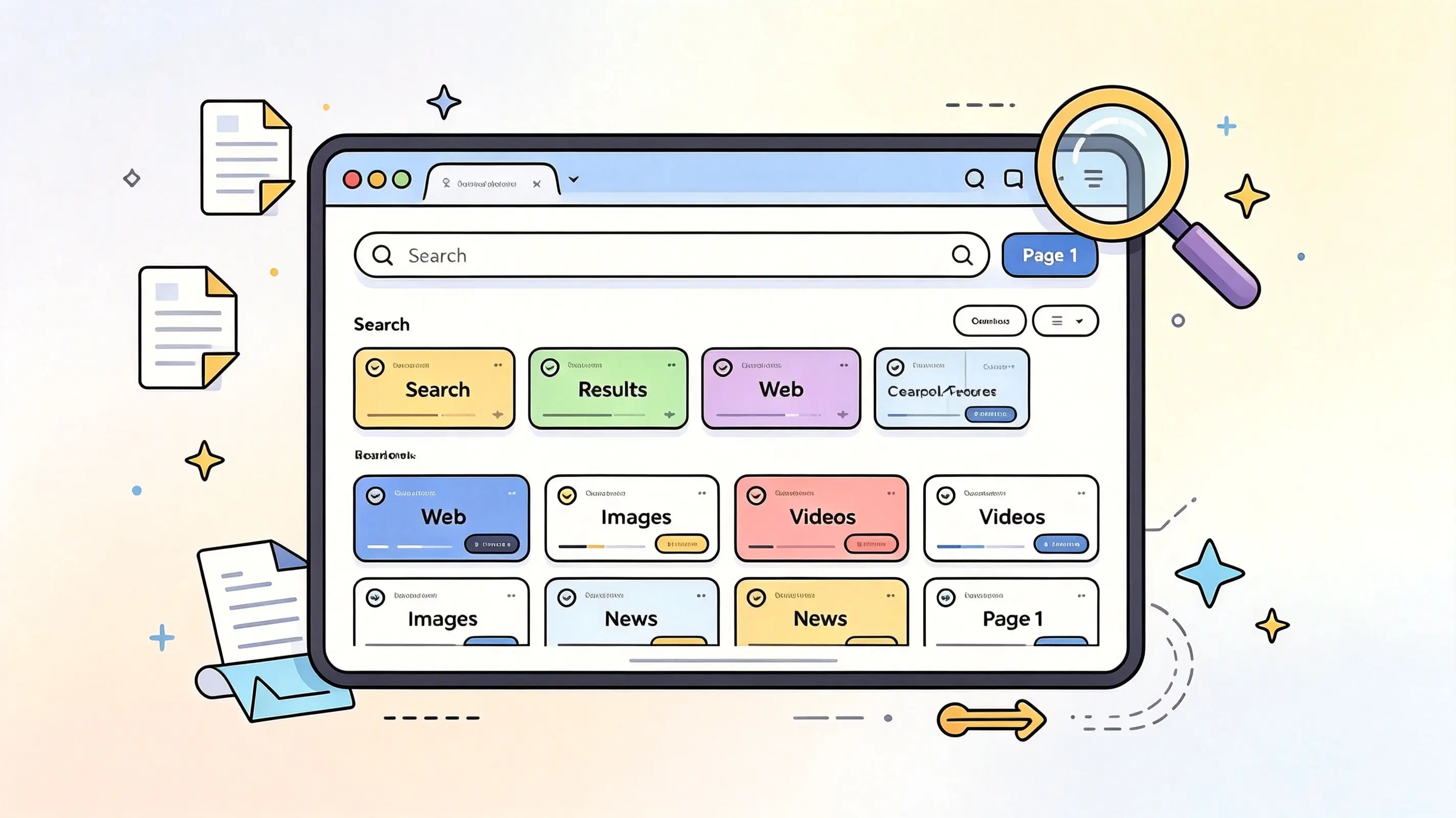
Looking for a search aggregator that lets you break free from the limitations of a single search engine? Here are four useful options: 100 Search Engines, SearchAll.net, Fagan Finder, and eTools.ch. They offer a variety of multi-source search methods, ranging from search engine directories to platforms that aggregate multiple search sources—
2026-08-29

💡 Preliminary Note: With this tutorial, you’ll learn how to automatically redirect users to a specified URL when they visit your domain. ⚠️ Important Note: After modifying your domain’s DNS servers, it takes some time for the changes to take effect (typically anywhere from several tens of minutes to 24 hours, and up to 48 hours). Please be patient after completing the configuration and avoid testing repeatedly. Step 1: Add your domain to Cloudfl
2026-08-28

When I was a kid, I really loved that set of 300 Chinese game discs that came with the DVD player. Back then, I’d wait for my dad to get home from work so we could play together with the controllers, while my mom would call us to dinner. Those were such wonderful, carefree times. Even though I have a ton of game ROMs and emulators now, that feeling is gone forever.
2026-08-25

1. Prepare the data source (XLSX file format) Prepare your website data, including the website name, website URL, primary categories, secondary categories, website description, SEO title, SEO meta description, and website introduction article 2. Import Data Using the WP All Import Pro Plugin ① On the plugin page, select “Upload a f
2026-08-22
As a WordPress site administrator or SEO professional, have you ever been frustrated by the proliferation of duplicate content on your site? Due to pagination, tags, tracking parameters, and other factors, the same content is often accessible via multiple different URLs. This not only dilutes page authority but also makes it difficult for search engines to determine which version is the “authoritative” one. Today, we’d like to recommend a new tool—WP Canonical Mana
2026-08-09

I wrote a small plugin to fix the issue where TranslatePress sites only have a sitemap for the default language If you’re using TranslatePress to build a multilingual WordPress site, you might run into an awkward problem: even though your site has English, French, and Spanish versions—among others—search engines can only crawl the pages in the default language. Reason
2026-08-04

The older I get, the more mistakes I realize I’ve made, and the bigger the trouble I’ve caused. I’ve gone from being someone no one ever disliked to someone who is disliked by others. After thinking about it, I realize I actually have quite a few character flaws. For all these years, I’ve been trying to escape or avoid letting others discover my problems, hoping to become someone everyone likes. Come to think of it, perhaps the reason no one disliked me before was because I was always hiding behind a mask. But in certain situations, when I’m feeling flustered…
2026-07-30