Discover useful websites, free resource sites, and online tools for everyday tasks. Explore websites for web search, image editing, file conversion, design resources, and productivity. Find practical introductions, hands-on reviews, and helpful guides to discover useful online resources and make the most of the web.

When searching for free icon download sites for my design projects, I've run into quite a few licensing pitfalls. There are many free icon websites online that appear to offer a wealth of resources, but some say “free download” only to reveal that a membership is required for commercial use once you click through; others provide free icon assets without clearly specifying copyright and licensing terms. In this post, I've compiled a list of the best free icon websites and free icon libraries I frequently use, organized into three categories based on licensing type, with detailed explanations of which icons can be used for free in commercial projects and which require attribution.
 2026-11-17

There are many “collections of amazing websites” online, but most are either long defunct or just filler. Each of the 34 listed below has been verified: they’re still up and running, free and functional, and have no registration barriers. They’re organized into six major categories, with URLs and one-sentence descriptions included.
2026-11-17
I used to think that editing photos, cutting videos, or making PowerPoint presentations required installing all sorts of paid software. Later, I discovered that GitHub and the open-source community offer plenty of useful tools—you don’t actually have to spend money to meet your everyday needs. I’ve compiled a list of 10 truly useful free and open-source software programs; their features and official websites are listed below. Feel free to bookmark this page and take your time exploring it. 🔥 ① GIMP | A Free Alternative to Photoshop GIMP is free, open-source image editing software,
2026-11-09
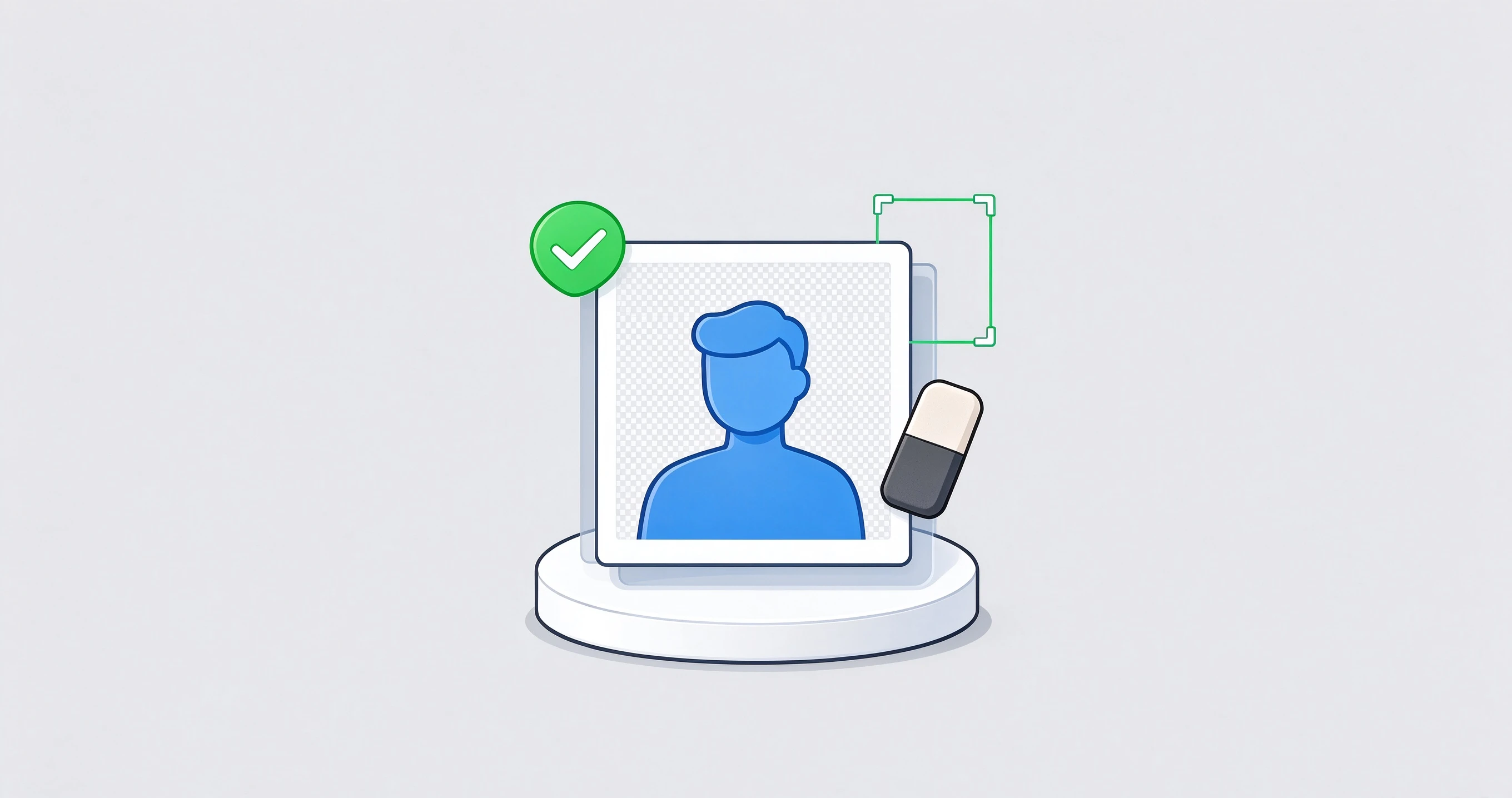
A while back, I helped a friend with a product photo. The photo itself turned out pretty well, but the background was a bit cluttered. I wanted to remove the background and replace it with a clean, transparent white background. I thought it would be easy. But when I opened the first website, uploaded the image, and waited for what seemed like forever, a message popped up when I tried to download it: “You have to pay for high-resolution images.” I tried another tool. It claimed to remove backgrounds for free, but the resulting image was pitifully small—when I put it on the product page, it was completely pixelated.
2026-10-17

When I first started using the AI Agent, I really thought of it as an all-around worker. But after using it for a while, I realized that while it can understand requests, write, and chat, it doesn’t magically develop new skills on its own. Later, I added skills to the agent one by one, and my efficiency shot up immediately. Some tasks that used to require switching between several tools to complete can now be handled by a single agent. It was also around that time that I started paying close attention to AI a
2026-09-14

I’ve been tinkering with installing skills for my AI agent lately, and there’s one thing that’s been giving me a real headache. The skill descriptions on English-language platforms are just too difficult to read. So I thought, why not try a few Chinese platforms instead? It took me about two weeks in total. I basically tried every Chinese AI agent skills platform I could find, and in the end, I narrowed it down to five that I think are worth talking about. 1. SkillHub Website: htt
2026-09-14
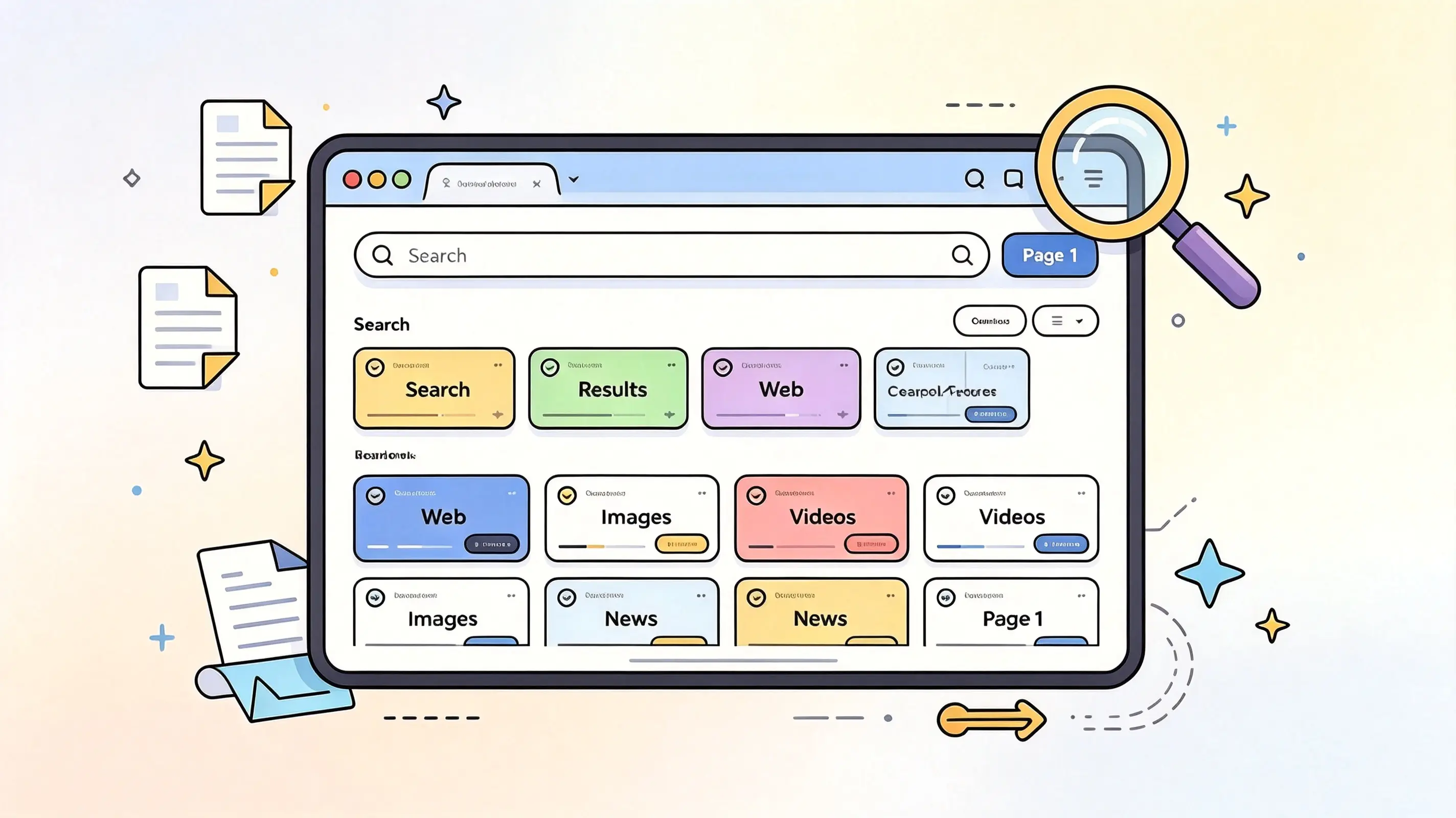
Looking for a search aggregator that lets you break free from the limitations of a single search engine? Here are four useful options: 100 Search Engines, SearchAll.net, Fagan Finder, and eTools.ch. They offer a variety of multi-source search methods, ranging from search engine directories to platforms that aggregate multiple search sources—
2026-08-29

You’ve probably run into this situation: you have a file in a rare format that common office software can’t convert, but you’re hesitant to download a large program because you’re worried it might come bundled with a bunch of unnecessary extras. Since I regularly handle a large volume of files, I’ve accumulated a collection of very useful file converters. These are all web-based—you just need to open your browser to use them—and they’re all free and highly professional. Today, I’ll introduce them to you one by one. One-click image conversion
2026-07-26
When working on website operations and design, I often encounter issues related to image format conversion. After trying out various online tools, I’ve identified three excellent websites for converting image formats. Each of these tools has its own unique features and can handle general format conversions, vector image conversions, and large file processing. You can choose the one that best suits your needs. JinaConvert Website: https://jinaconver
2026-07-26
📑 Table of Contents 📖 Free Markdown Tutorial Websites ✏️ Two Online Markdown Editors Yige Muhuan zybuluo 🔄 Four Markdown Conversion Tools mdtoword.org markdowntoword.io MarkFlo
2026-07-13