Explore practical AI Agent Skills, Claude Skills, and curated skill collections for everyday workflows. Find useful skills for AI writing, PowerPoint, Excel, web design, and productivity. We review skill platforms, compare useful tools, and share practical guides to help you discover, choose, and install the right skills for your AI agents.
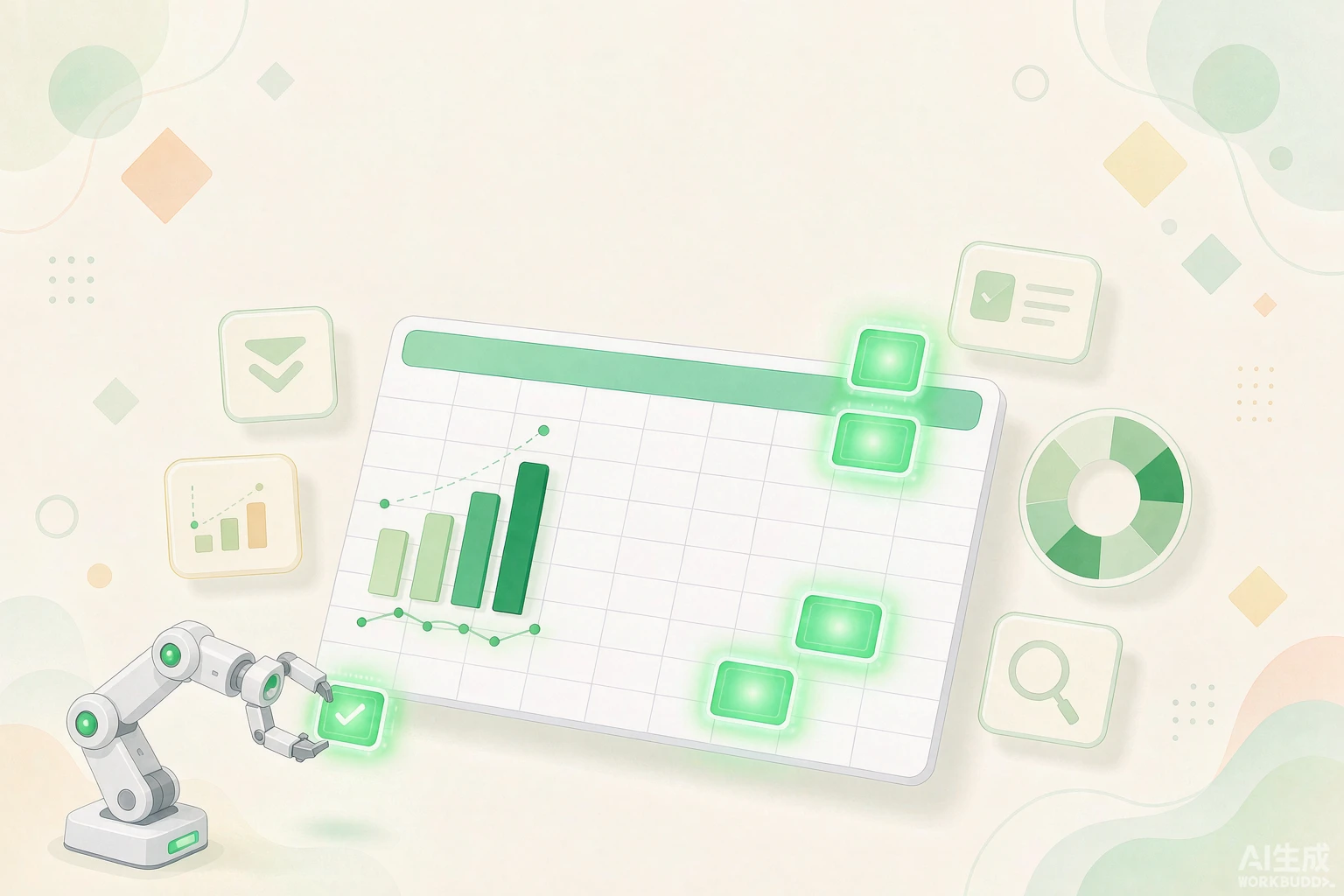
The most tedious part of working with Excel is always the entire process: cleaning data, writing formulas, summarizing results, and checking for errors. I cross-checked each entry from the two lists one by one on GitHub, removed those for which I couldn’t find the source code, and narrowed it down to 15 Skills that can actually be installed. I grouped them into three categories based on their use, along with star ratings and repository links—the star ratings are for reference only.
 2026-11-18

After removing duplicates from three lists, I selected 15 AI tools for creating PowerPoint presentations. I opened each GitHub repository to verify the number of stars and the URL, then categorized them into four groups: native PPTX, web-based slideshows, full-service design, and image galleries. At the end, there are also installation recommendations tailored to specific use cases; just pick three or four based on those, and you’ll be all set.
2026-11-18

Do websites created with AI always look obviously fake? This article highlights 20 web design tools, grouped by category—setting direction, building layouts, reviewing details, and removing the “AI look”—and includes star counts and repository links. At the end, we also provide installation recommendations tailored to specific scenarios; just pick three or four of these, and you’ll be all set.
2026-11-18
I’ve written quite a bit using AI. After finishing, I’d read it over and thought it flowed pretty well. But when I sent it out, the recipient would reply, “This was written by AI, right?” My heart would skip a beat. I’d clearly tweaked a few words and adjusted the tone, yet they still spotted it right away. This isn’t your fault. It’s the “default mode” of AI writing that’s to blame. When large language models generate text, they choose the phrasing that “holds true in the most situations.” They’re writing for everyone—not just for you. These “default
2026-09-25

Last month, I showed an article I’d written to a friend. He replied, “Did you write this with AI?” I said no. He then asked, “Then why does it read like it was written by AI?” That question stumped me. It wasn’t until later that I realized why. I usually use AI to help me organize my thoughts and outline my structure, but as I kept editing, my writing started to take on a machine-like tone. AI is particularly fond of phrases like “Furthermore,” “It is worth noting that,” and “In today’s
2026-09-25
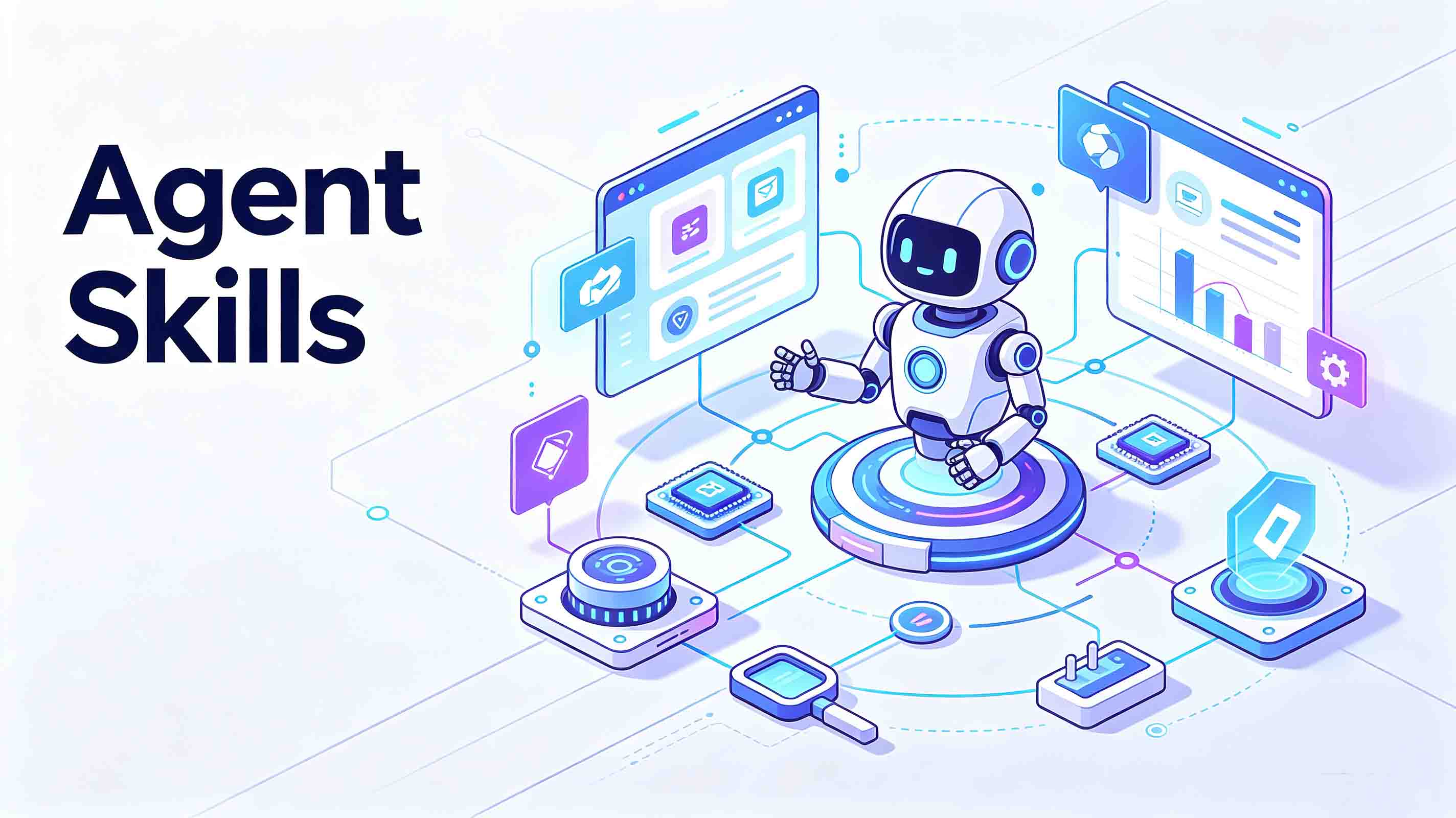
When I first started using the AI Agent, I really thought of it as an all-around worker. But after using it for a while, I realized that while it can understand requests, write, and chat, it doesn’t magically develop new skills on its own. Later, I added skills to the agent one by one, and my efficiency shot up immediately. Some tasks that used to require switching between several tools to complete can now be handled by a single agent. It was also around that time that I started paying close attention to AI a
2026-09-14
I’ve been tinkering with installing skills for my AI agent lately, and there’s one thing that’s been giving me a real headache. The skill descriptions on English-language platforms are just too difficult to read. So I thought, why not try a few Chinese platforms instead? It took me about two weeks in total. I basically tried every Chinese AI agent skills platform I could find, and in the end, I narrowed it down to five that I think are worth talking about. 1. SkillHub Website: htt
2026-09-14