
When working on website operations and design, I often encounter issues related to image format conversion. After trying out various online tools, I’ve identified three excellent websites for converting image formats. Each of these tools has its own unique features and can handle general format conversions, vector image conversions, and large file processing. You can choose the one that best suits your needs.
JinaConvert
Website address:https://jinaconvert.com/
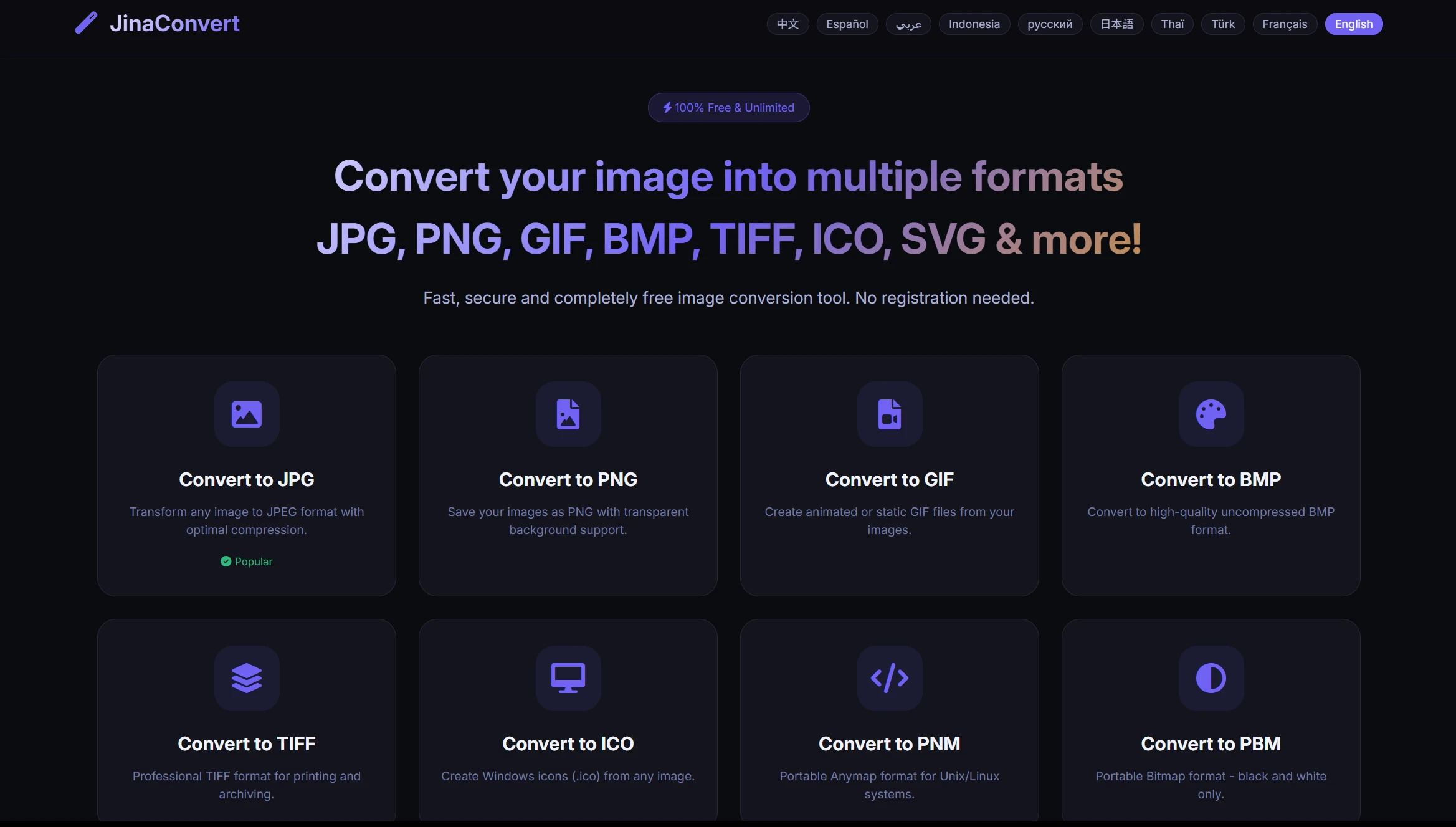
JinaConvert is an online tool dedicated to image format conversion. It supports a wide variety of formats. It can convert common formats such as JPG, PNG, GIF, and BMP, as well as more specialized formats like TIFF, ICO, and SVG.
This website is easy to use—simply upload your images, select the desired output format, and click “Convert.” Plus, the site is free of any unnecessary clutter, loads quickly, and is well-suited for converting large batches of images, as it allows you to upload multiple images at once and complete the conversion in a single step.
For everyday office tasks and web design needs, JinaConvert meets basic requirements. For example, you can use this website to convert PNG files to JPG to reduce file size, or convert standard images to ICO format for use as website icons.
Vectorizer
Website address:https://vectorizer.com/
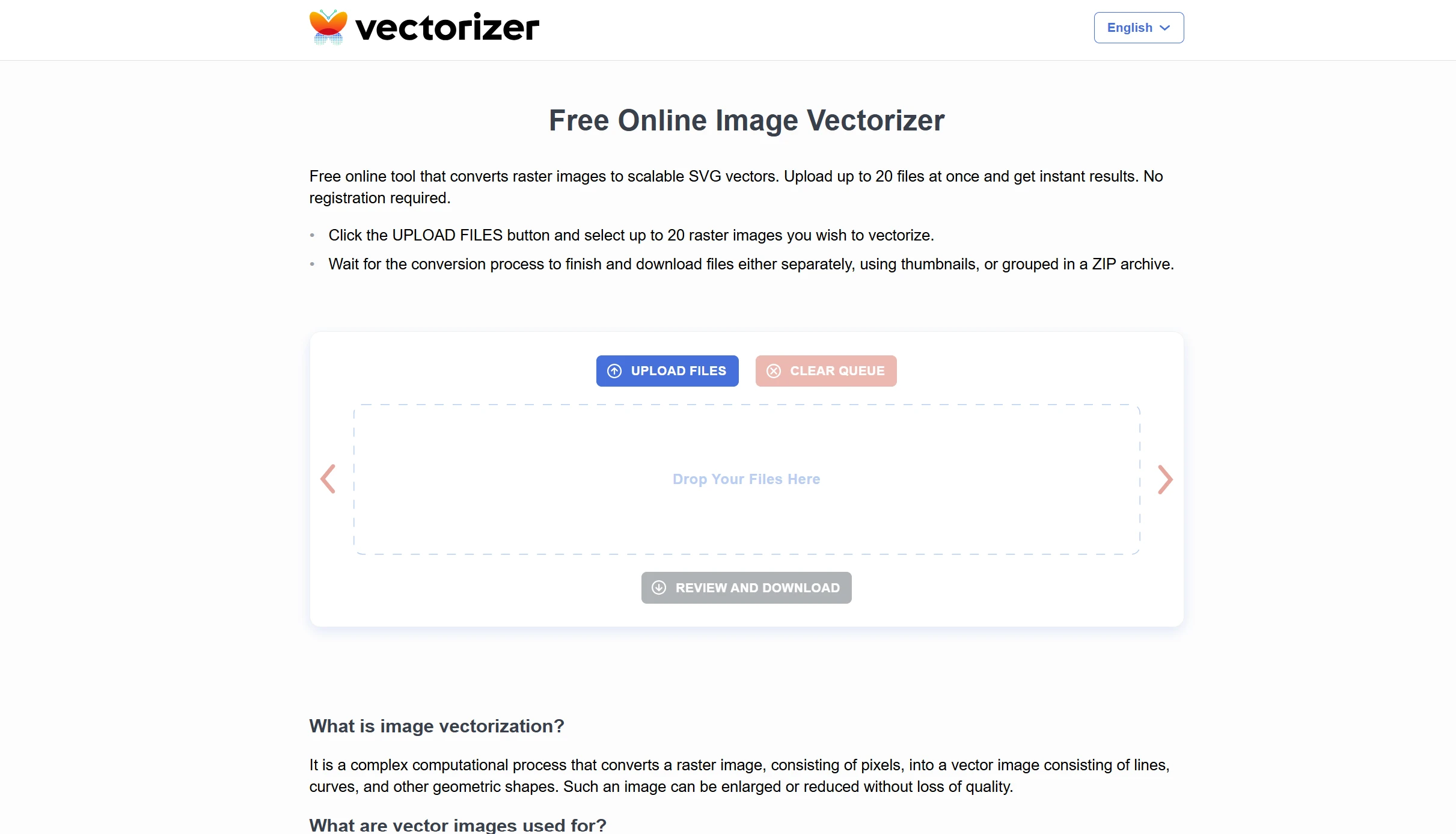
Vectorizer differs from typical image format conversion websites in that it specializes in converting bitmap images to vector graphics. Common formats like JPG and PNG are bitmap images, which tend to become pixelated when enlarged. Vector graphics, however, do not suffer from this issue; their lines remain smooth at any scale.
This tool uses AI algorithms to identify lines and color areas in images of people. It can convert pixels into geometric shapes. Upload a logo or icon, and you’ll receive a vector image file in SVG format within seconds. It also supports output in various vector formats, including SVG, PDF, and EPS.
Designers and those who create brand materials often use Vectorizer. For example, when a client’s logo needs to be scaled up for a poster, or when hand-drawn sketches need to be converted into an editable vector format, Vectorizer can significantly reduce the amount of manual redrawing required. It also supports converting full-color images to vectors, while preserving gradients and transparency.
Omnifile
Website address:https://omnifile.co/
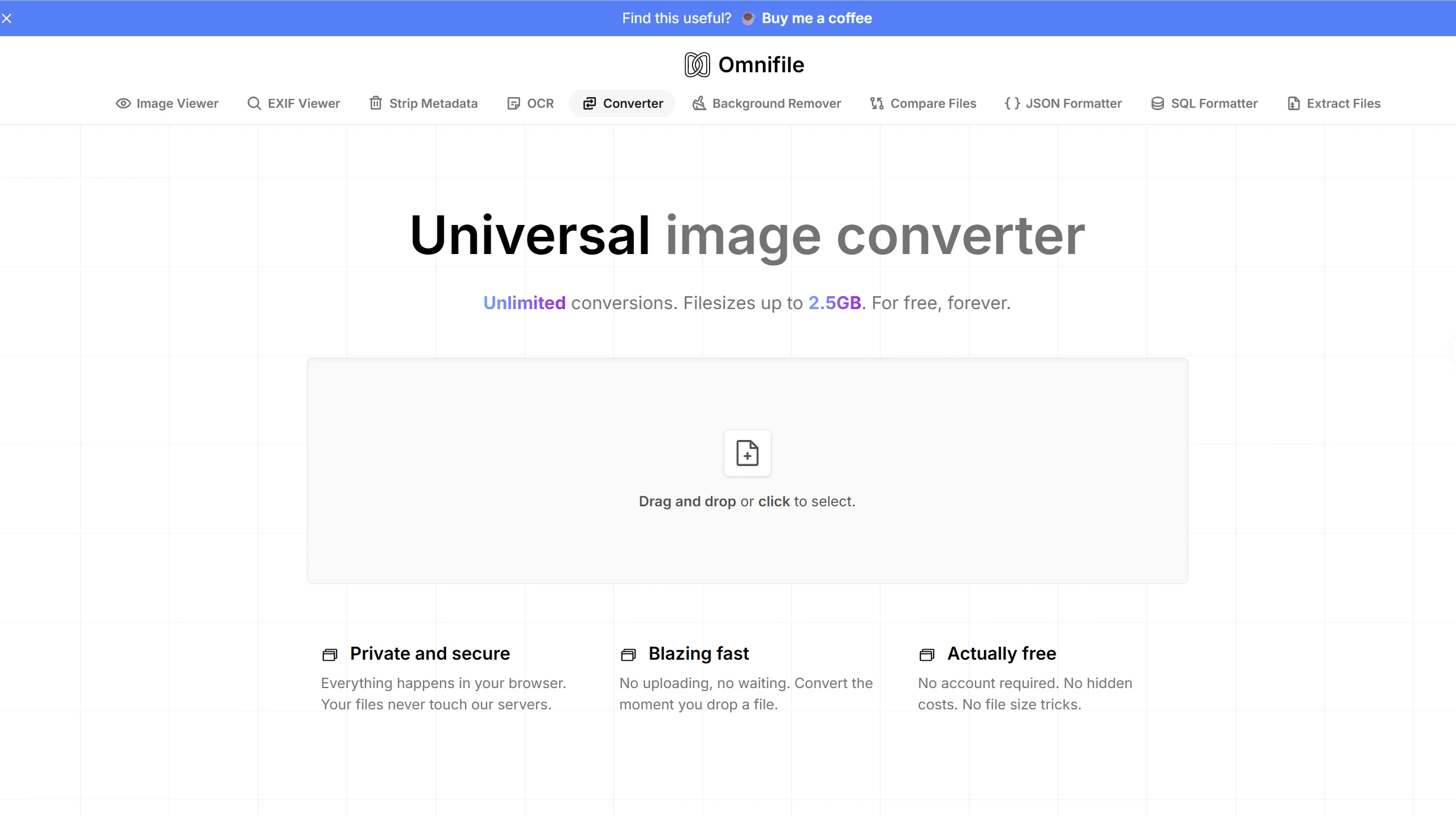
Omnifile is the most powerful of these three websites. It can convert image formats while also handling various types of documents, as well as audio and video files. For images, it supports conversion between more than 100 different formats.
The biggest advantage of this tool is that it runs locally—you don’t need to upload files to a server, and you can perform all operations right in your browser. This means you don’t have to worry about data leaks when processing private photos. Since there’s no need to upload files, the conversion is extremely fast; small files are processed almost instantly.
Omnifile is completely free and requires no login. It can handle individual files up to 2.5 GB in size, making it a breeze to convert even large, high-resolution images. Plus, you can upload multiple files at once for conversion, making it extremely convenient and fast. If you’re looking for a powerful file format converter, this is your top choice.
How to Choose the Right Image Format Conversion Tool for You
If you need to convert between common image formats, simply use JinaConvert—it supports the widest range of formats and is the easiest to use. If you need to convert bitmap images to vector graphics, use Vectorizer, which produces high-quality AI conversions. If you have large or confidential files to process, or if you need to convert different types of files, Omnifile is your best choice.
I’ve tried all three of these image format conversion websites, and they’re all very stable and produce excellent results. You can bookmark them, and then choose the appropriate one whenever you have different needs. If you need a conversion tool that supports more formats, check out this article on our site:Recommended File Format Conversion Tools