
If you need to set up a domain name for your project or website, you’ll probably find it quite a hassle. That’s because domain names require an annual fee. Cloudflare’s free second-level domain service is the perfect solution—it provides each user with a free third-level domain. Let’s take a look at how to sign up!
1. Sign up for a Cloudflare account
① Go to the official Cloudflare website:https://www.cloudns.net/
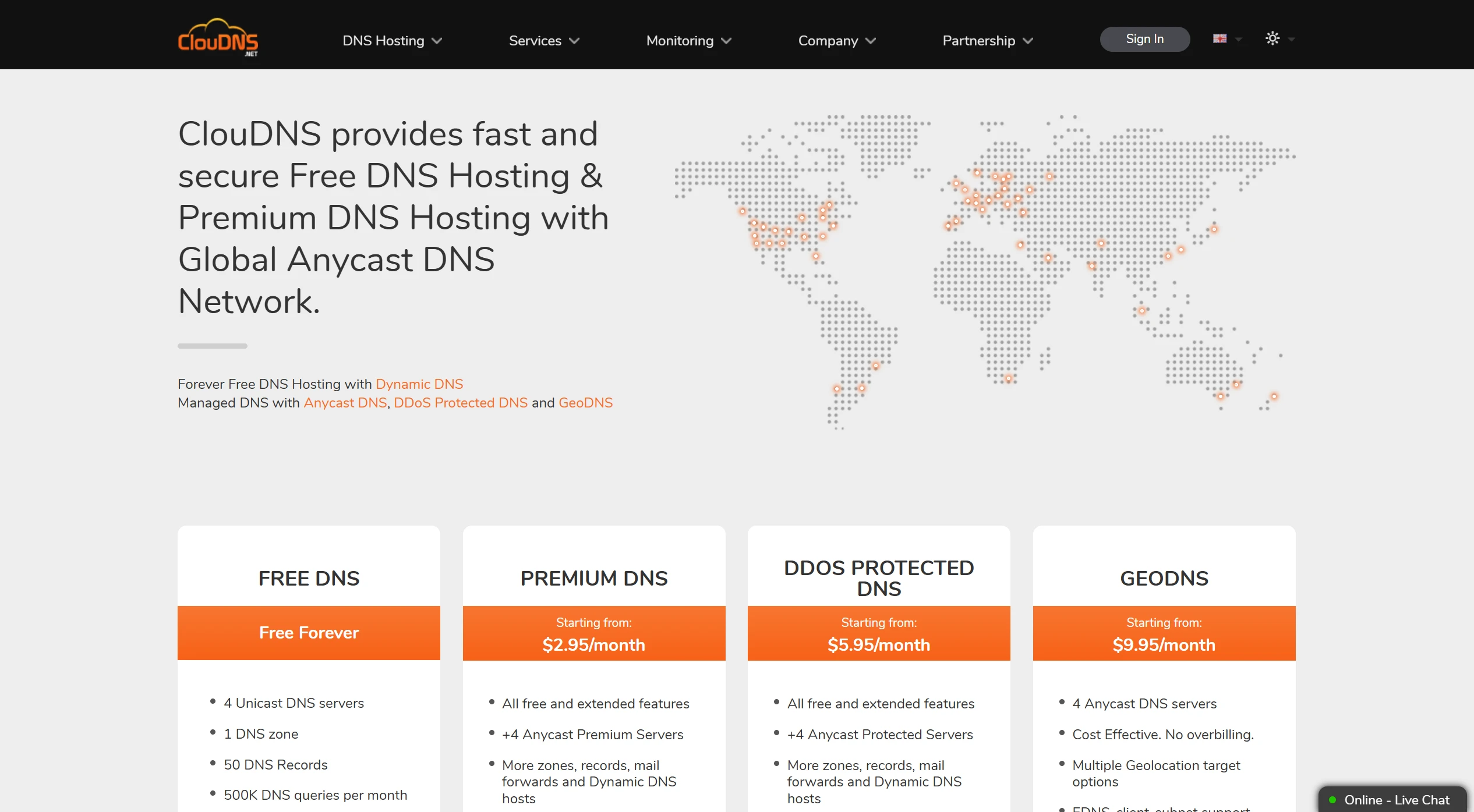
② Click the "Sign In" button in the upper-right corner, select the "Sign Up" option, and enter your information to register an account
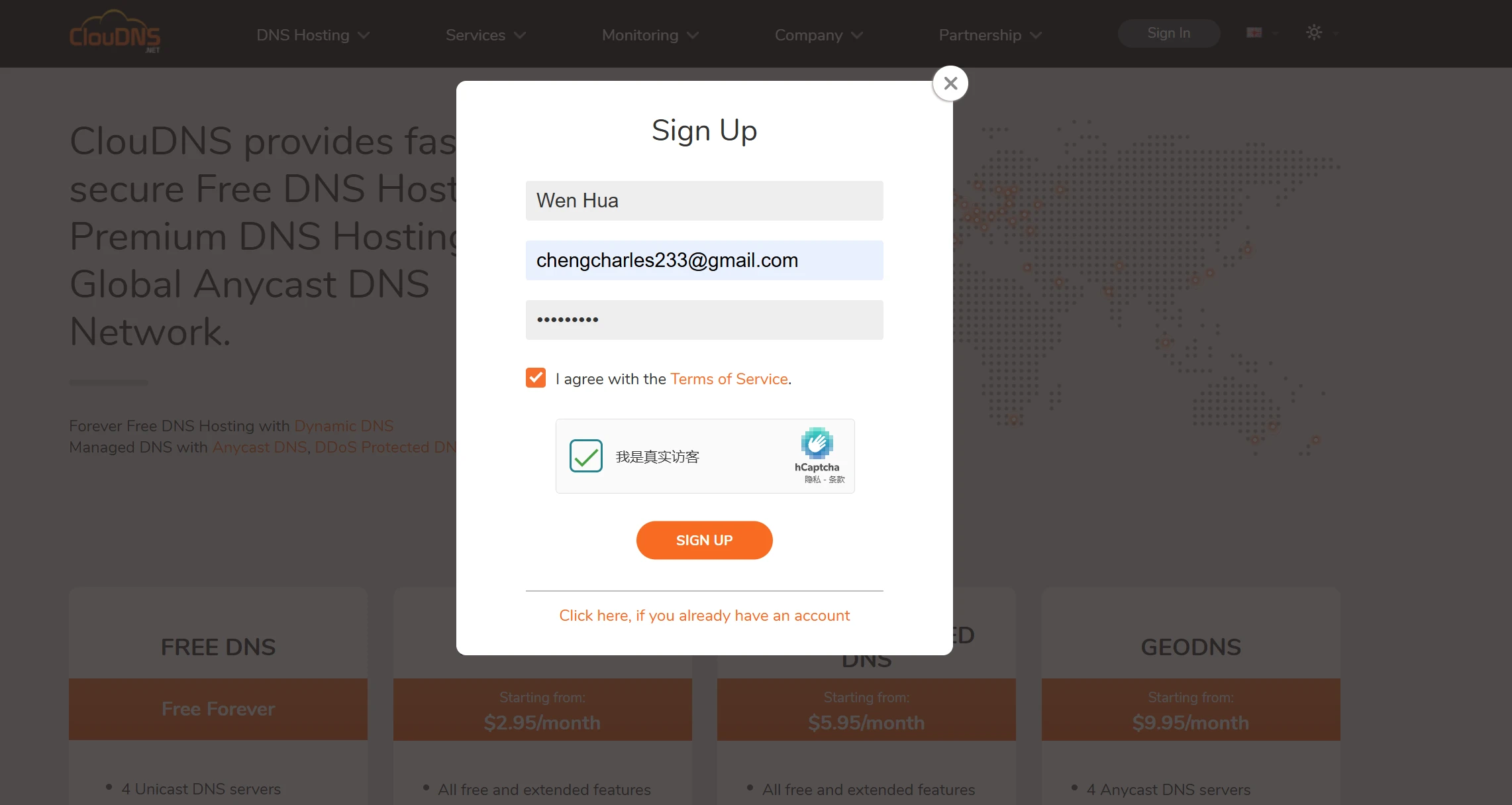
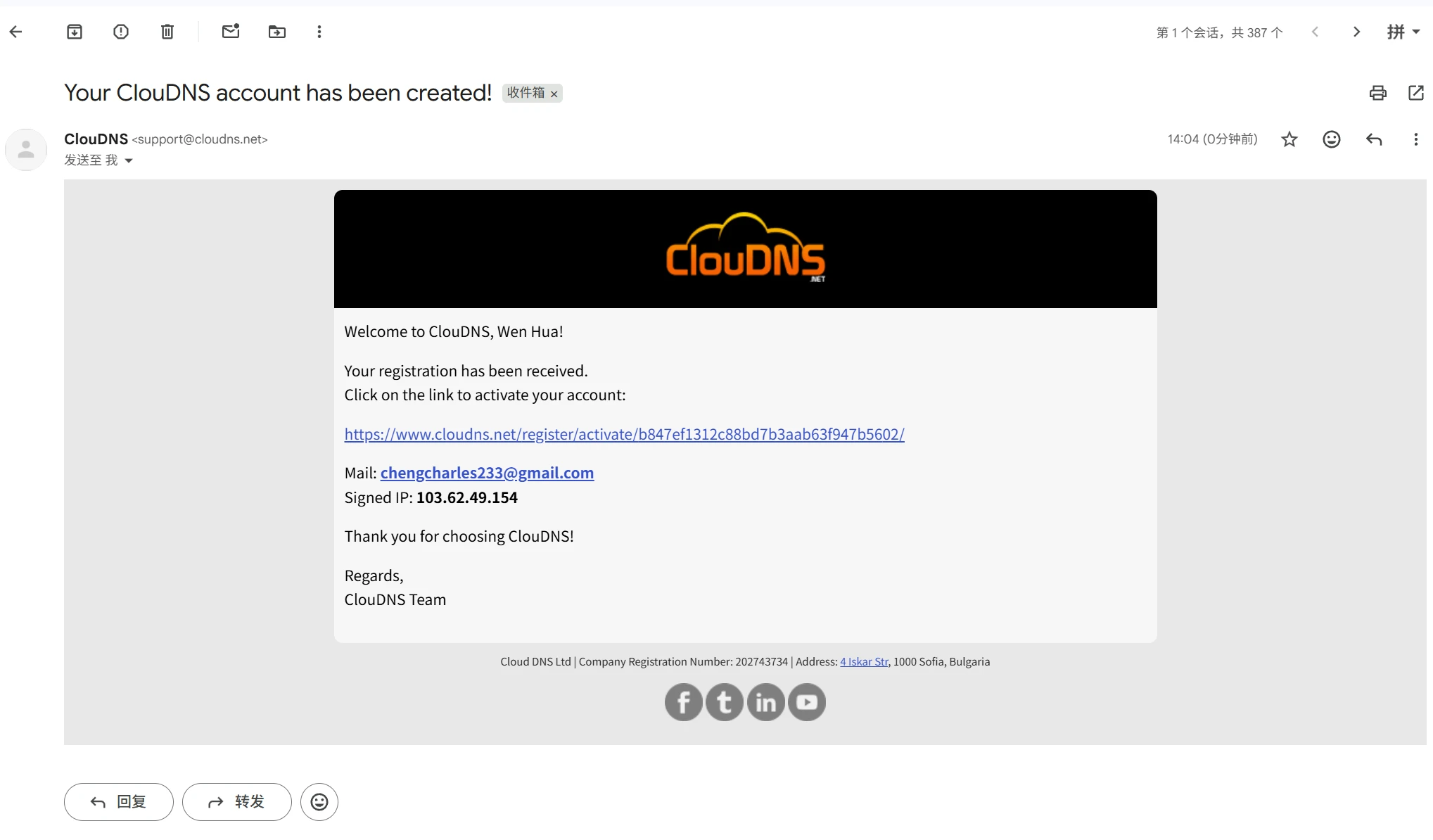
2. Activate your Cloudflare account
① Click the activation link sent to your registration email address
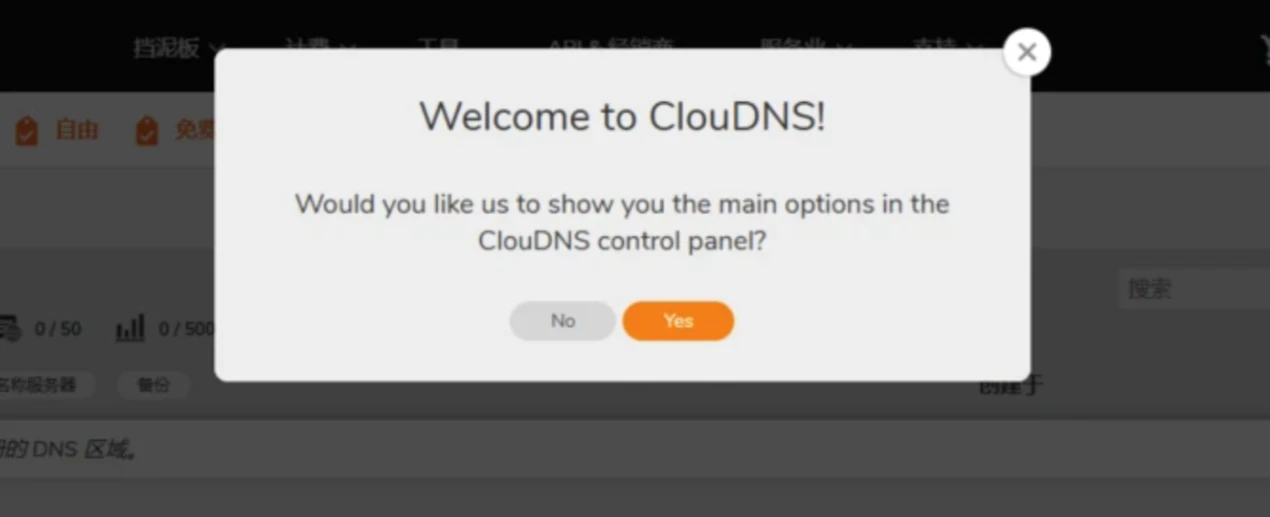
② After clicking, you will be automatically redirected to the CloudDNS control panel
3. Create a DNS zone and a free domain name
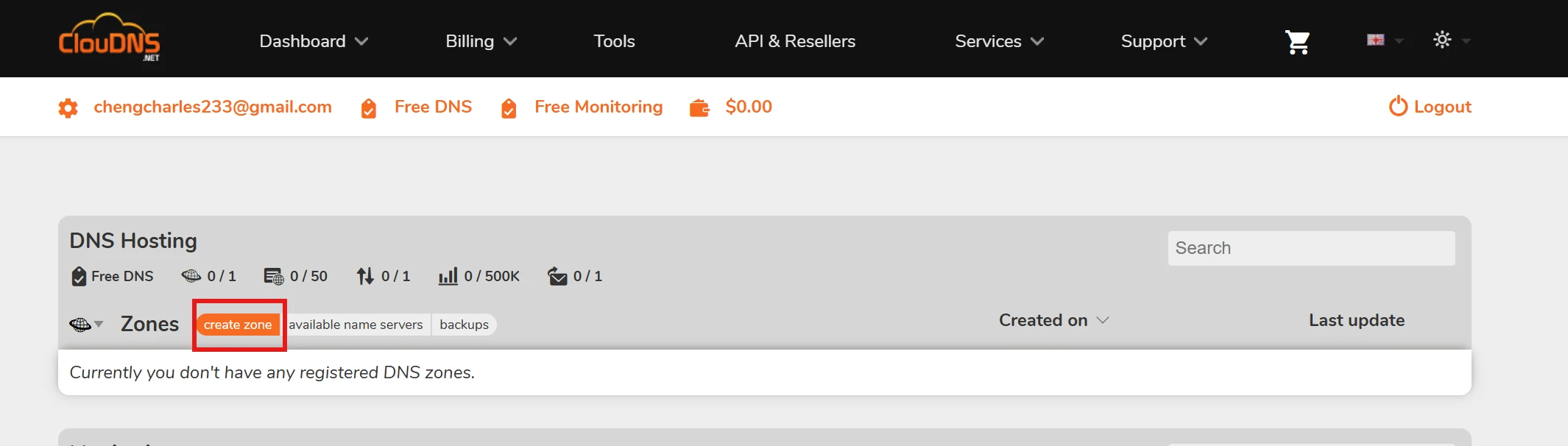
① In the Control Panel's DNS Hosting Region, click create zone
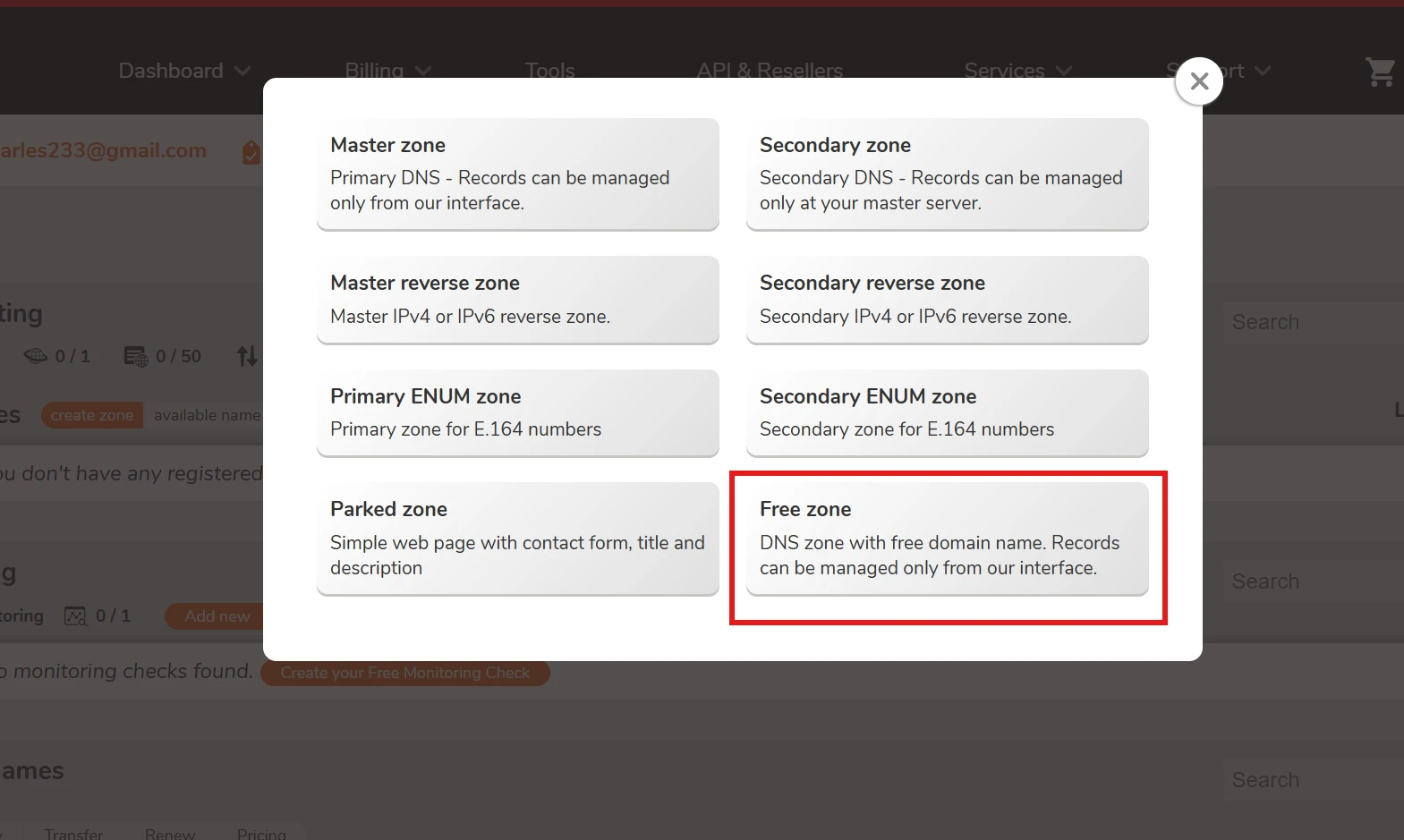
② Select Free Zone Options
③ Custom Subdomains
Next, you can start from .abrdns.com 和 .cloud-ip.cc Choose one of these two free second-level domain extensions and enter a prefix for your domain, such asstools, so the free second-level domain you'll ultimately receive will be: stools.abrdns.com
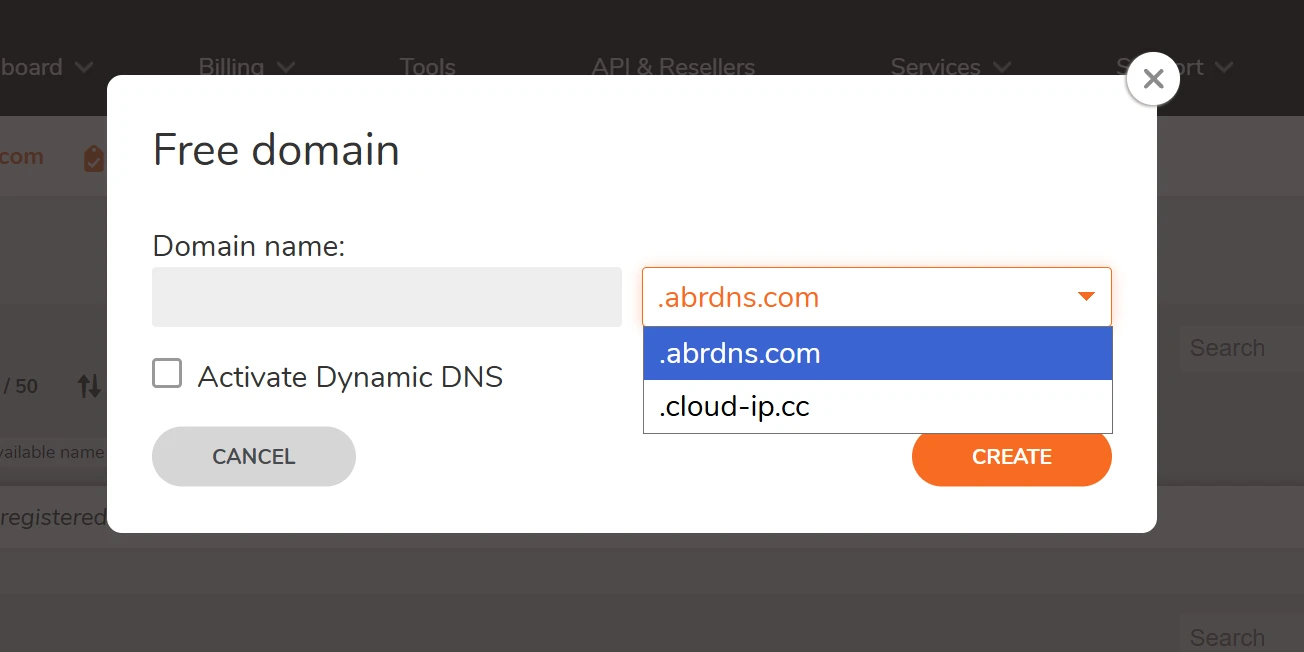
④ Click CREATE Create a Domain Name
4. Domain Name Resolution Settings
Once the domain has been successfully created, you'll see the domain name resolution control panel, where you can add your domain name resolution records by clicking the "Add new record" button.
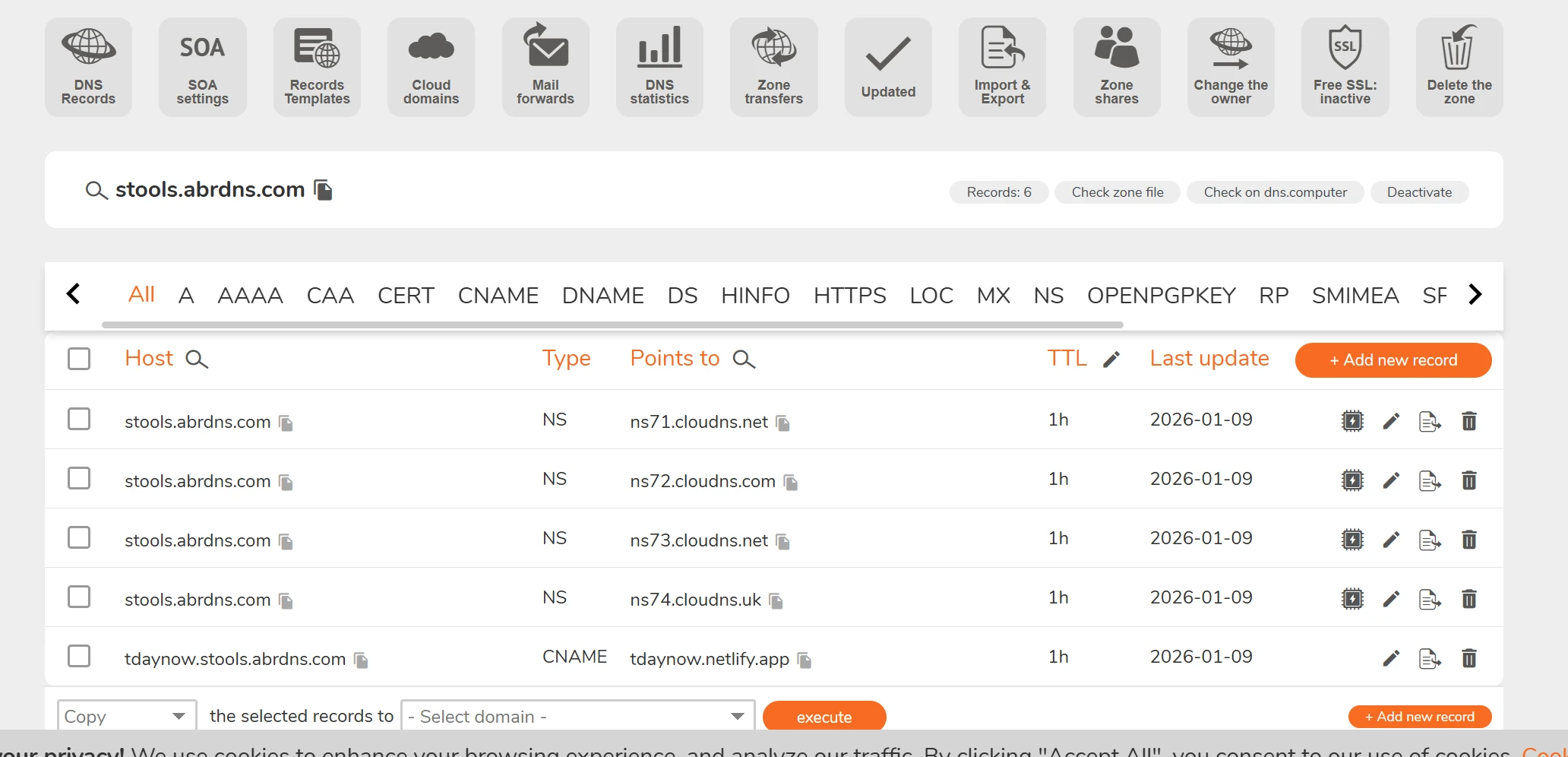
By following the steps above, you have successfully created a free domain on ClouDNS.
Frequently Asked Questions (FAQ)
What should you keep in mind when creating DNS records?
When creating a DNS record, you must ensure that the record type, hostname, IP address, and other information are entered correctly. If the information is configured incorrectly, the domain name may not resolve properly to the corresponding website or server. After modifying the DNS settings, it may take some time for the changes to take full effect.
What are the limitations of the ClouDNS free plan?
The free plan still has certain resource limitations, which currently include 1 DNS zone, 50 DNS records, and 500,000 DNS queries per month. Therefore, as long as you comply with ClouDNS's service policies, you can use the service indefinitely within the limits of the free plan.
ClouDNS's free plan meets basic DNS resolution needs, but some advanced features are not included in the free plan. For example, features such as GeoDNS and DDoS protection may require an upgrade to a paid plan. If you're using it only for a personal website or a test project, the free plan is usually sufficient to meet your basic needs.
Is this subdomain free forever?
According to ClouDNS's official documentation, its Free DNS service is Free Forever That's right—there are no expiration dates, hidden fees, or usage-based charges. However, whether a subdomain itself can be used for free in the long term depends on the service provider offering the domain and its relevant policies. If the provider revises its free policy, discontinues a particular domain extension, or if the user violates the terms of use, this may affect the normal use of the domain. Therefore, if you plan to use it for a long-term project, it is recommended that you familiarize yourself with the provider’s usage terms and relevant policies in advance.
Are subdomains suitable for SEO?
Yes. The fact that a subdomain is a free domain does not directly affect SEO; search engines can still crawl and index subdomain websites normally. A website’s SEO performance primarily depends on factors such as content quality, site structure, user experience, and backlinks.
However, if you place a high priority on SEO performance, brand building, and the long-term development of your website, we recommend using a custom domain that you’ve registered and purchased yourself. This gives you full control over the domain and is better suited for building search traffic and brand value over the long term.