
In our daily work and studies, we inevitably have to deal with PDFs. Merging documents, compressing file sizes, and converting them to Word may seem like simple tasks, but finding a tool that really works well can be quite a challenge. I’ve tried quite a few online platforms myself, and today I’ve picked out six that I find most useful to share with you. They each take a slightly different approach—some are completely free with no usage limits, some offer a wide range of features, and others focus on being simple and easy to use. Just pick the one that best suits your needs.
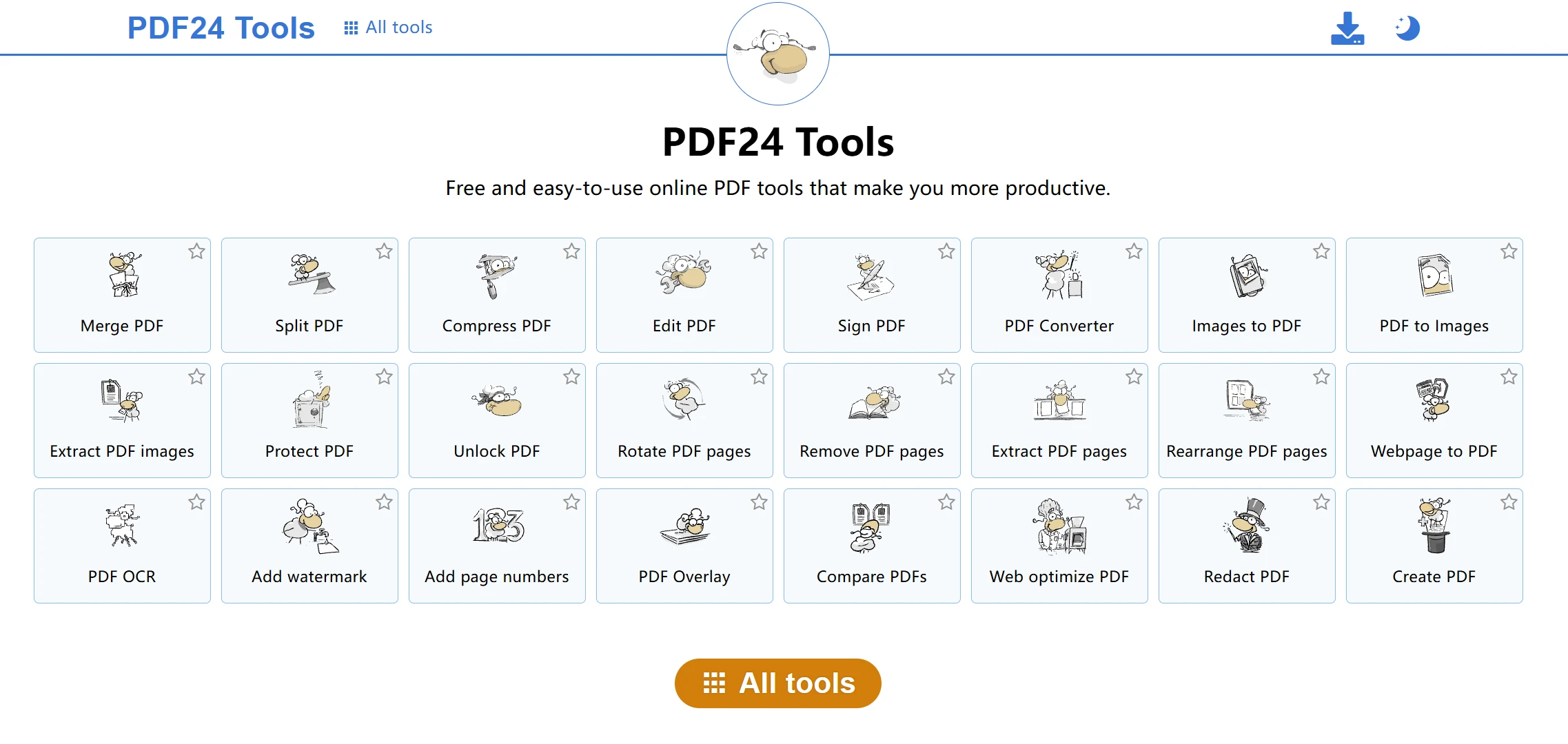
PDF24 Tools
Website link: https://tools.pdf24.org/en/
PDF24 Tools is the one I use most often. The best part is that it’s completely free with no restrictions—it can merge, split, compress, and convert PDFs to other formats; basically, it can handle just about any PDF task you can think of. No software installation is required; you can use it right in your browser. File transfers are encrypted, and files are deleted immediately after processing, so you don’t have to worry too much about security. It works on Windows, Linux, Mac, and various mobile devices, so it has broad compatibility. If you’d rather not process files online, there’s also an offline version called PDF24 Creator that you can download.
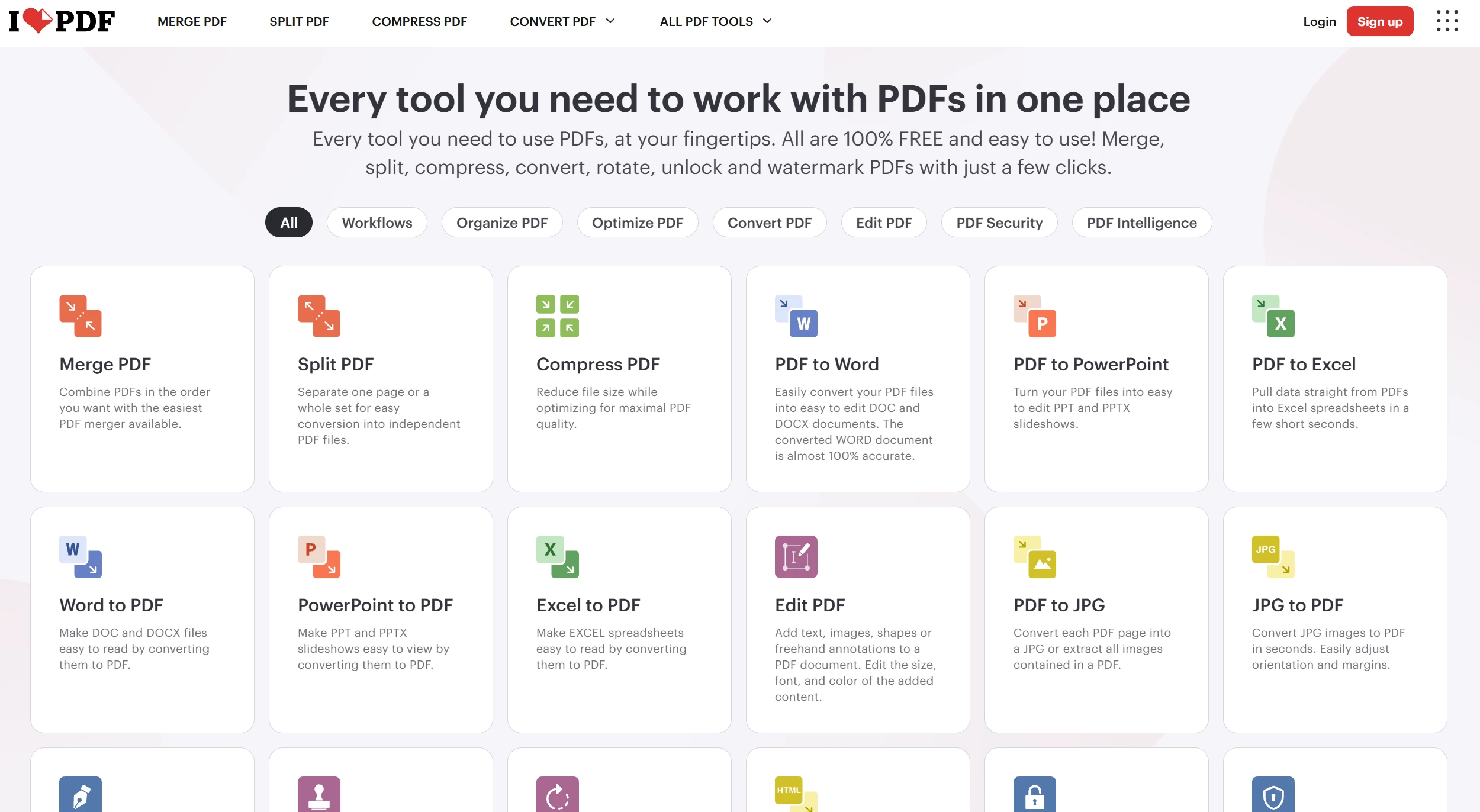
iLovePDF
Website link: https://www.ilovepdf.com/
iLovePDF is a familiar name—it’s used by quite a few people. It offers a wide range of tools, including merging, splitting, compressing, converting, rotating, unlocking, and even adding watermarks. Processing is fast—it only takes a few seconds. The interface is well-designed and easy to use. In addition to PDFs, it can also handle image editing on the fly—you can compress images with AI and resize them. If you need to work with both PDFs and images, this single platform is all you need.
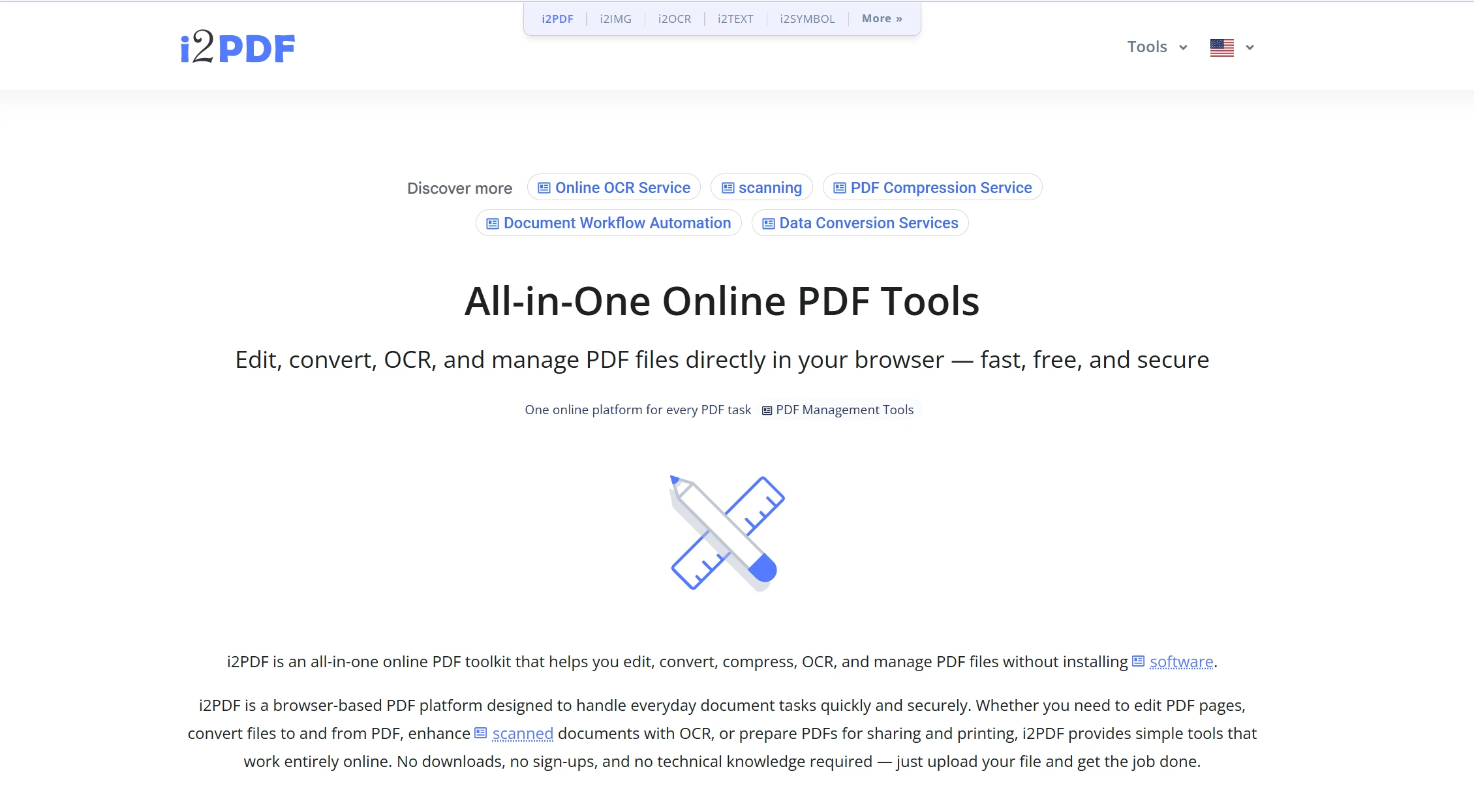
i2PDF
Website link: https://www.i2pdf.com/
i2PDF claims to have over 100 online tools—a truly staggering number. Editing, converting, compressing, OCR recognition, and file management—it has everything you could need. The best part is that there’s no need to download anything or sign up; just upload your file, select a tool, and you’re good to go. Its biggest selling point is the ridiculously wide variety of tools available—whether you want to add text or images to PDFs, convert between various file formats, merge or split pages, or use OCR to extract text from scanned documents, it can handle it all. Files are automatically deleted within 30 minutes of upload, so you don’t have to worry about security. The maximum file size is 500MB.
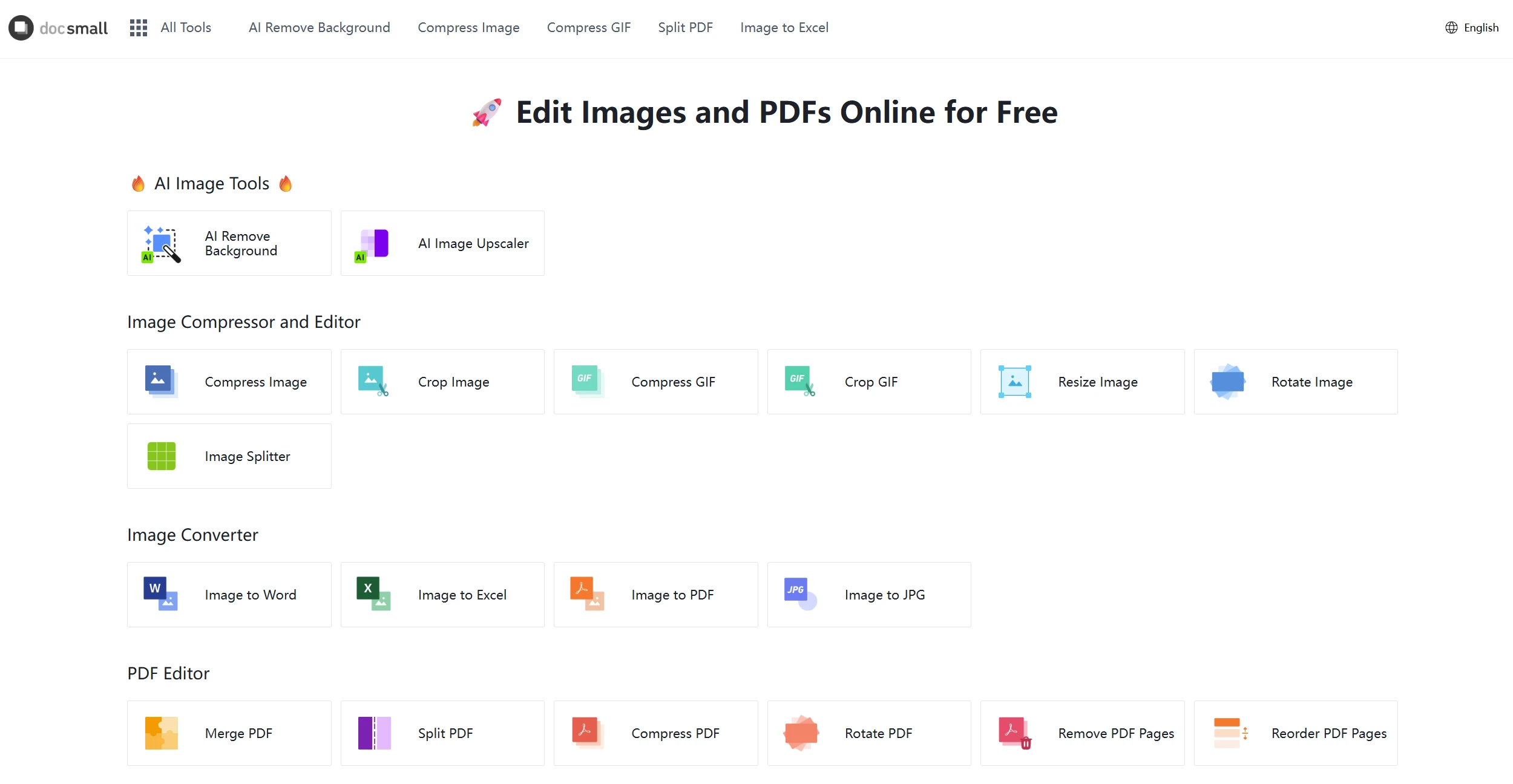
docsmall
Website link: https://docsmall.com/en#google_vignette
docsmall takes a lightweight approach. The process is extremely simple: select a file, wait for processing, and download the results—it’s done in three steps. It supports batch uploads and processing, and multiple files can be bundled together for download. The service primarily focuses on PDF compression, merging, and splitting. Files are transmitted securely, and they are automatically deleted within two hours. One thing to keep in mind is that there’s a daily usage limit. If your processing volume isn’t too high, it’s still quite convenient to use.
Smallpdf
Website link: https://smallpdf.com/
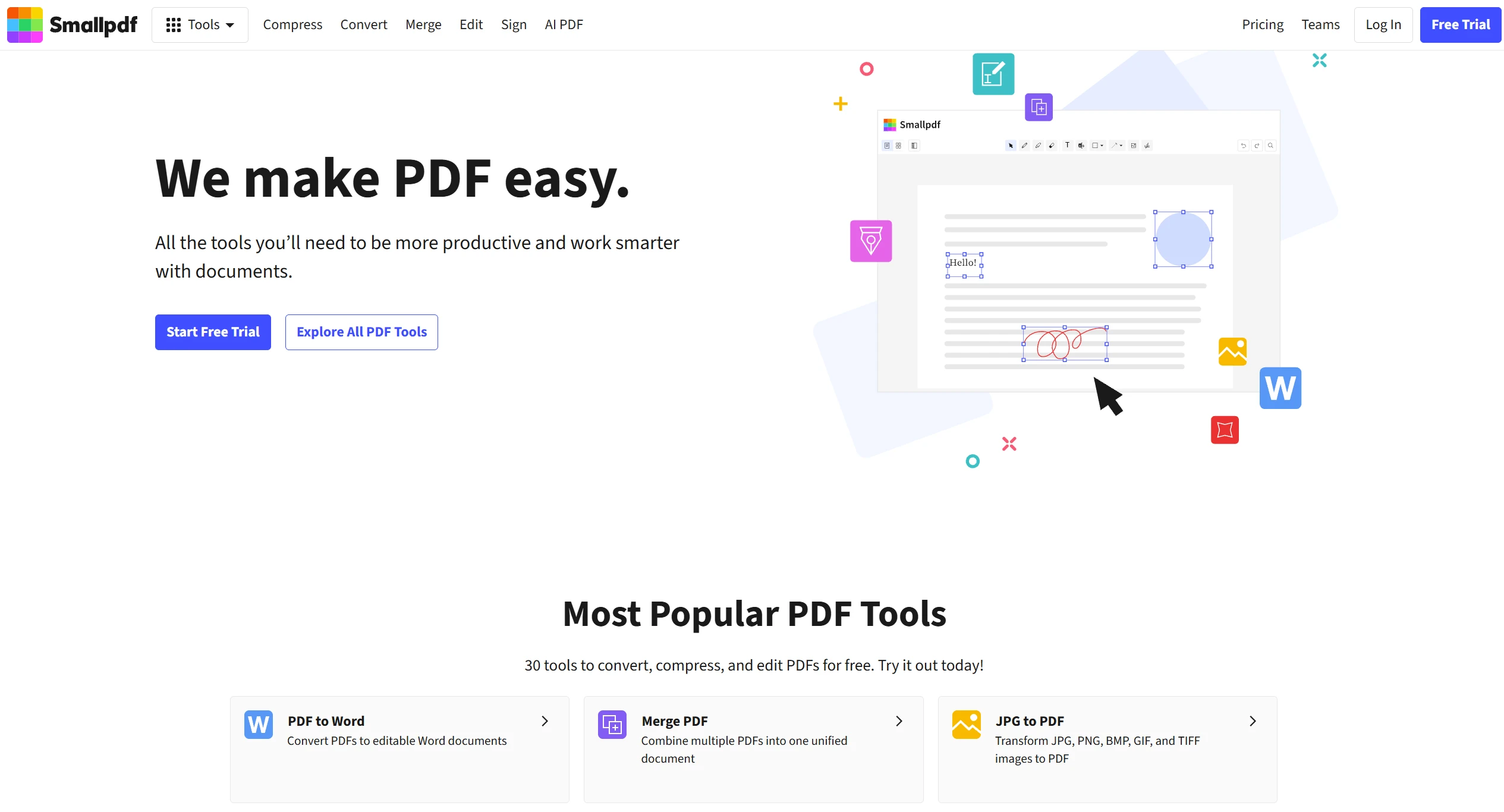
Smallpdf offers about 30 tools, including Word conversion, merging, JPG to PDF conversion, signing, editing, and compression. It provides a one-stop solution from creation to editing to signing. It supports digital signatures, so you can sign documents using your own electronic signature. Data transmission uses 256-bit TLS encryption; the service is ISO/IEC 27001 certified and complies with GDPR regulations. You can try it for free, though some advanced features require a paid subscription. With over 1 billion users, it has consistently received positive reviews.
PDF Candy
Website link: https://pdfcandy.com/
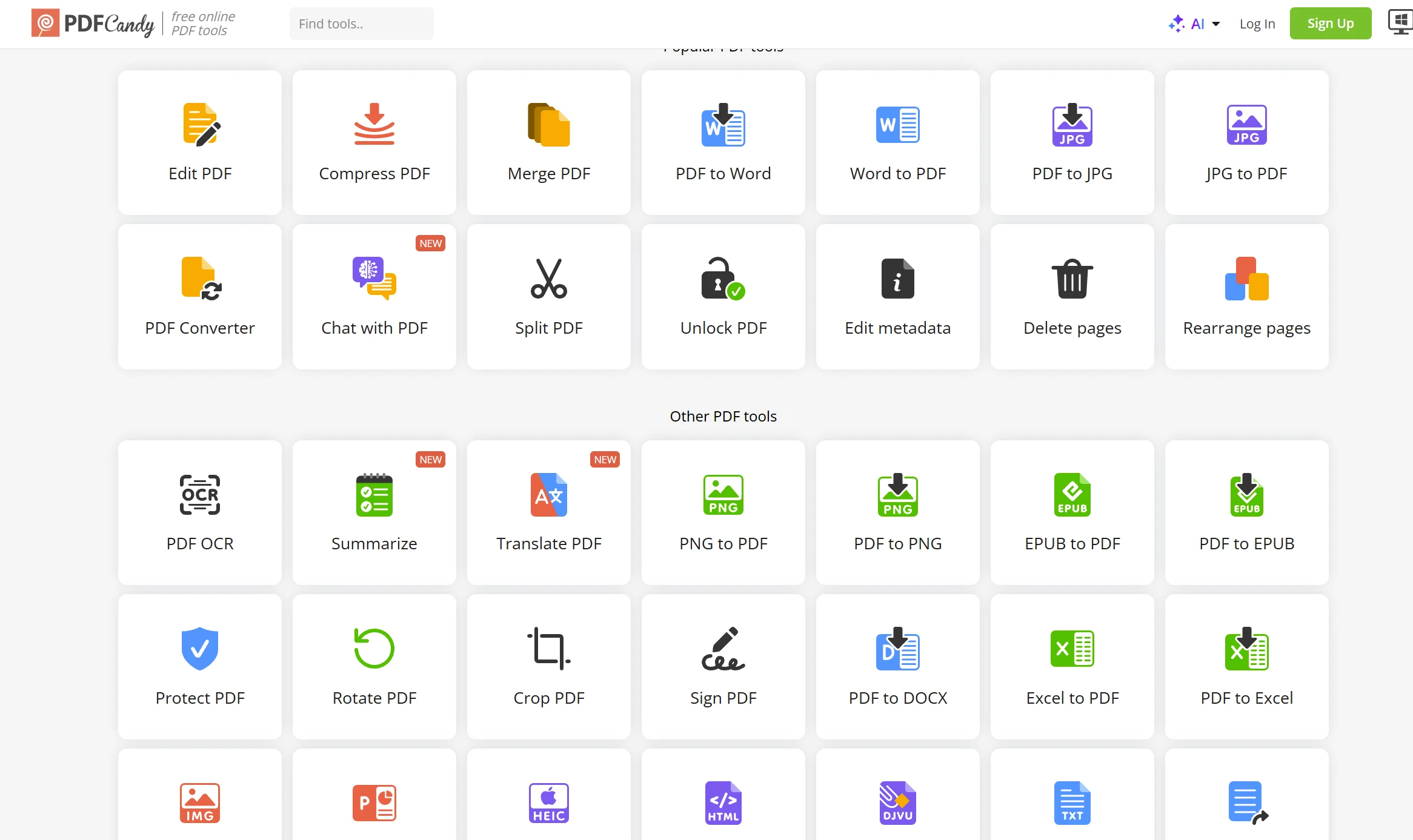
PDF Candy offers over 90 free online tools, making it one of the platforms with the most tools I’ve seen. From editing, converting, merging, and compressing to signing, it covers just about everything you can do with PDFs. It’s been in operation since 2016 and has processed a massive volume of files. It takes privacy seriously, storing files for no more than 2 hours and complying with GDPR. The free version has no time limit, and individual files can be up to 500MB. If you have a high volume of files to process, it’s a solid choice.
I’ve actually used all six of the tools listed above myself. If you’re looking for something completely free with no usage limits, go with PDF24 Tools. If you want a nice-looking interface and want to edit images on the side, iLovePDF is a good choice. If you need a variety of niche tools, check out i2PDF. For small batches and convenience, docsmall is sufficient. If you prioritize security and professionalism, Smallpdf is a reliable choice. For the widest selection of tools, PDF Candy is the way to go. Just pick the one that best suits your actual needs.