
You’ve probably run into this situation: you have a file in a relatively uncommon format that can’t be converted using standard office software, but you’re hesitant to download a large program for fear it might come bundled with a bunch of unnecessary extras. Since I regularly handle a large volume of files, I’ve accumulated a collection of very useful file converters. These are all web-based—you just need to open your browser to use them—and they’re all free and highly professional. Today, I’ll walk you through each one.
Convert Images to Mac-Exclusive ICNS Icons with a Single Click
Website address:https://img2icns.com/
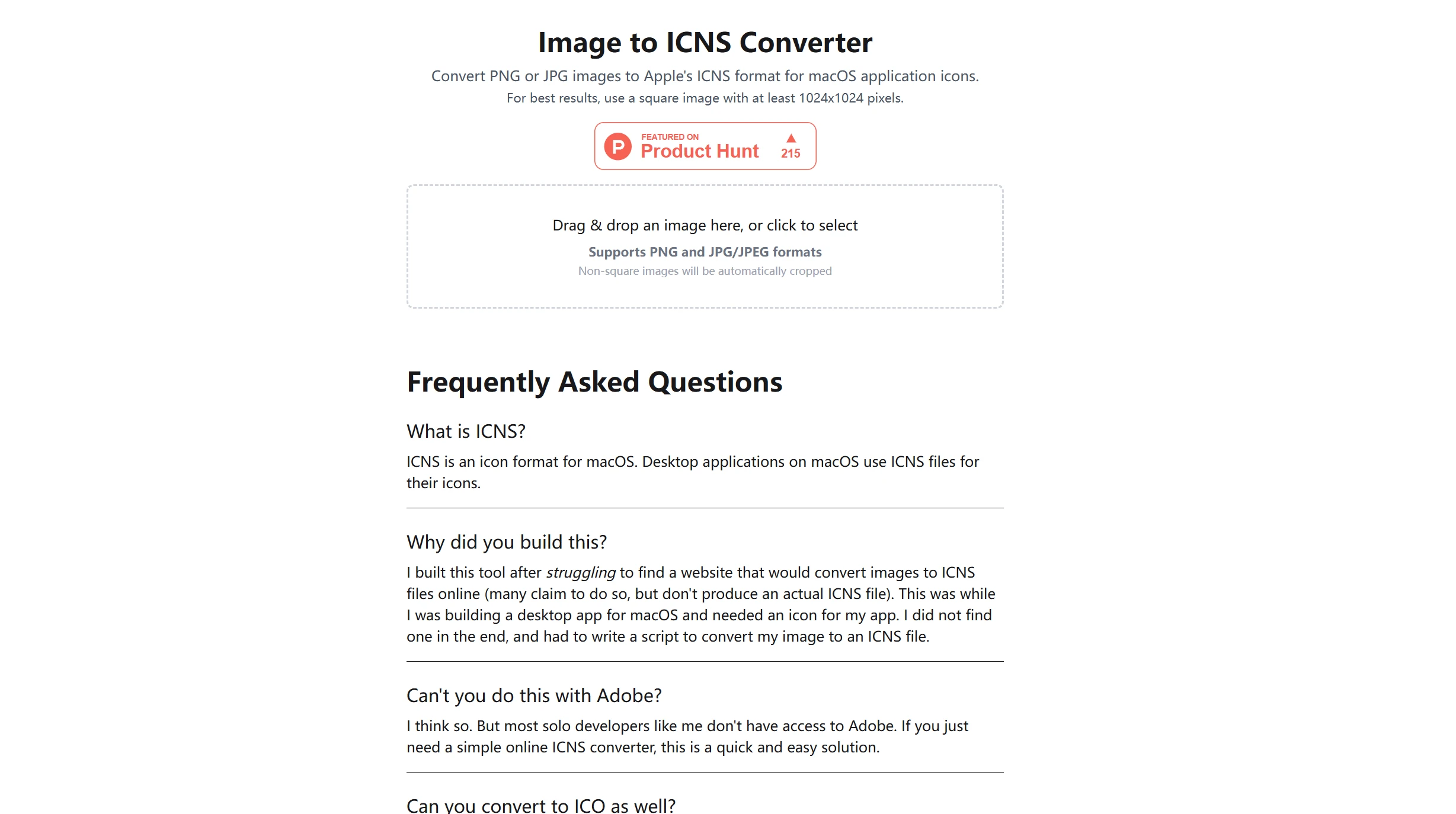
I use a Mac. I often replace folder icons or customize app icons. On Mac, icons use the ICNS format, so standard PNG or JPG images won’t work. That’s why I found a website online: img2icns.com. This site has just one feature: it can convert any image into an icon file in the standard ICNS format.
This file conversion tool has such a simple interface that you could use it with your eyes closed. I opened the webpage, dragged a photo into the window, and processing began two seconds later. After a short wait, a file in ICNS format appeared in my download list. I clicked to download it and placed it in the Applications folder, and the icon took effect immediately—all without needing to install any additional software and with no ads whatsoever.
Here are a few things I especially like about it:
- It's completely free—you don't even need to register.
- It supports PNG and JPG as input formats.
- The converted icon files display correctly on all versions of Mac.
I've been using this software for a long time, and it has never given me any trouble. If you need to create Mac icons, this file format converter is your best choice.
Instantly Convert Jupyter Notebooks to PDF
Website address:https://ipynb2pdf.org/
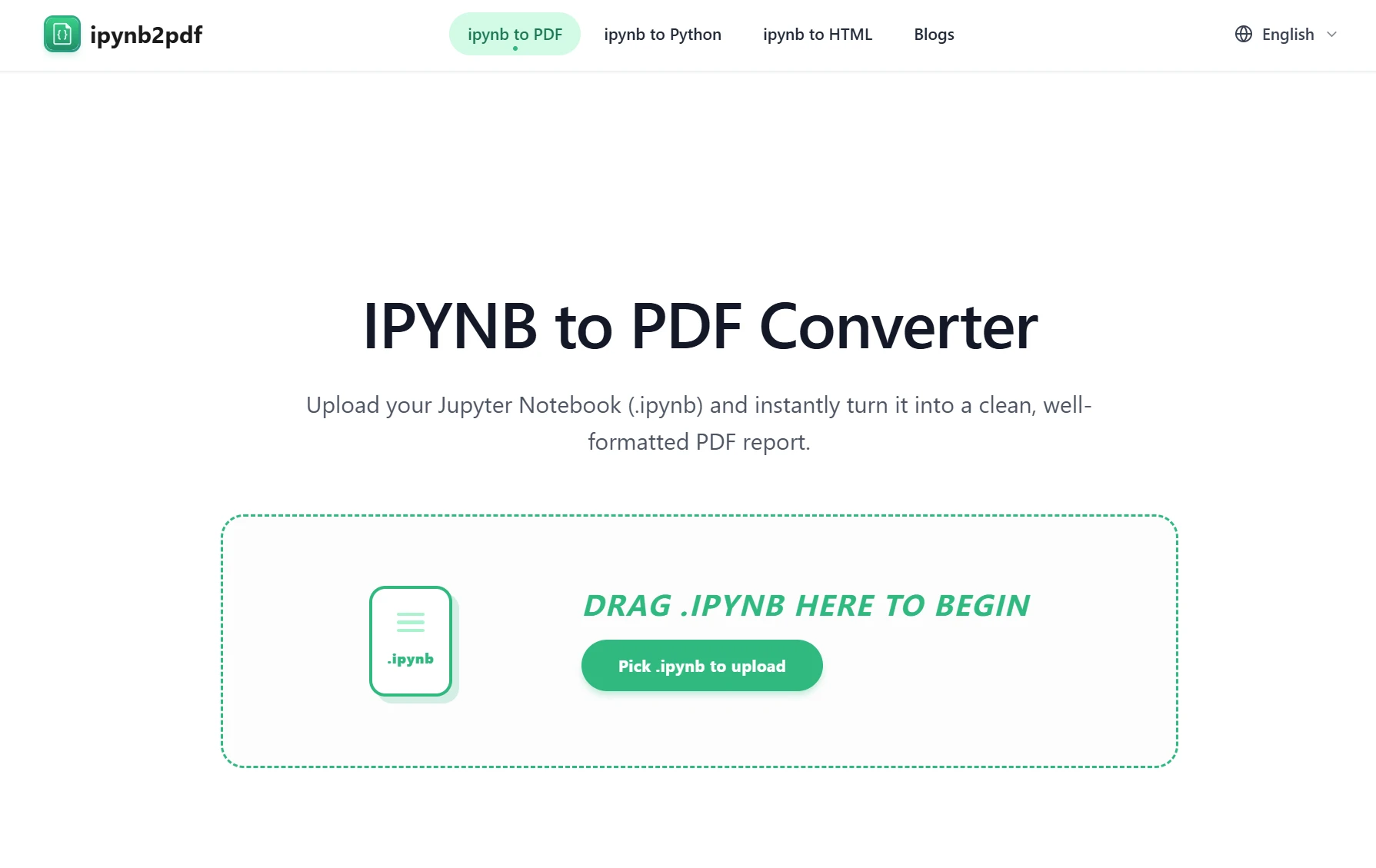
I write data analysis reports in Jupyter Notebook. My work requires me to communicate with colleagues or clients, so I send them the .ipynb files, but they always say they can’t open them. In the past, I used to export them to PDF format using the browser’s built-in print function, but the code and output images often ended up a mess. That is, until one day I discovered a website: ipynb2pdf.org.
This website is designed to process .ipynb files. I uploaded my notebook file, and it automatically read all the input and output cells while preserving the syntax highlighting in my code. It also compiled the output graphs into a PDF. The resulting PDF had a clean layout, with appropriate font size, line spacing, and margins.
I show this PDF directly to my clients—they don’t need to install Python or Jupyter, and they can view the analysis results even on their phones. This tool saves me the hassle of constantly tweaking the layout; in this regard, it outperforms all the local solutions I’ve tried, and it’s completely free.
Convert between online Excel spreadsheets and JSON arrays
Website address:https://tableconvert.com/
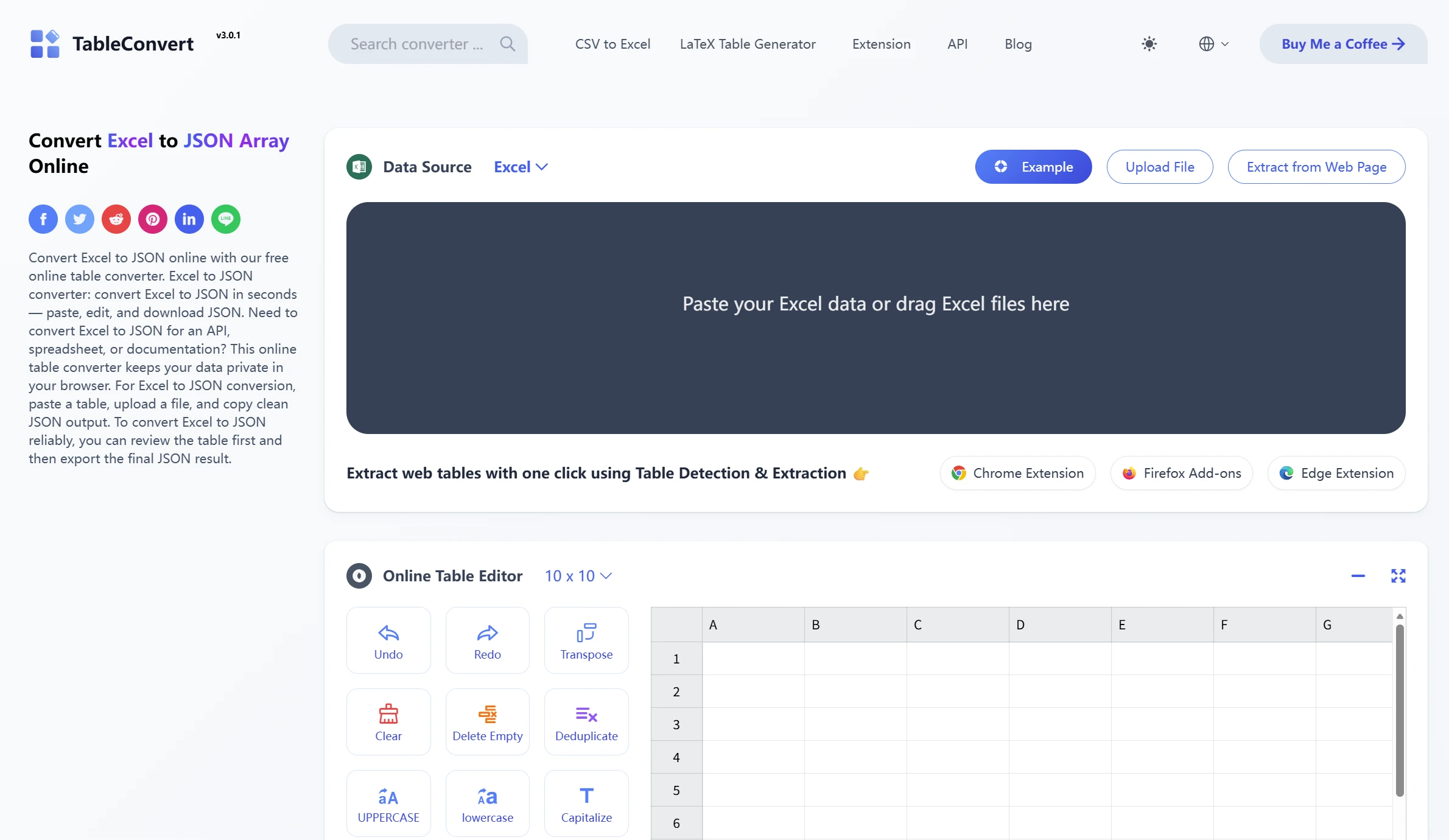
In my work, I frequently need to convert between Excel and JSON. Manually entering parentheses and curly braces is very tedious and prone to errors, so I’ve always used tableconvert.com, a very useful website, to help me with these conversions. It supports a Chinese interface, and I mainly use it to convert Excel files into JSON arrays.
This online conversion tool is incredibly fast—it happens before I can even blink. I open the page on their website, paste the data from my Excel file into the left-hand side of the page, and a standard JSON array is automatically generated on the right. I can even adjust the structure—it can be one object per row or one array per column—and finally, I just need to click the “Copy” button to paste it into my program for use.
This is a file conversion tool—basically, a Swiss Army knife for tables. I don’t just use it to convert JSON; I also use it to convert Markdown tables and generate SQL statements that can be inserted into databases. It even has an API available in the cloud that I can use directly within my programs. I use it several times a week, and it’s very stable.
Convert the table in the image directly to Excel
Website address:https://toexcel.zhiyakeji.com/
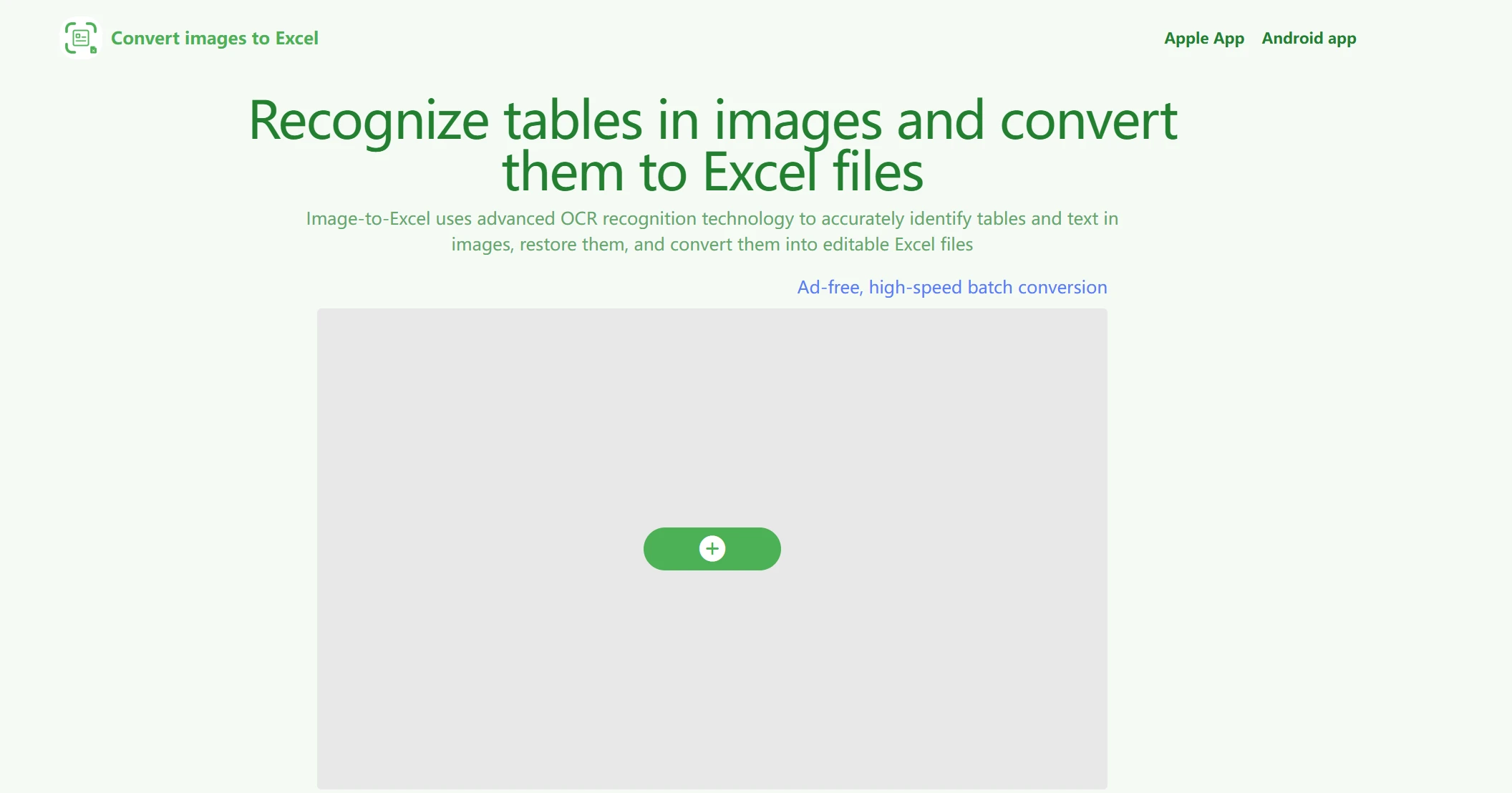
The most annoying thing is receiving a picture of a spreadsheet. A coworker takes a photo of a spreadsheet and sends it to me. My boss takes a screenshot of a report and throws it my way. I need to convert these images into editable Excel documents. Before, I had to manually enter each number one by one into the spreadsheet. This image-to-Excel tool [toexcel.zhiyakeji.com] has truly saved me from that nightmare.
I opened the website and uploaded an image containing a form. It can recognize photos of paper forms taken with a cell phone as well as screenshots taken on a computer. It instantly detects all the horizontal and vertical lines in the image and extracts the text from each cell one by one. After clicking “Start Conversion,” an editable Excel document was downloaded in just a few seconds.
I’ve tried it many times. As long as the table is even slightly legible, its recognition accuracy is impressive enough to earn my thumbs-up. It even automatically corrects tables that are slightly tilted. This professional document-to-image conversion tool has saved me a lot of time on repetitive tasks. Plus, it’s completely free to use, and there’s no limit on the number of times you can use it. I’ve already pinned it to the top of my browser bookmarks.
A Simple Tool for Converting Videos to GIFs
Website address:https://dongci.kawo.com/
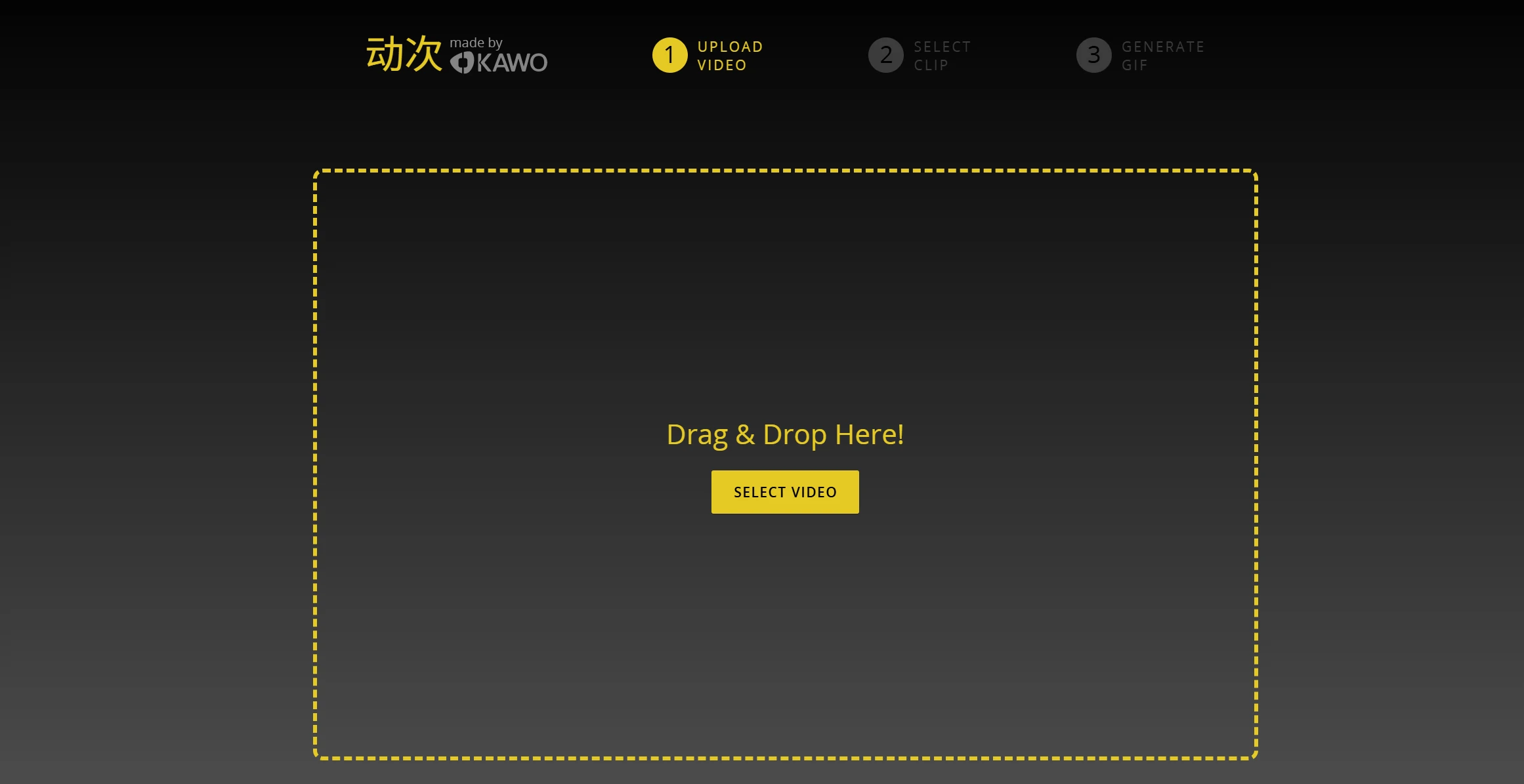
Whenever I write how-to guides or create presentations, I often need to insert GIFs. I’m looking for a simple and convenient tool to convert videos to GIFs, and I’d rather not use local software that comes with a bunch of bundled programs—which is why the website dongci.kawo.com is a breath of fresh air.
The page is very clean and simple, like a blank sheet of paper. I uploaded a video—it supports mainstream formats like MP4, MOV, and WEBM. I dragged the progress bar to select the portion I wanted to capture. Then I set the GIF size and frame rate. Finally, I clicked “Start Creating.” In no time, a crystal-clear GIF is generated, which you can save locally or share with others.
This online conversion tool does a great job of keeping GIF file sizes under control—you rarely end up with files that are tens of megabytes in size. Plus, the image quality compression is excellent, with very sharp edges. Whenever I need to create an animated GIF for a presentation, this is the first tool that comes to mind. It doesn’t have any pop-up ads, and it doesn’t require me to register.
A single link can be converted into any format
Website address:https://urltoany.com/zh
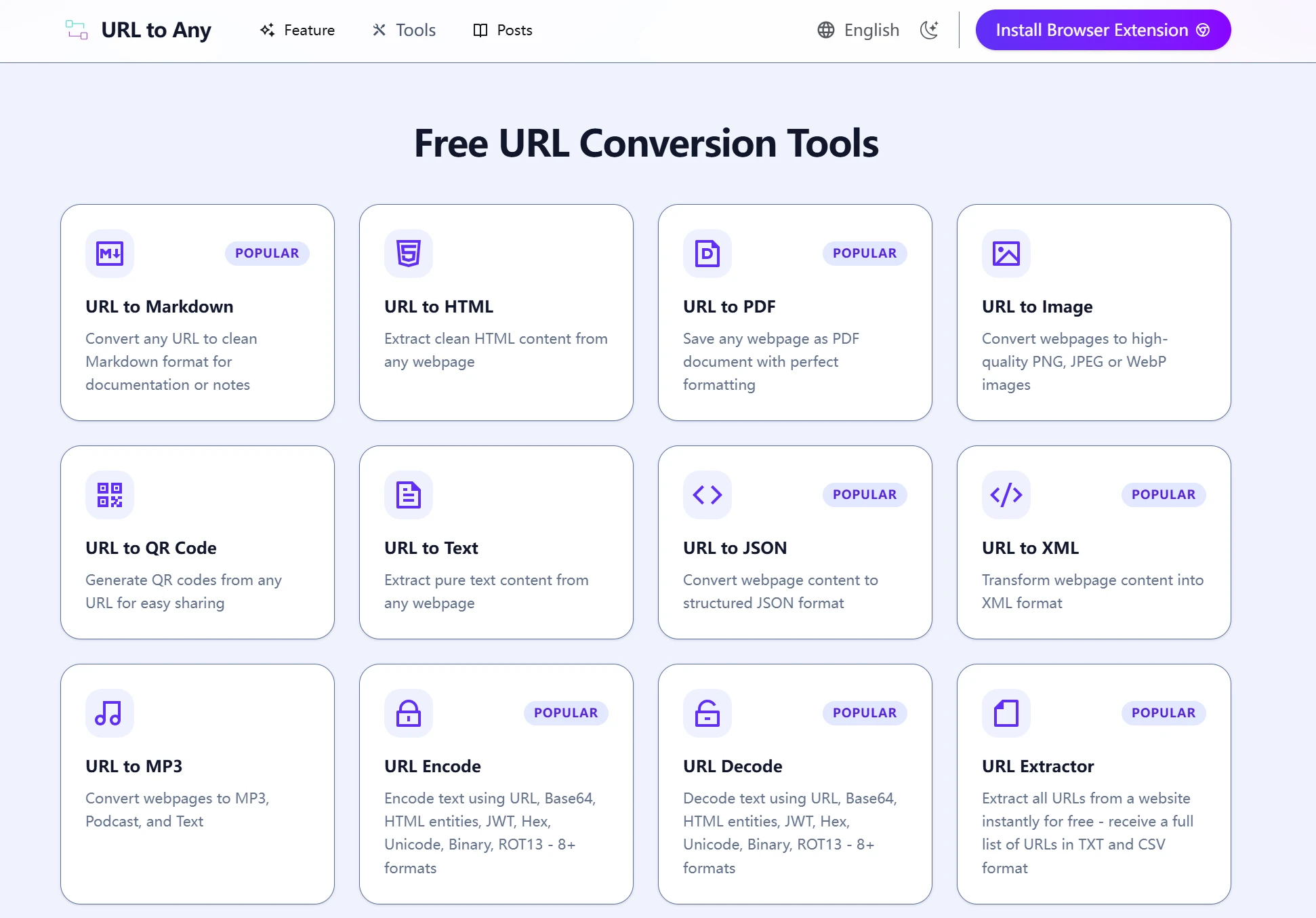
urltoany.com is a link-based file converter. At first, I was wondering how to use it, too. But after trying it once, I realized just how useful it is.
All you need to do is provide a web page URL, and the tool will convert the content of that link into various formats. For example, you can export a long article as a clean PDF document; extract the audio from a short video on a video-sharing site; or even use it to save an online image as a different image file type. All of this can be done online without having to download the files to my computer.
This file conversion tool supports many different file types. Usually, all I have to do is provide a link, select the target format I want, and it processes the file and returns a downloadable link. The free quota is more than enough for my needs, and it’s incredibly fast. Whenever I’m browsing the web and need to extract content from a page, I’ve gotten into the habit of opening it to give it a try—it’s like a universal key that unlocks any file format.
All tools are web-based, free to use, and require no registration.
Bookmark this article so you're always prepared for format conversion needs.