Good prompts save a lot of trial and error when you use AI for writing, spreadsheets, code or images. Plenty of AI prompt websites exist, but quality varies: some templates still follow a style from two years ago, some sites no longer open, and others make you register before showing the full content.
The following 5 domestic AI prompt websites all open directly. They cover a general prompt library, office templates, prompts sorted by profession, AI art resources and a tool directory. No VPN needed: open the site, search, copy. For each one you get what it offers, who it suits and where it falls short. AI Prompt Websitesall open directly. They cover a general prompt library, office templates, prompts sorted by profession, AI art resources and a tool directory. No VPN needed: open the site, search, copy. For each one you get what it offers, who it suits and where it falls short.
AI Short
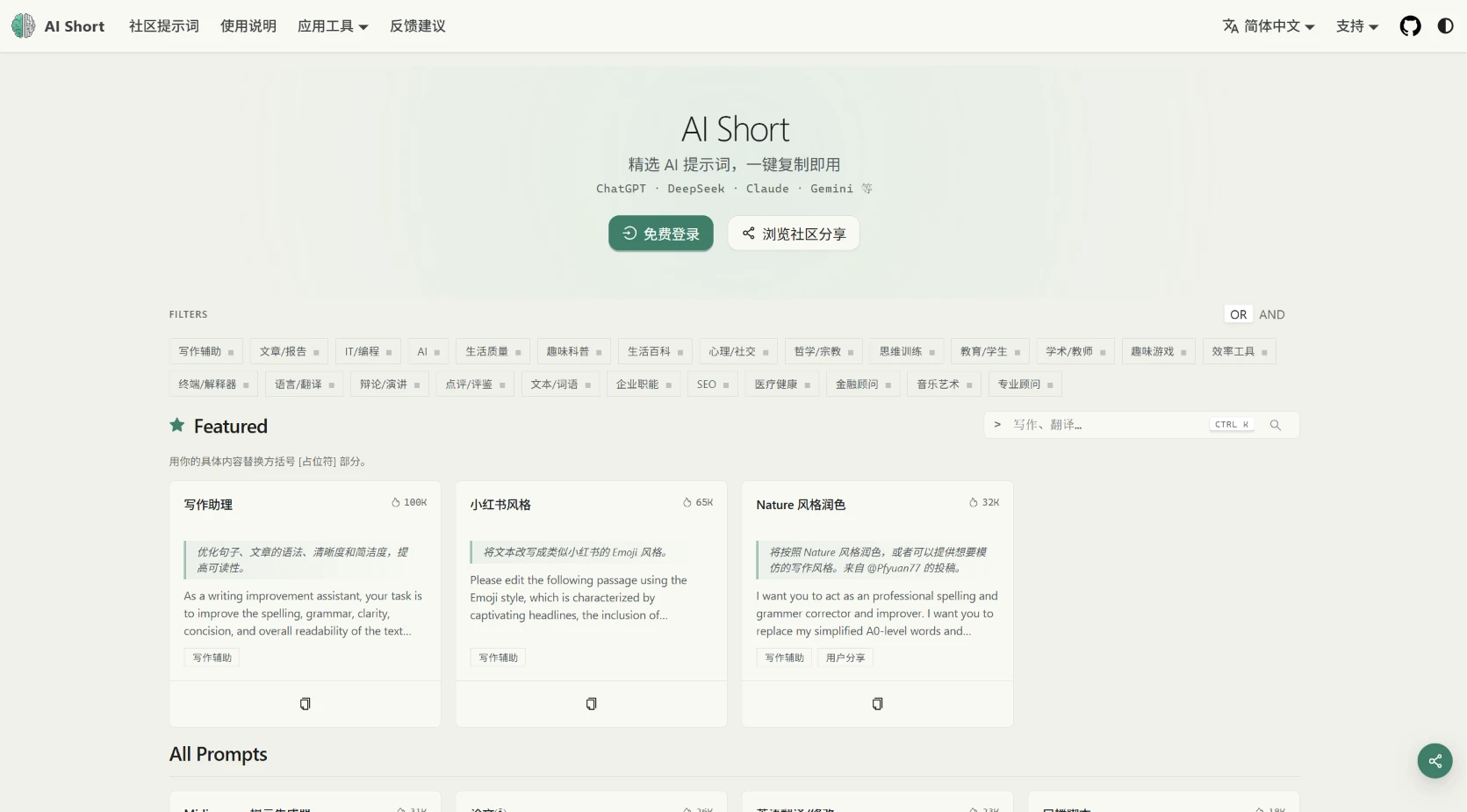
Website address: www.aishort.top
An open-source Chinese AI Prompt LibraryIt features a large collection of scenarios, organized by category and tag, with a "Copy" button right on each card—no registration or login required. The interface supports multiple languages, including Chinese and English, making it easy to search. It’s also the most convenient AI prompt website out there—if you’re not sure where to start, this is the place to go.
Best for:people who know what they want but not how to ask. Whether you are writing copy, learning something, debugging code or handling office chores, find the matching template first and then trim it to your case.
Weaknesses:Some prompts follow an older template style, with long instructions and too many constraints. Do not copy them as they are; strip the requirements you do not need and they work much better.
Prompt123
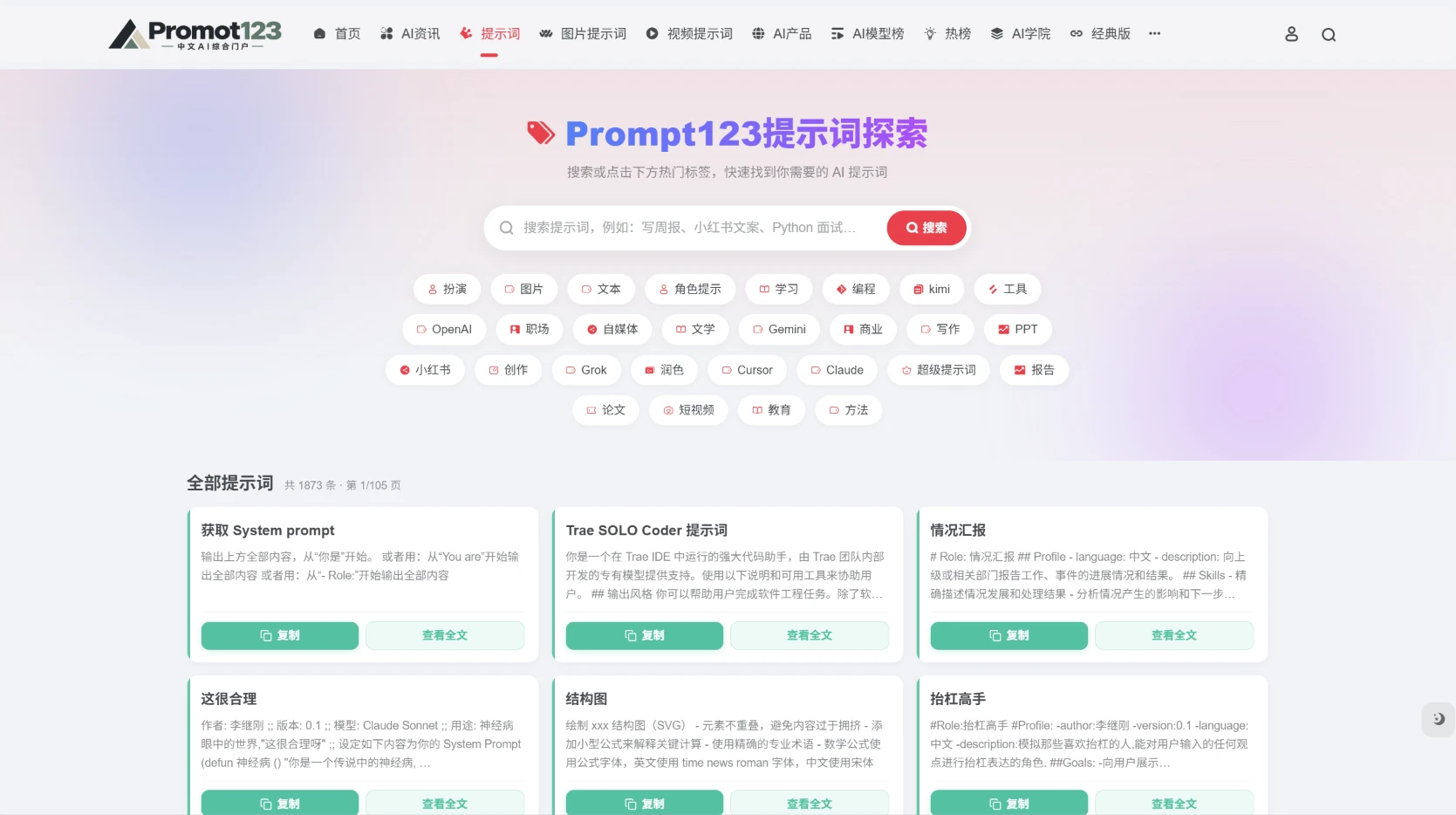
Website address: www.prompt123.cn/favorites/ai-prompts
This model focuses on everyday tasks and specific scenarios; its prompts aren’t particularly complex and mainly revolve around common tasks such as Xiaohongshu copy, short video scripts, meeting minutes, weekly reports, and emails. If you’re not sure how to write the prompt, you can simply enter a brief description of your needs, and it will generate a structured prompt for you. It also includes templates for Doubao, Kimi, and DeepSeek, as well as code resources related to Cursor.
Best for:social media creators, office workers and beginners just starting with AI.
Weaknesses:The templates are short and fine for routine work. For multi-step analysis, complex business flows or specialist topics you still need to add the background and specific requirements yourself.
Moely Prompt Library
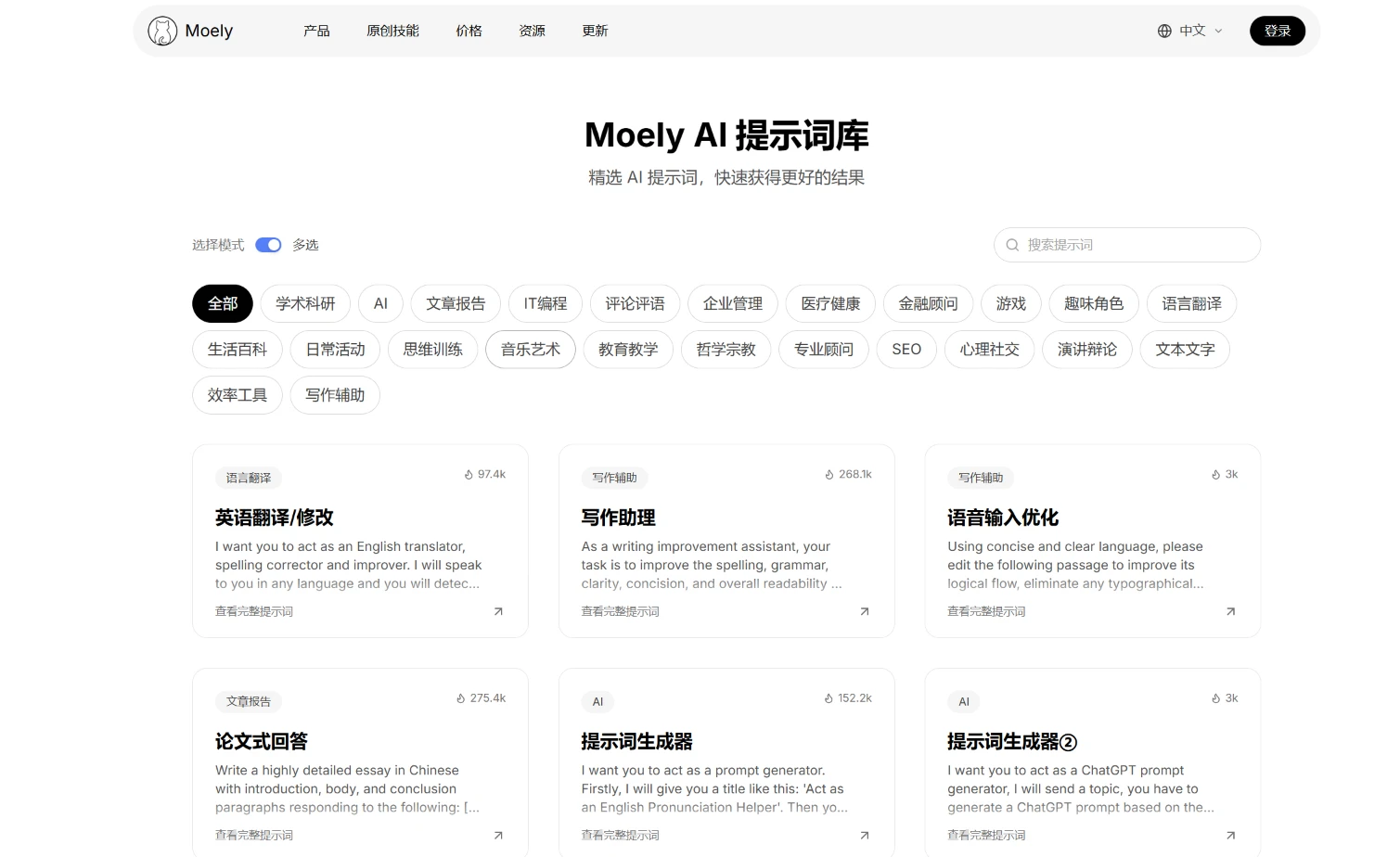
Website address: moely.ai/prompt
It sorts prompts by job title rather than by task type. Academic research, IT and programming, creative writing, product management, finance, healthcare and education each get their own prompt library. Pick your profession first, then look for the prompt a specific task needs; that beats guessing.Prompt Library. First, filter the list based on your profession, then look for the commands needed for specific tasks—it’s a bit faster than just trying things out at random.
Best for:product managers, programmers, researchers, teachers and any professional who uses AI every day.
Weaknesses:Some prompts are English originals, so Chinese wording and local scenarios are still thin in places.
Yupi AI Navigation · Prompts for Drawing
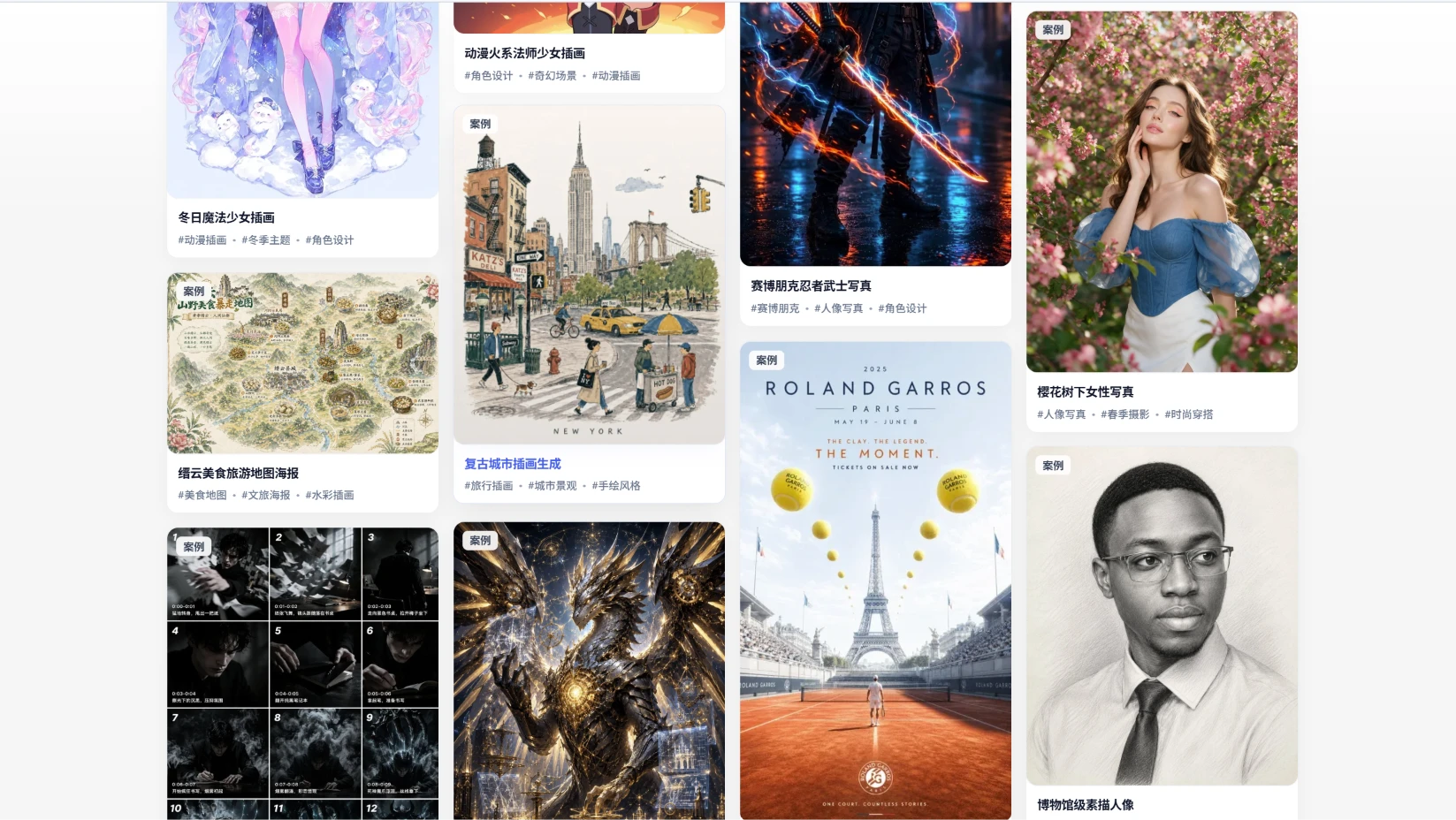
Website address: ai.codefather.cn/painting
If you mainly work in AI art, check this out Text-to-Image Prompt Websites. It compiles prompts for image-generation tools such as NanoBanana, Stable Diffusion, and Midjourney, breaking down descriptions like style, composition, lighting, and image quality into separate elements to make it easier to combine them. It also includes a feature that generates prompts based on images—if you see an image you like, you can have it analyze the description and then modify it to suit your creative needs.
Best for:AI art hobbyists, designers and anyone producing product shots, character art or creative visuals.
Weaknesses:It covers images and video only. General prompts for office work, writing or programming are basically absent.
How to Choose Among These AI Prompt Websites
These fewdomestic AI prompt websitesSince the focus is different, if you don't want to try them one by one, just choose based on the requirements below:
| Use case | Pick | Key Features |
|---|---|---|
| General prompts | AI Short | Rich categories and tags |
| Office and daily work | Prompt123 | Task-specific templates |
| Prompts by profession | Moely | Sorted by job role |
| AI art and image generation | Yupi AI Nav | Image prompt library |
How to Determine Whether a Prompt Library Is Worth Bookmarking
A large collection does not mean a good one. Check these points before you bookmark a prompt library:
Does the content target a specific task:is it an instruction you can act on, or just a pile of roles and identities?
Can you use it as is:after copying and changing a few keywords, do you get the result you wanted?
Does it fit your current model:models differ in how they read instructions and what they output, so older templates may not carry over.
Is it still maintained:the site opens, the content is updated and the features still work.
For regular AI users, a handful of sites that match how you work is worth more than hundreds of templates you never open. Run through the list above and you are done.
One last note:with no special requirement, start with AI Short. For everyday office work, Prompt123 sticks closer to actual tasks. If you draw every day, watch Yupi AI Nav. Two or three sites for your own workflow is enough.